Create a pipeline opportunity
Track an opportunity by stage, value and expected close date.
Before you begin
- CRM edit permission and an existing customer or lead.
- Who it is for
- company user with module permission
- Where to find it
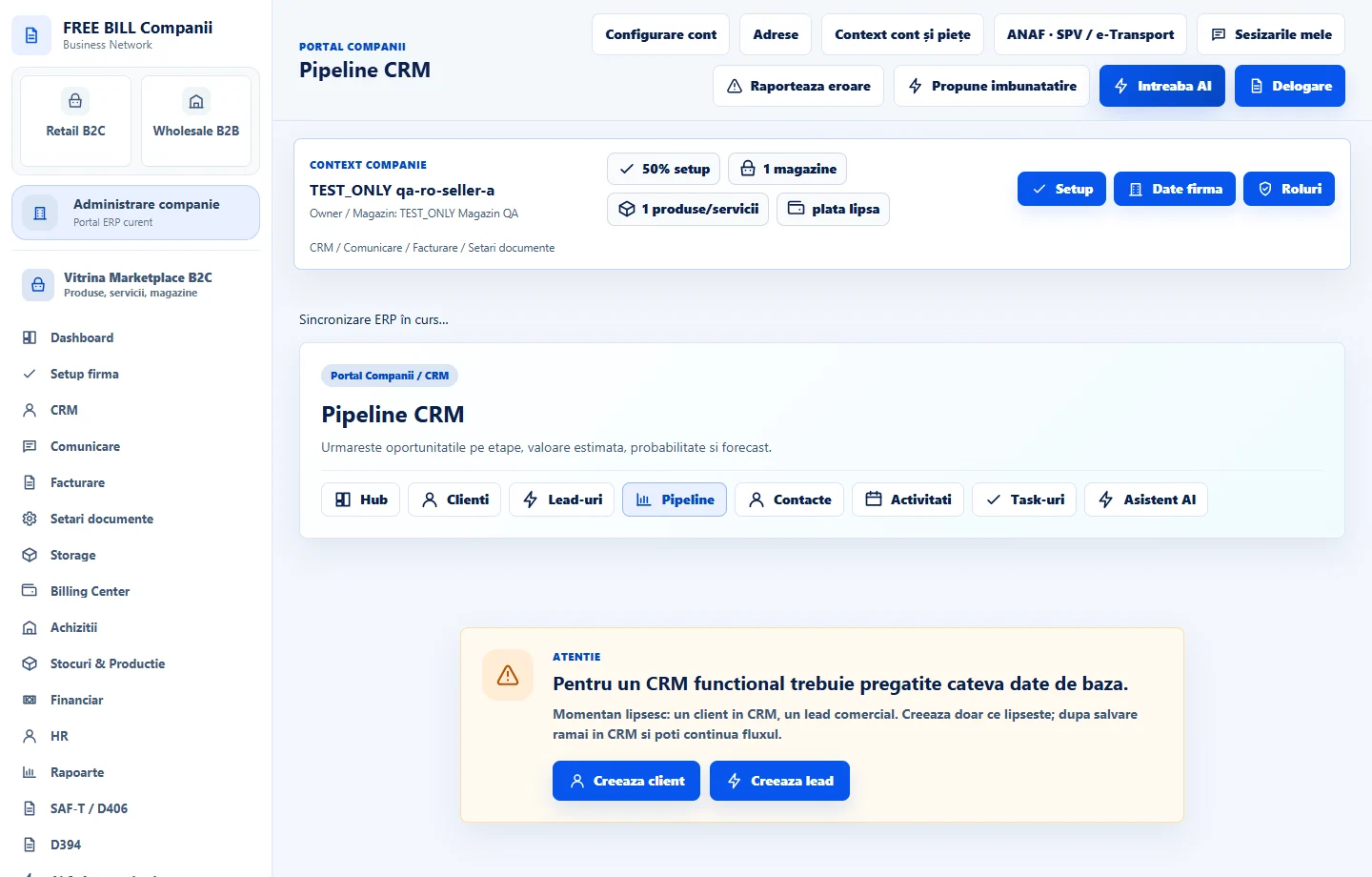
- Pipeline CRM
Step by step
Open Pipeline CRM
Select the relevant company or account, then open «Pipeline CRM».
Connect the opportunity
Enter a title and select its customer or lead.
Set the forecast
Choose the stage, value, currency, probability, expected close date and owner.
Add the opportunity
Select «Adauga oportunitate».
Review and follow up
Check the opportunity on the pipeline board and create a linked task for the next action.
Check the result
An opportunity displayed in the pipeline and weighted forecast.
If something is missing
If editing is disabled, check the active company and your permission for this module. Resolve the validation message shown in the form before submitting again.
Availability depends on your role, enabled modules, country and company configuration.
Open in FreeBill Conect