Configure company receipt methods
Set the company details used for receiving payments.
Before you begin
- Permission to manage company payment settings and verified recipient banking details.
- Who it is for
- company
- Where to find it
- Open Metode plata firma
Step by step
Open Metode plata firma
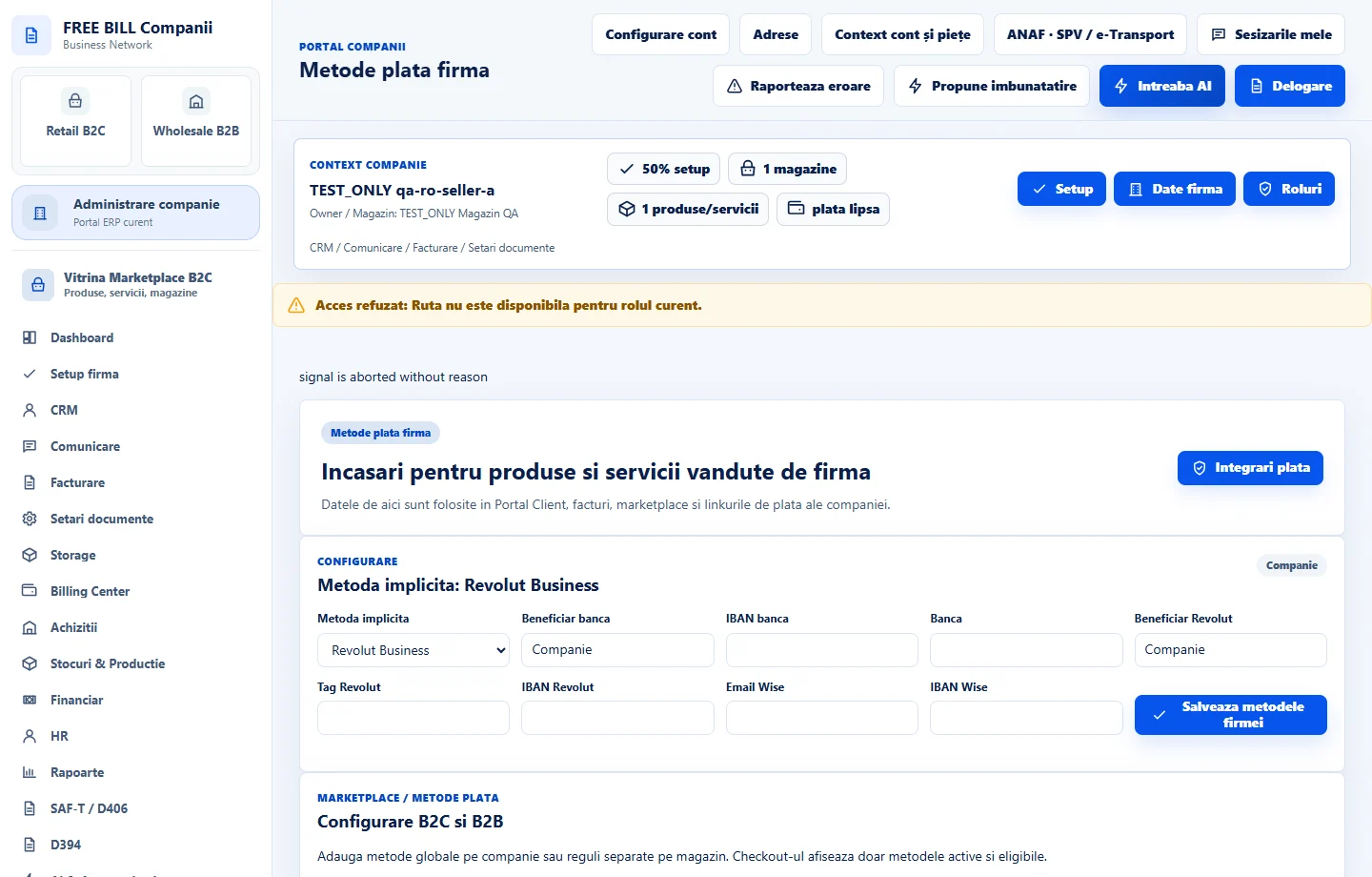
Select the relevant company or account, then open «Metode plata firma».
Set the preferred provider
Select the default payment provider shown in the settings form.
Enter recipient details
Fill the relevant bank beneficiary/IBAN/bank, Revolut or Wise fields for the methods the company uses.
Save the company methods
Select «Salveaza metodele firmei».
Check external connections
Use «Integrari plata» to review any required external processor configuration; a saved method alone is not a connected processor.
Check the result
Company receipt details saved with external connection readiness checked separately.
If something is missing
If editing is disabled, check the active company and your permission for this module. Resolve the validation message shown in the form before submitting again.
Availability depends on your role, enabled modules, country and company configuration.
Open in FreeBill Conect