Review platform subscriptions and invoices
Find platform services, billing documents and payment history.
Before you begin
- An authenticated account with access to Billing Center.
- Who it is for
- company user with module permission
- Where to find it
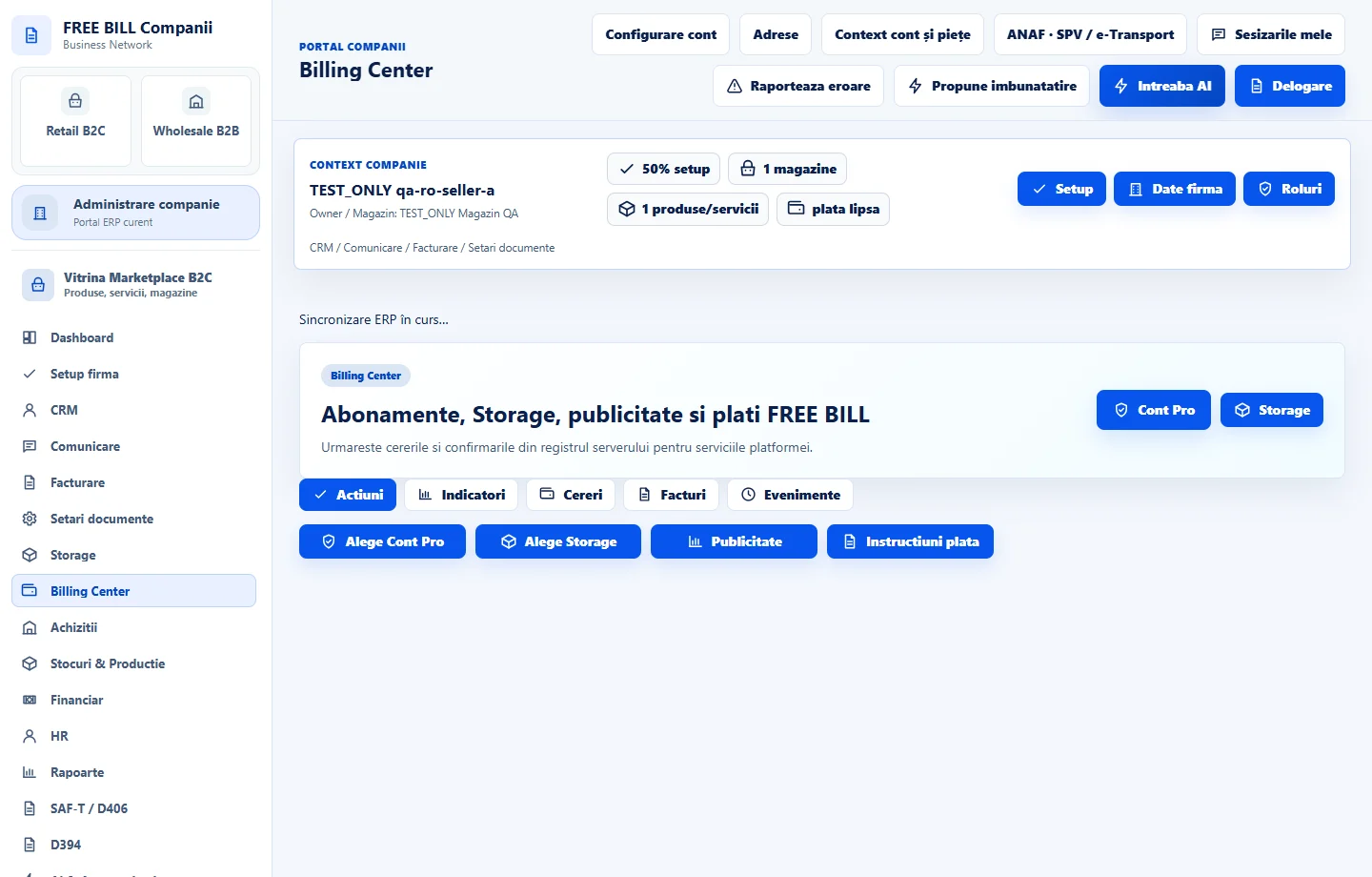
- Billing Center
Step by step
Open Billing Center
Select the relevant company or account, then open «Billing Center».
Inspect account services
Review the subscription, Storage and platform billing entries shown for the current account.
Open the relevant service
Use «Cont Pro» or «Storage» to inspect the service you want to manage.
Review payment information
Use «Instructiuni plata» where available and match the payment reference to the billing record.
Verify the status
Return to Billing Center and check the displayed payment and renewal state. Do not treat an unconfirmed payment as completed.
Check the result
A clear view of the account service and platform payment status.
If something is missing
If editing is disabled, check the active company and your permission for this module. Resolve the validation message shown in the form before submitting again.
Availability depends on your role, enabled modules, country and company configuration.
Open in FreeBill Conect