Follow a customer from first contact to quote
Use the CRM assistant to find incomplete records, opportunities and tasks, then update them in the relevant modules.
Before you begin
- The company selected, with access to its customers, leads and activities.
- Contact details and a commercial next step to track.
- Who it is for
- Operator with CRM access and permission to update records.
- Where to find it
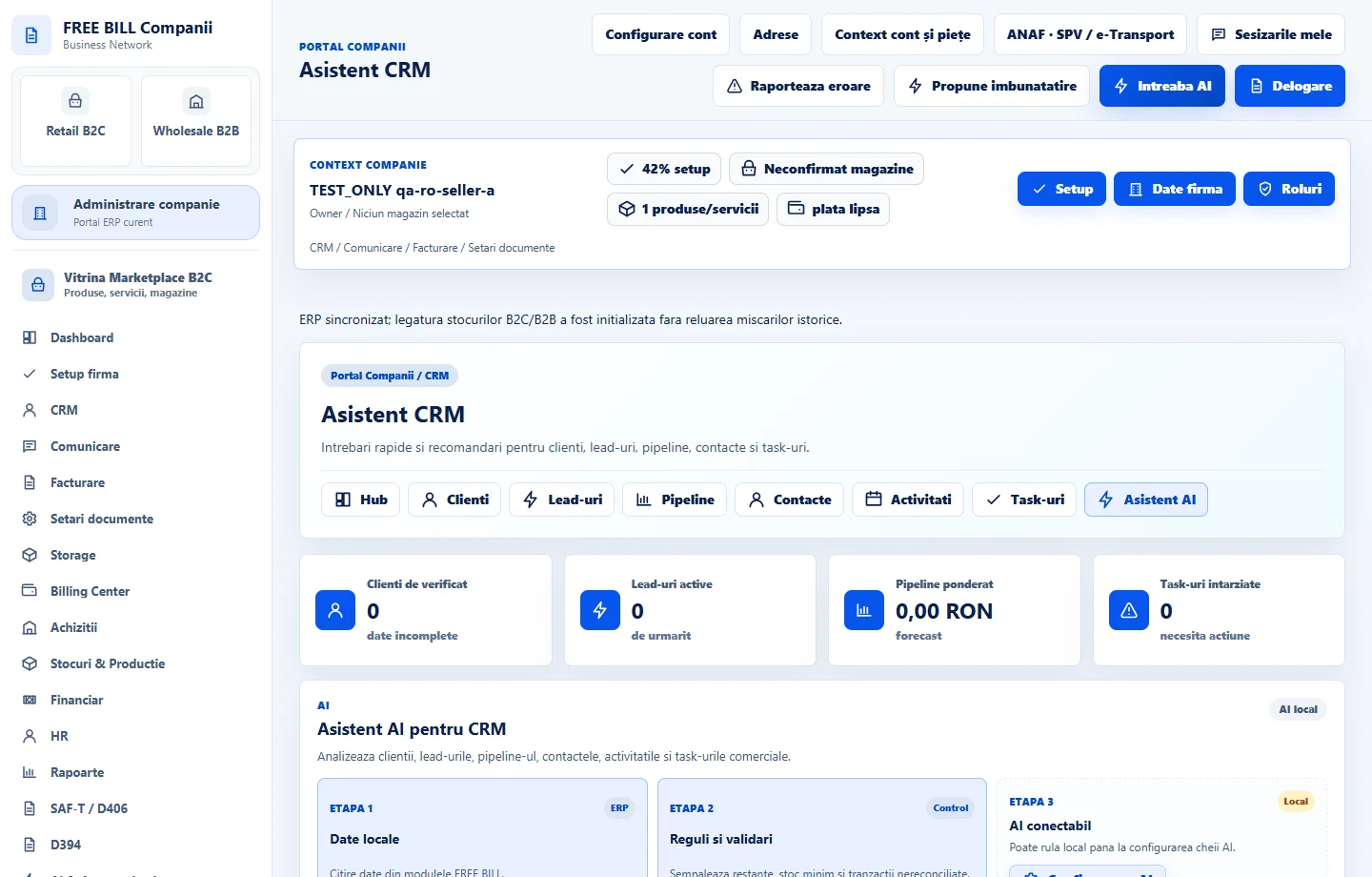
- Asistent CRM
Step by step
Review «Asistent CRM»
Open «CRM» → «Asistent CRM». Review «Clienți de verificat», «Lead-uri active», «Pipeline ponderat» and «Task-uri întârziate». Recommendations shown here are calculated from the company's CRM data.
Record the contact and next step
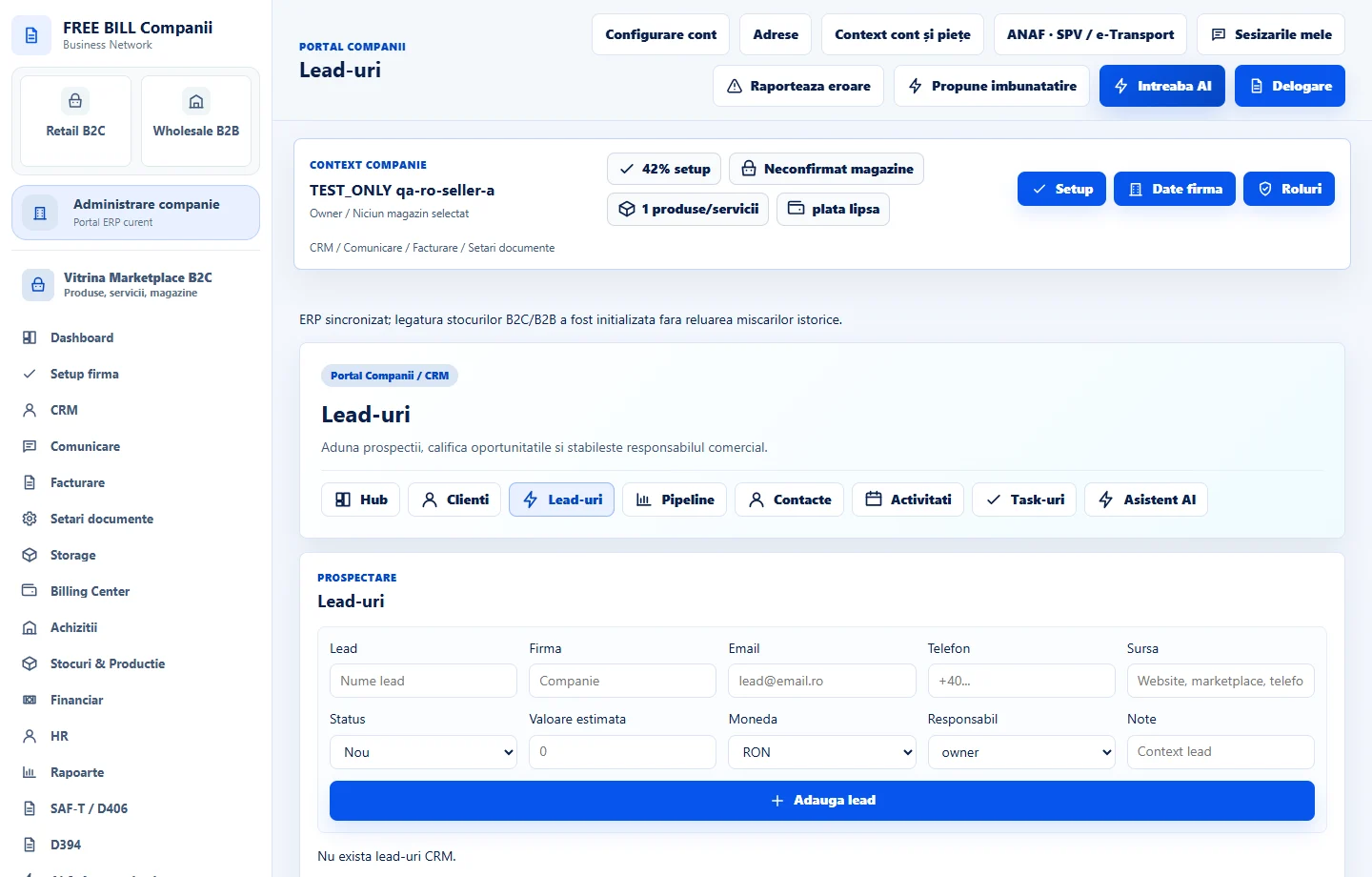
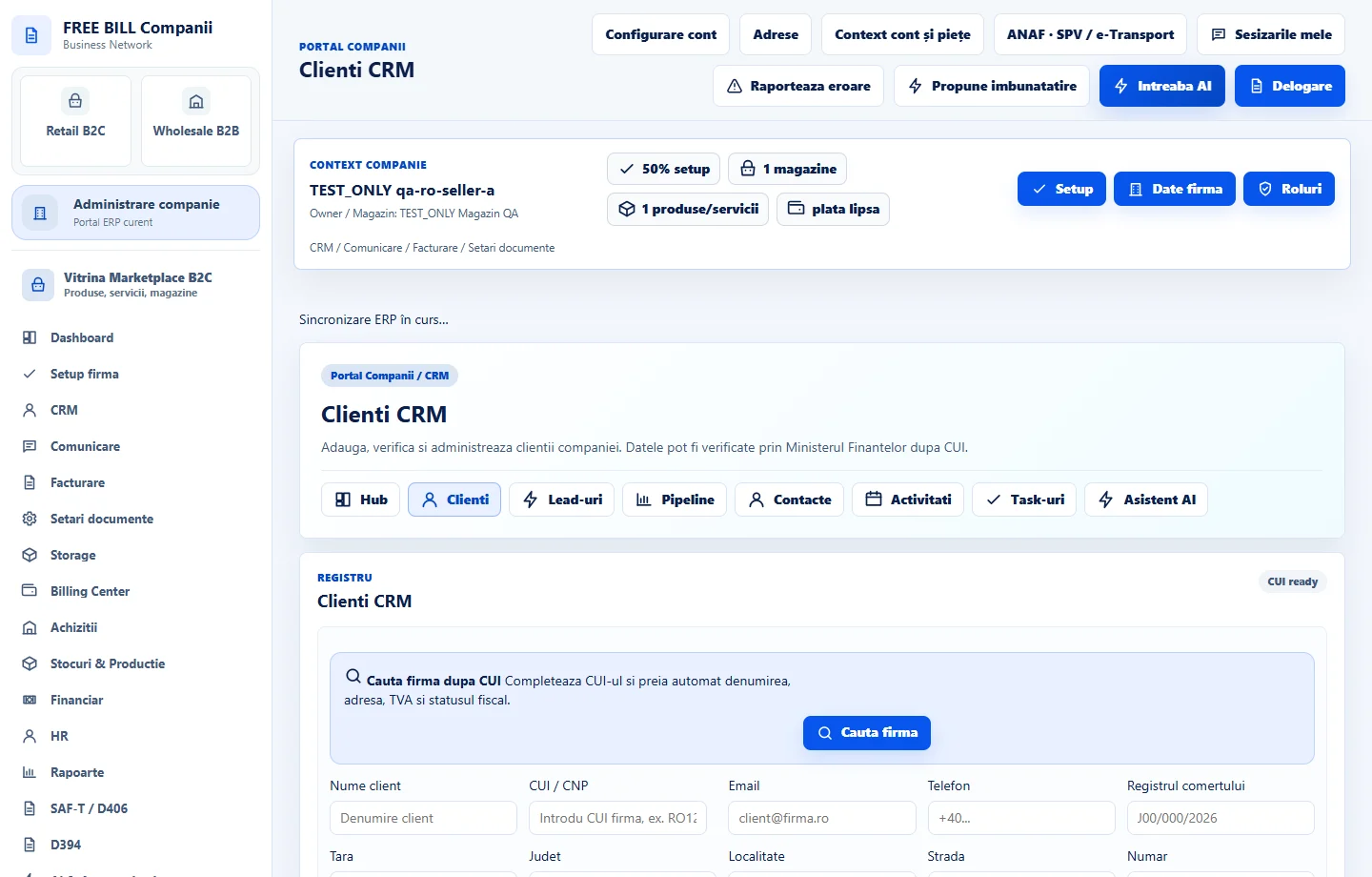
For a new conversation, create a lead and record its source and status. For an existing customer, update the record in «Clienți CRM» and add the relevant person in «Contacte CRM».
Track the opportunity
In «Pipeline CRM», enter the stage, value, currency and estimated closing date. Check the weighted forecast after updating it. When the details are ready, use the quote action on the opportunity if available.
Schedule follow-up
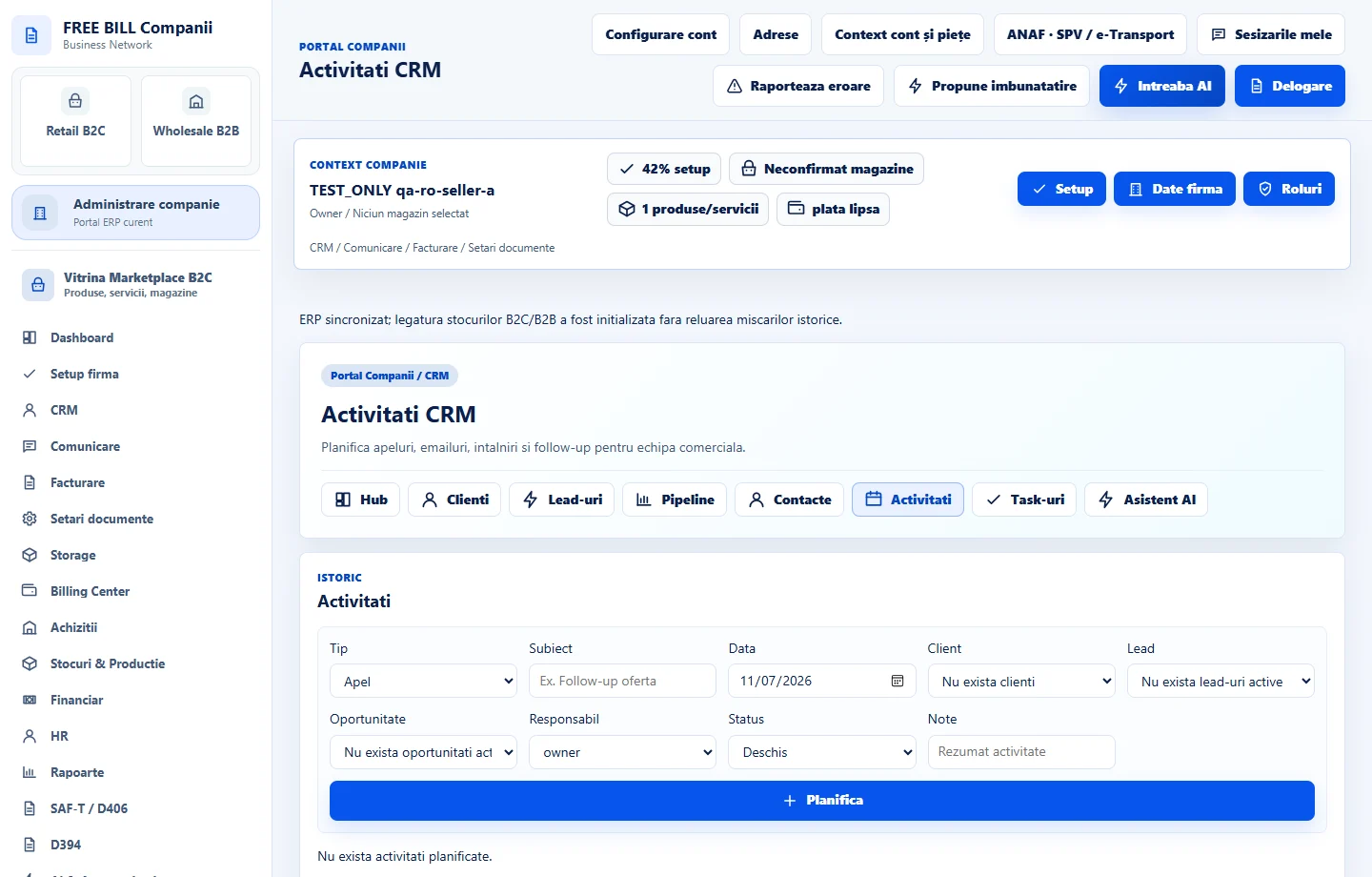
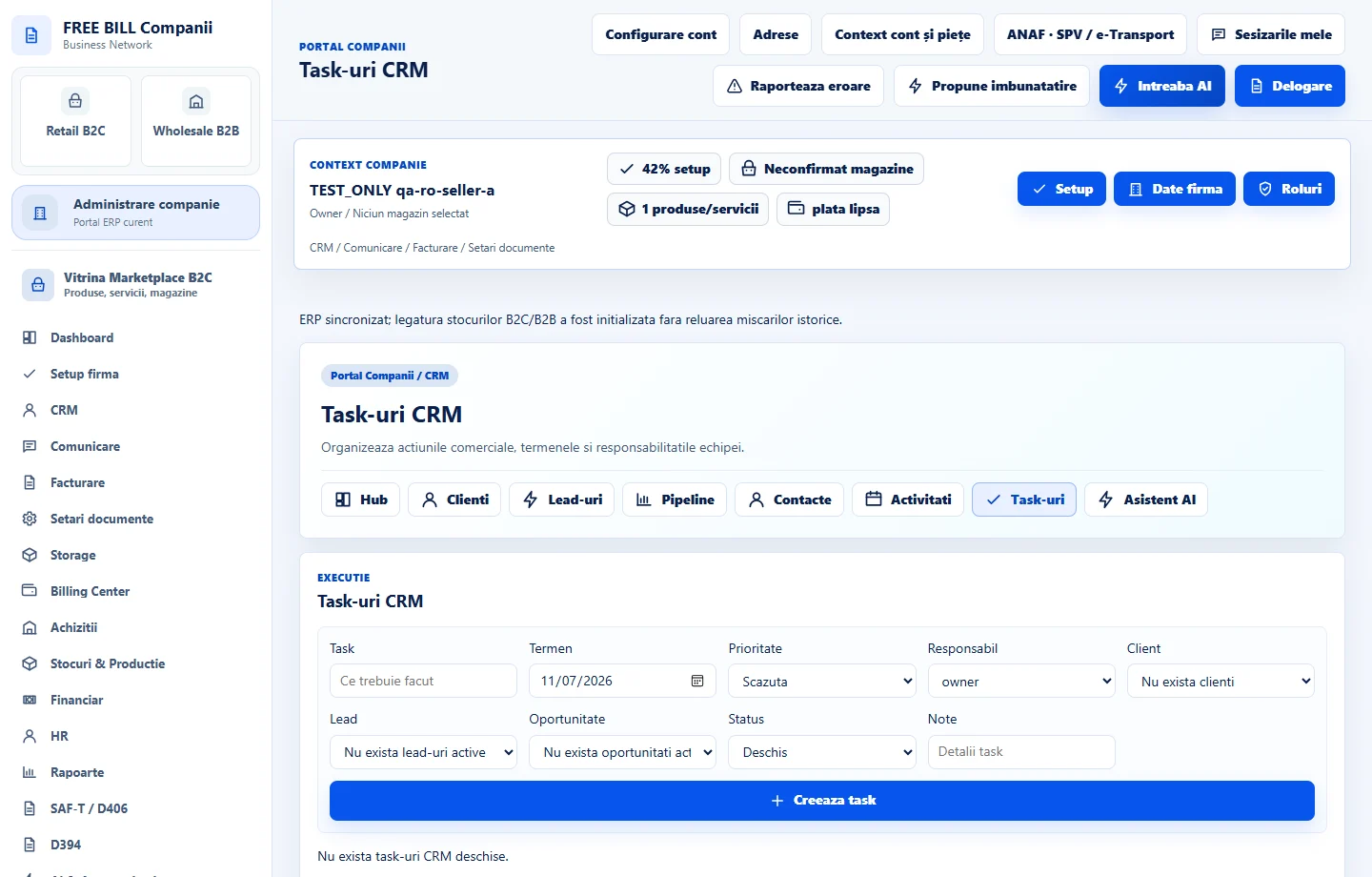
In «Activități CRM», add the meeting or discussion. In «Task-uri CRM», assign an owner and due date, then track the task until it is closed.
Check progress
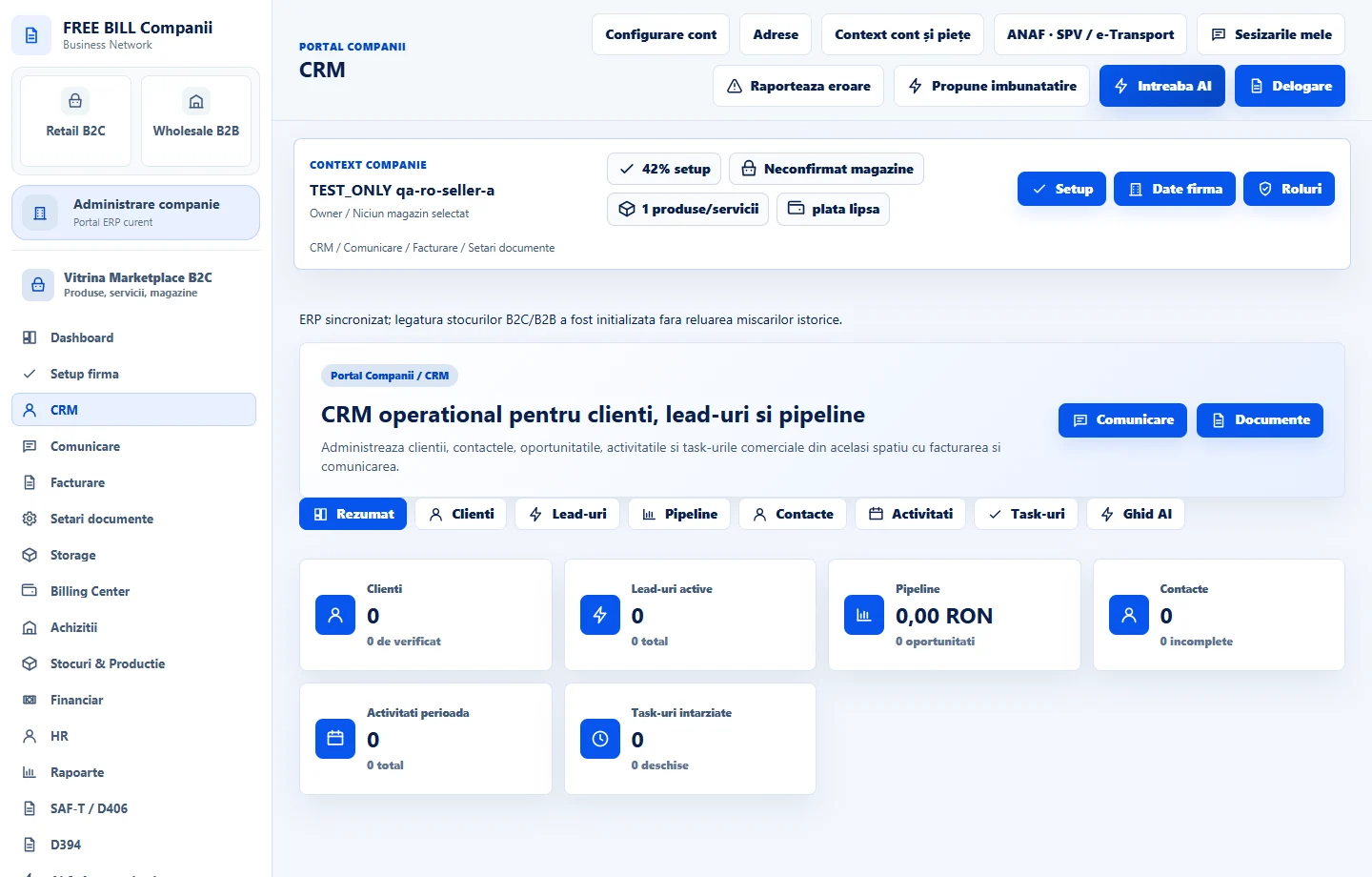
Reopen «Asistent CRM» and check whether the corrected details and completed tasks are reflected in the indicators. Open the source record from its own module to investigate discrepancies.
Application interface · Romanian · 5
Check the result
The lead, contact, opportunity, activity and task can each be tracked in the company's register.
If something is missing
If an indicator excludes an entry, check its status, the filter and the selected company. For a quote created from CRM, check the resulting document in «Facturare».
Availability depends on your role, enabled modules, country and company configuration.
Open in FreeBill Conect