Change the language and secure your account
Review your interface preferences, password and active sessions.
Before you begin
- You need account access and your current password to change it.
- Who it is for
- Customer
- Where to find it
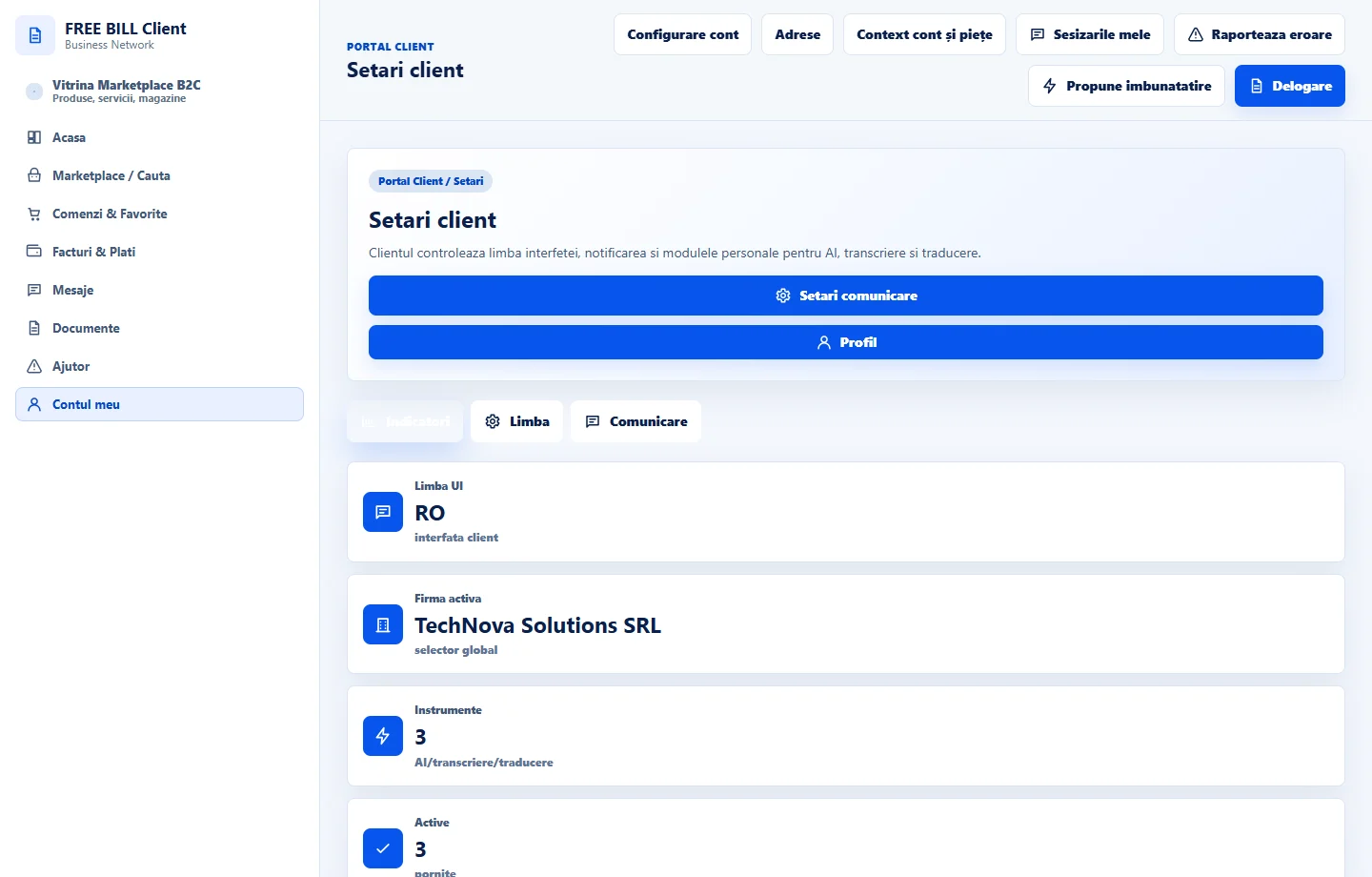
- Setari client
Step by step
Choose the interface language
Open «Setari client». In «Limba interfetei», select an available language and check the labels after saving.
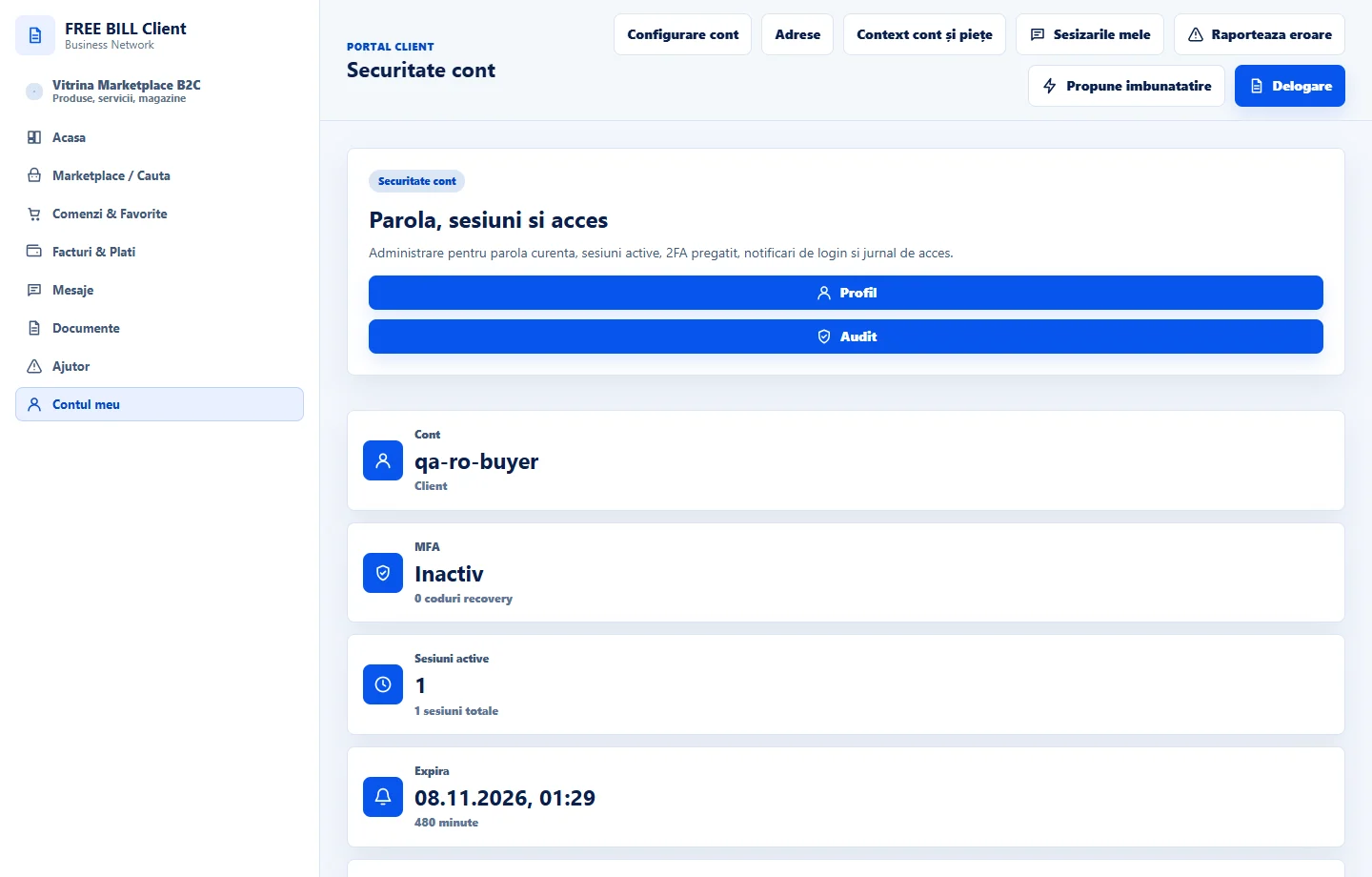
Review account security
In «Securitate cont», check active sessions and when you last changed the password. End any sessions you do not recognise.
Change your password when needed
In «Schimbare parola», enter the current password, the new password and its confirmation. Check the save message.
Set up a second sign-in step
In «Autentificare cu doi pasi», follow the authenticator setup if available. Confirm the code and store your recovery codes securely.
Application interface · Romanian · 1
Check the result
Your language is selected and you can check the account security status.
If something is missing
If a code is rejected, check the device clock and try a fresh code.
Availability depends on your role, enabled modules, country and company configuration.
Open in FreeBill Conect