Sign in and find your customer activity
Review your profile and find invoices, documents and orders in your own account.
Before you begin
- You need an active customer account.
- Who it is for
- Customer
- Where to find it
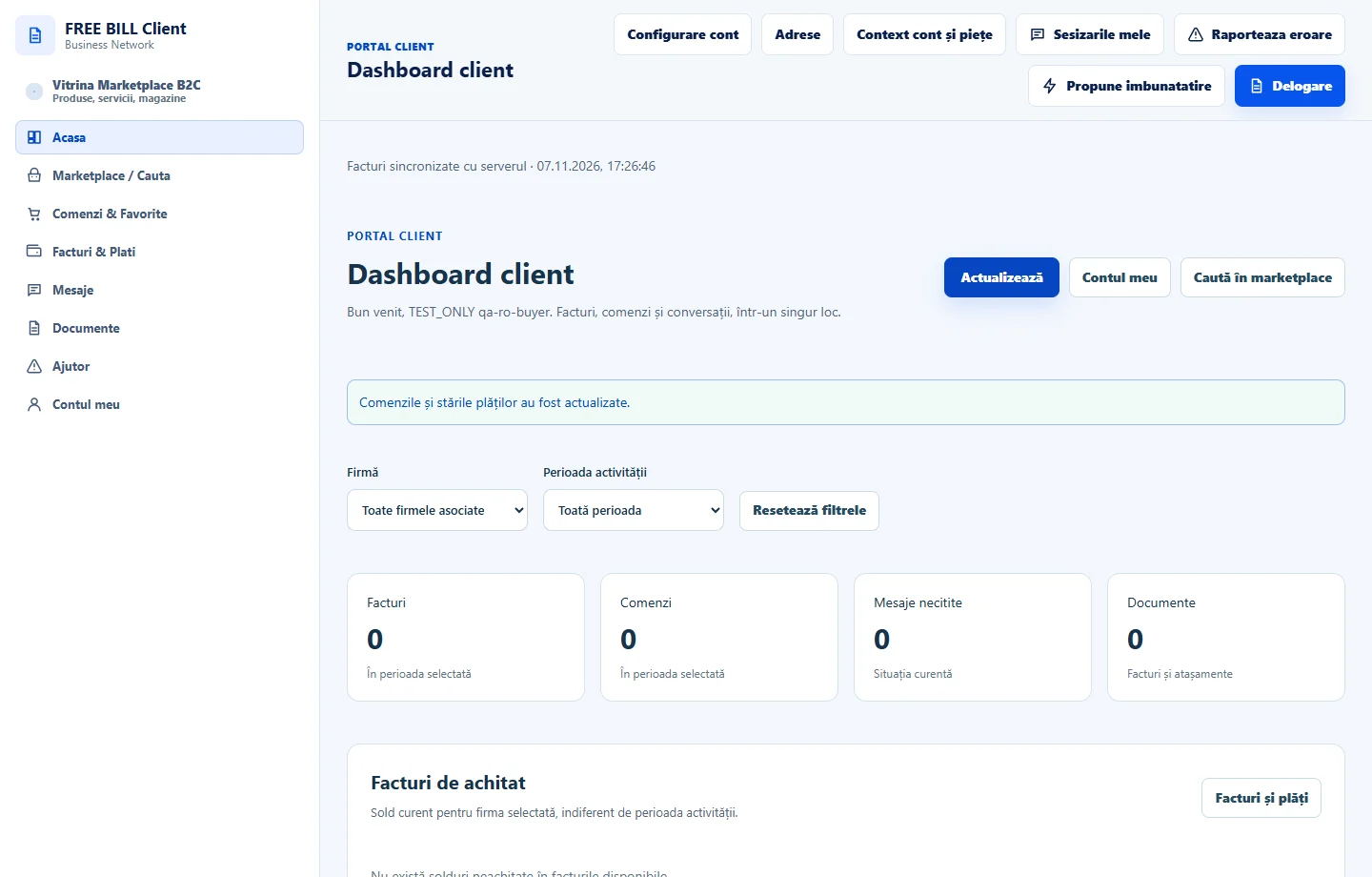
- Dashboard client
Step by step
Sign in as a customer
Open /client and sign in to «Cont client» with your own account.
Choose what to see
In «Dashboard client», choose the company and period. Review the totals and open the section that contains the record you need.
Review your account identity
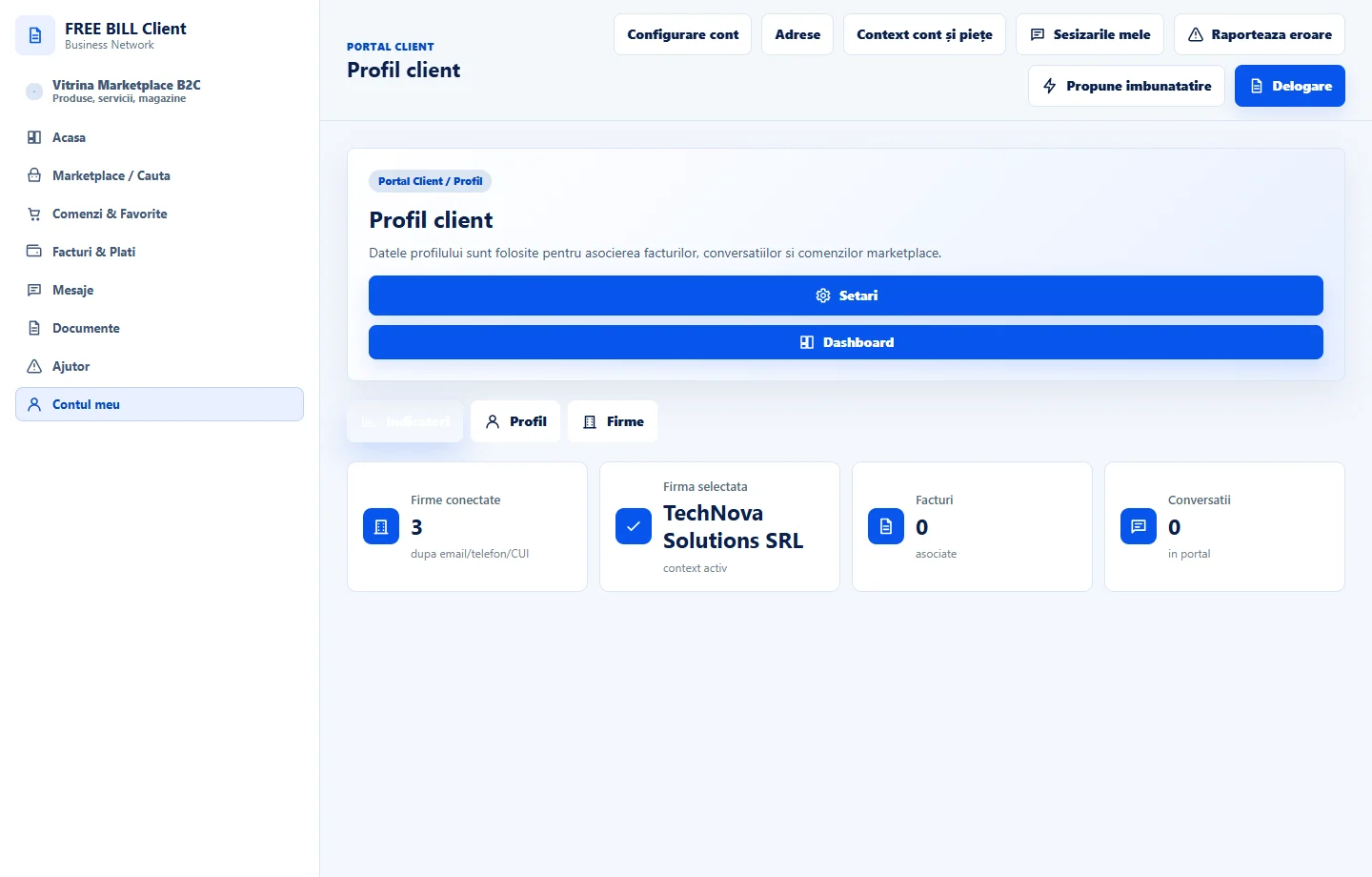
In «Contul meu», review «Profil client». Use «ID cont pentru primirea facturilor» if the issuer needs to identify your account.
Review shopping activity
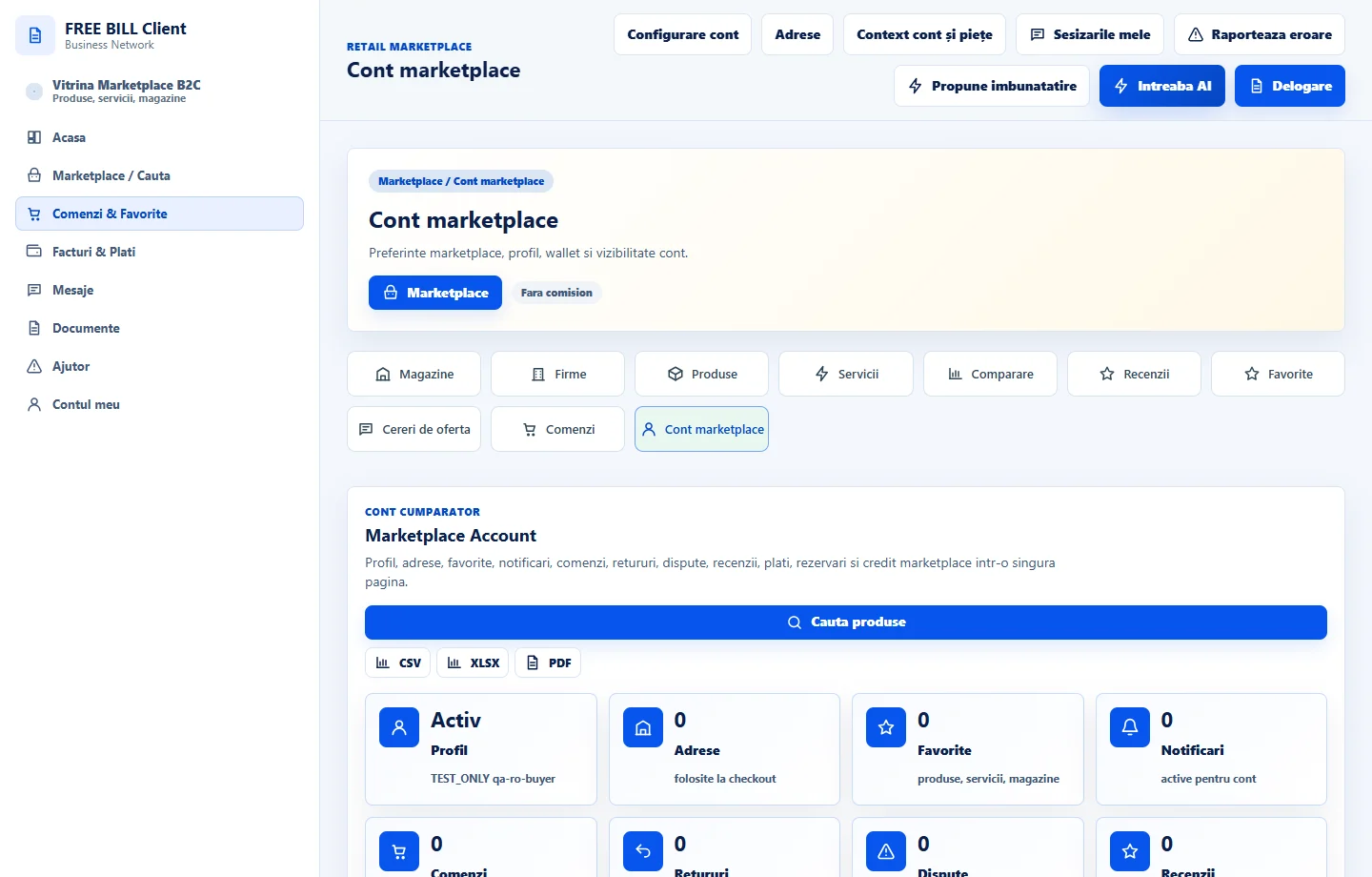
Open your buyer account in Marketplace for purchase history, reservations, reviews and favourites.
Application interface · Romanian · 2
Check the result
You can move from the dashboard to the records in your own account.
If something is missing
If a record is missing, check the company, period and signed-in account first.
Availability depends on your role, enabled modules, country and company configuration.
Open in FreeBill Conect