Review payments and billing preferences
Distinguish unpaid invoices, orders and confirmed payments.
Before you begin
- You need an invoice or order that is eligible for payment.
- Who it is for
- Customer
- Where to find it
- Plati
Step by step
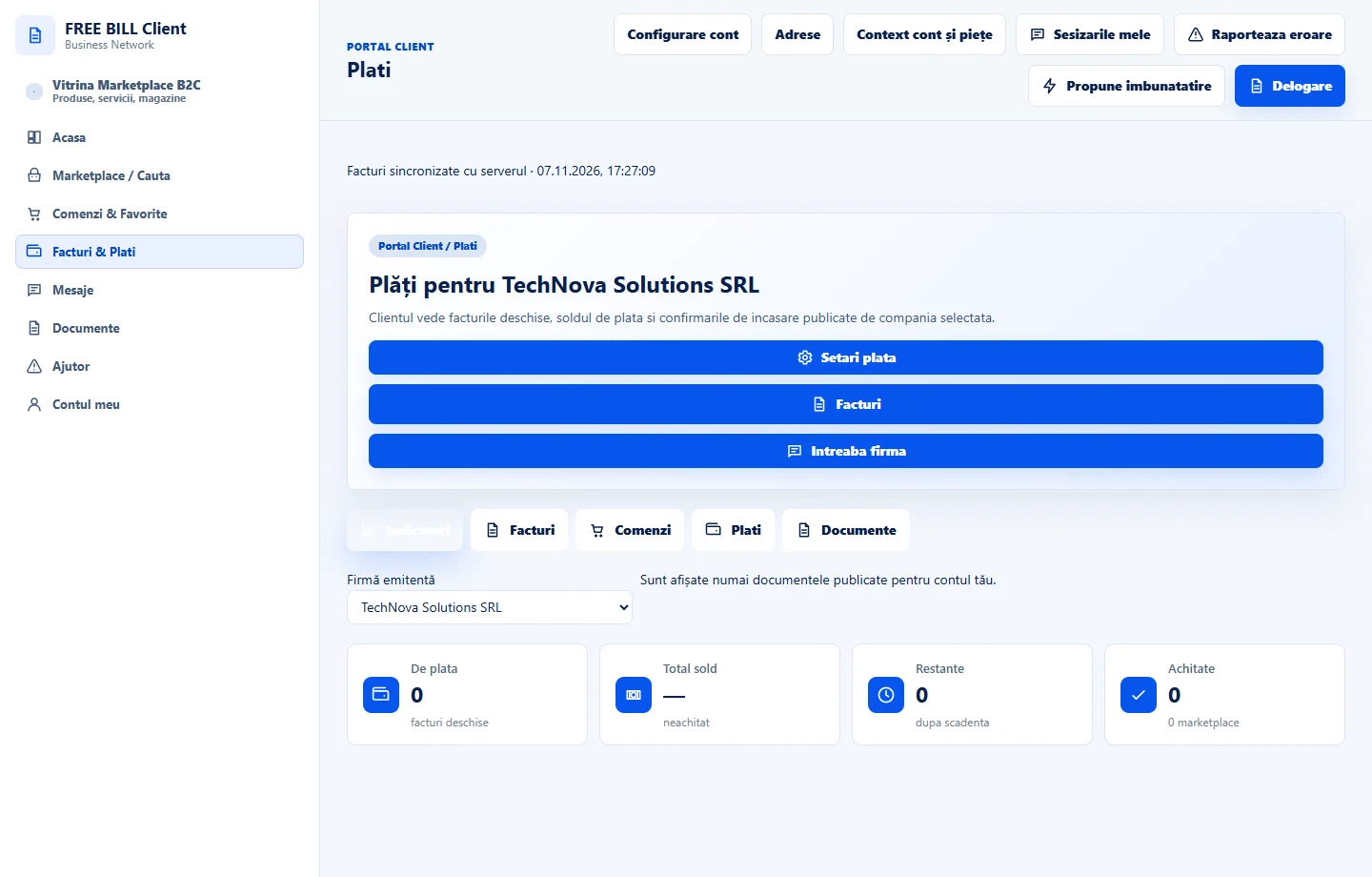
Review the register
Open «Plati» and check the issuer, amount, currency and status. Use «Facturi de achitat» for invoices and «Comenzi de achitat» for purchases.
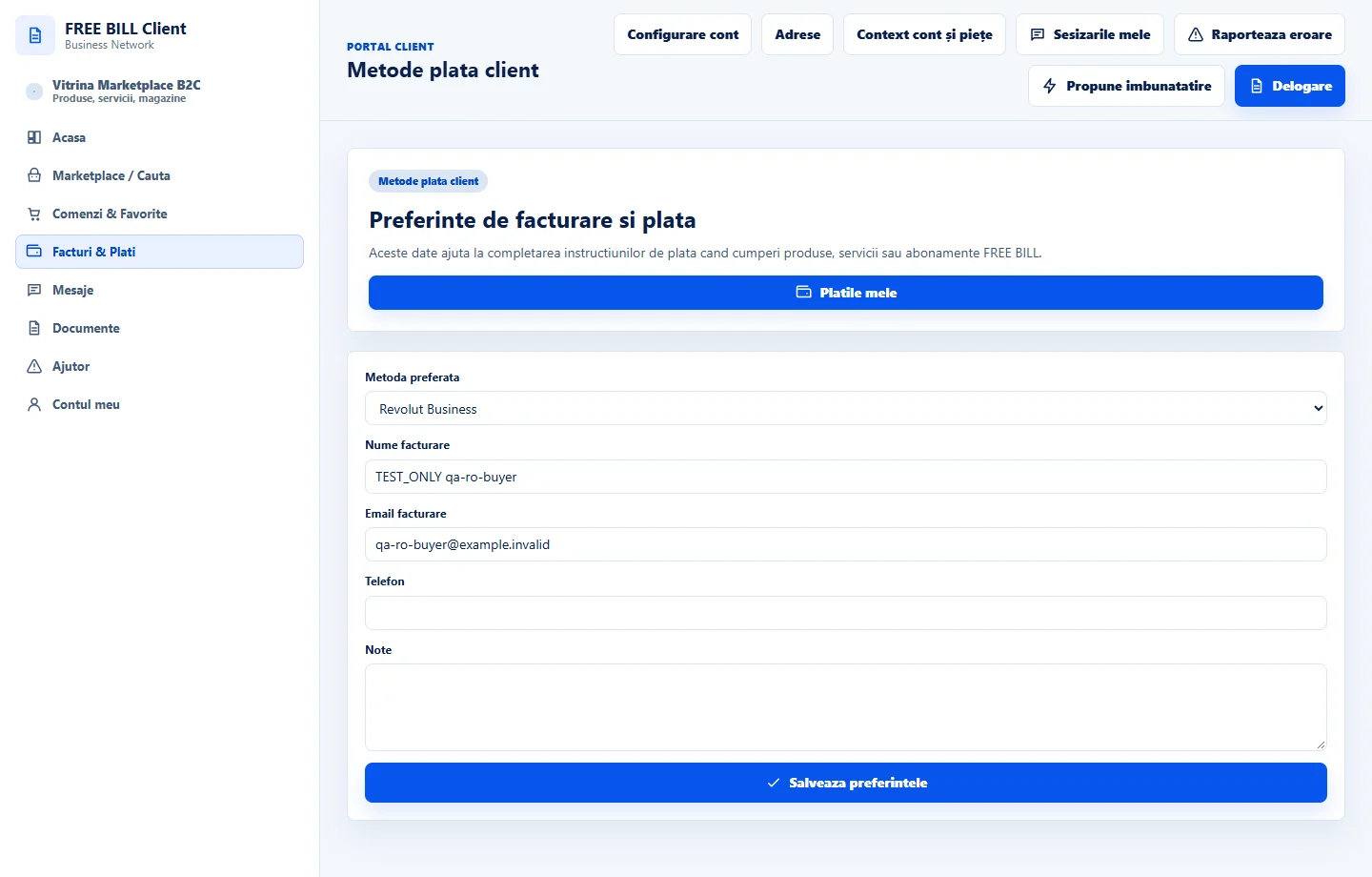
Review preferences
In «Setari plata», check the preferred method and billing details. Saving a preference does not make a payment.
Check before confirming
Choose a method displayed for the document. Check the recipient, amount, currency and reference before confirming.
Track confirmation
Return to the document and check «Confirmari» or «Istoric plati primite». For a pending status, verify the evidence before repeating payment.
Application interface · Romanian · 1
Check the result
You can track payment by document, currency and reference.
If something is missing
If the method is missing, check document eligibility and the terms displayed by the issuer.
Availability depends on your role, enabled modules, country and company configuration.
Open in FreeBill Conect