Open an invoice received from a company
Identify the issuer, review the invoice and see the available actions.
Before you begin
- The invoice must be linked to your customer account.
- Who it is for
- Customer
- Where to find it
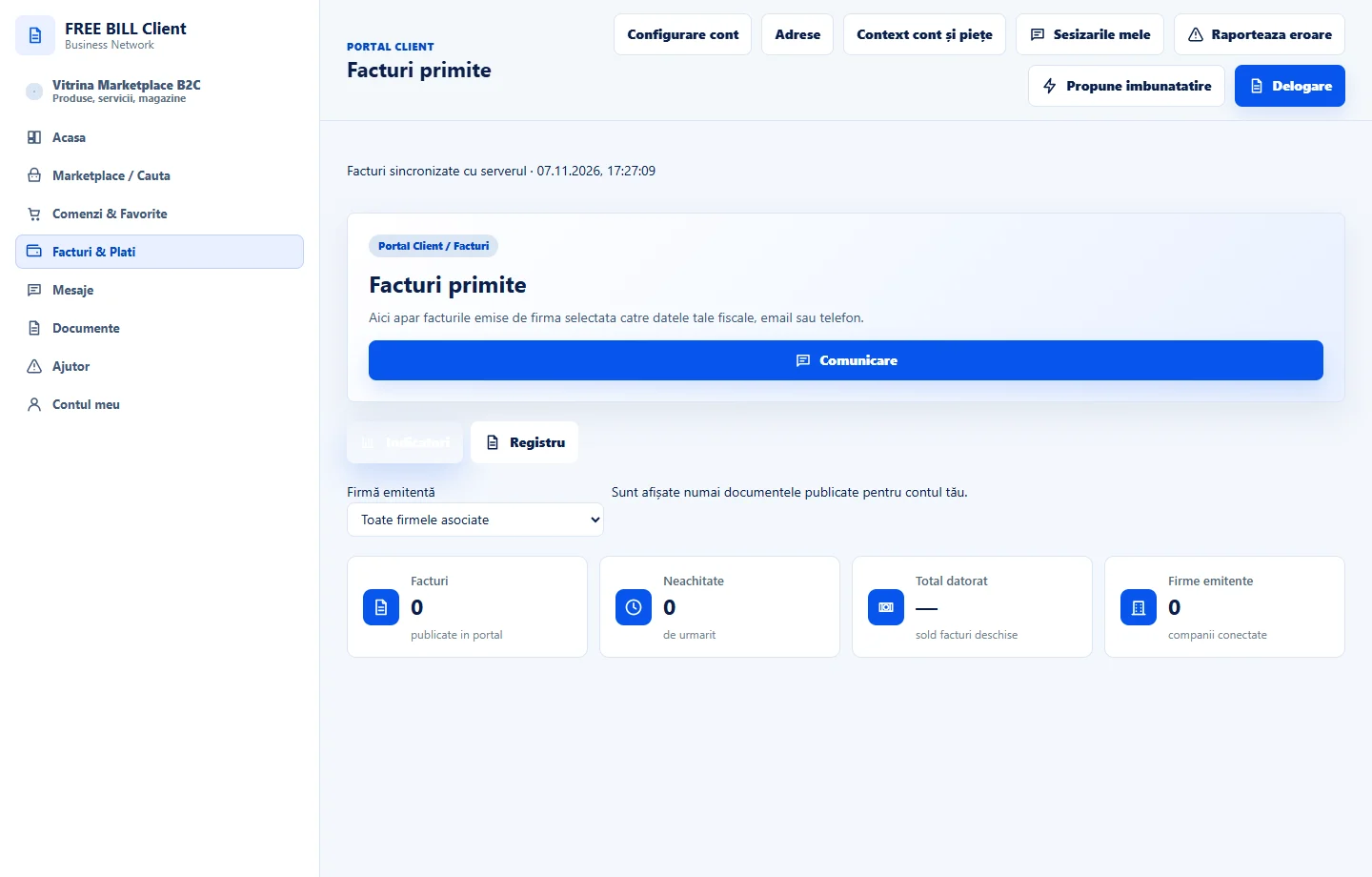
- Facturi primite
Step by step
Find the invoice
Open «Facturi primite» and search by issuer, number or status. Check the due date and currency before selecting a row.
Open the preview
Choose «Previzualizare». Compare the issuer, number, date, amount and status with the expected invoice.
Download the available document
Use the download option available for the correct row. Verify that the file belongs to the same invoice.
Choose the next step
If «Plateste» is available, verify the method and amount. For questions, use «Comunicare» and include the invoice number in the conversation.
Check the result
You have checked the invoice and know which action is available for it.
If something is missing
If the invoice is missing, check the company and ask the issuer to verify its link to your account.
Availability depends on your role, enabled modules, country and company configuration.
Open in FreeBill Conect