Find, open or request a document
Review documents shared by the companies linked to your account.
Before you begin
- You need a customer account and a shared document or an issuer you can contact.
- Who it is for
- Customer
- Where to find it
- Documente
Step by step
Choose the issuer
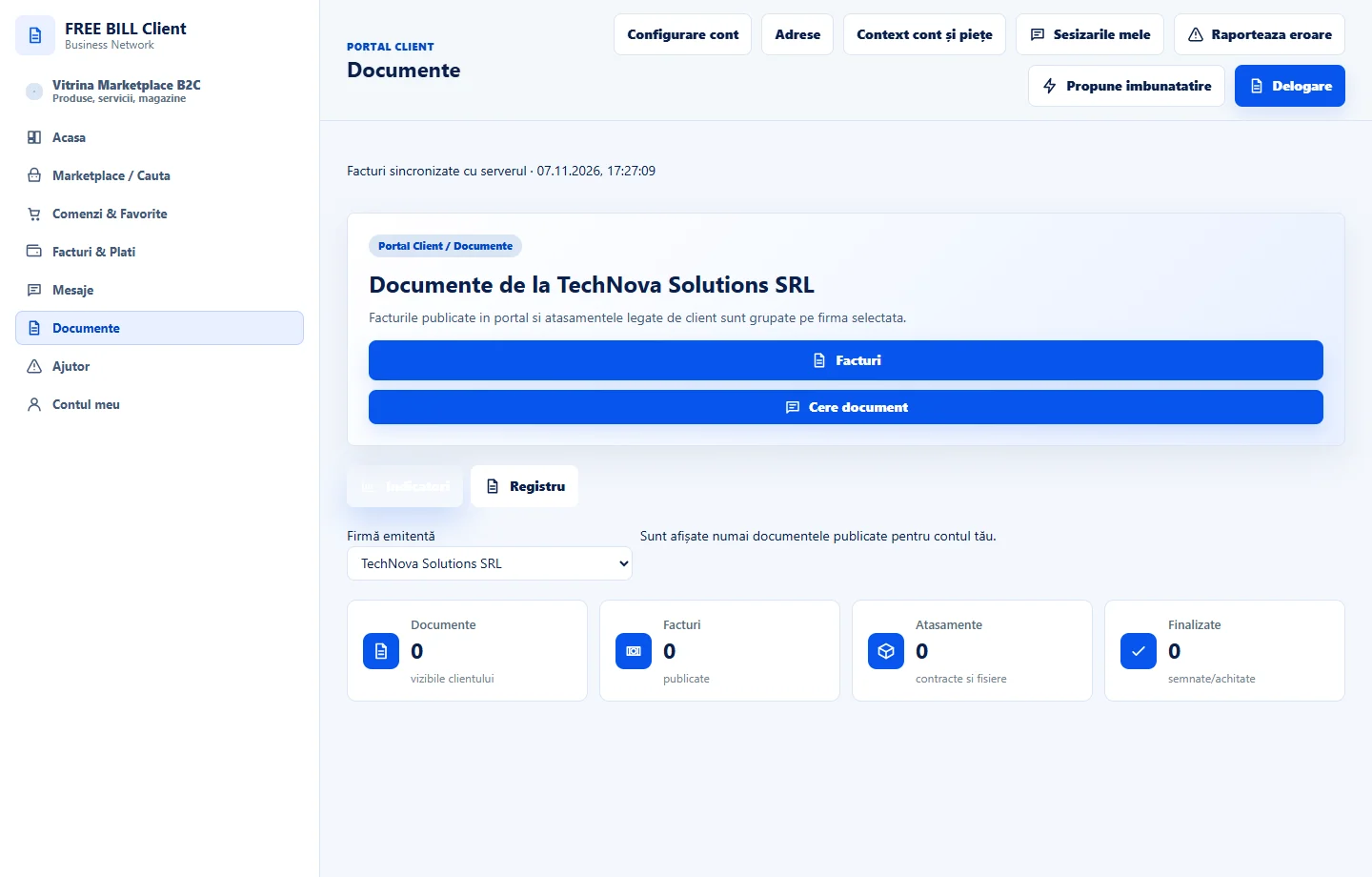
Open «Documente» and choose the company in the register. Compare the title, type, date and status.
Open the correct document
Use «Deschide» on the relevant row. Check the issuer and the file reference before using it.
Check attachments
If the record contains additional files, choose the relevant attachment and check the latest available version.
Request a missing document
Use «Cere document», check the company and describe what you need. Track the reply in the conversation.
Check the result
You have found the document or sent a request to the issuer.
If something is missing
If the document does not appear, check the issuer and the account it was shared with.
Availability depends on your role, enabled modules, country and company configuration.
Open in FreeBill Conect