Review account billing and send support requests
Manage Wholesale account services and track requests sent to FreeBill.
Before you begin
- You need access to the partner account. For a payment, use the method authorized for the account.
- Who it is for
- Wholesale partner
- Where to find it
- Billing Center
Step by step
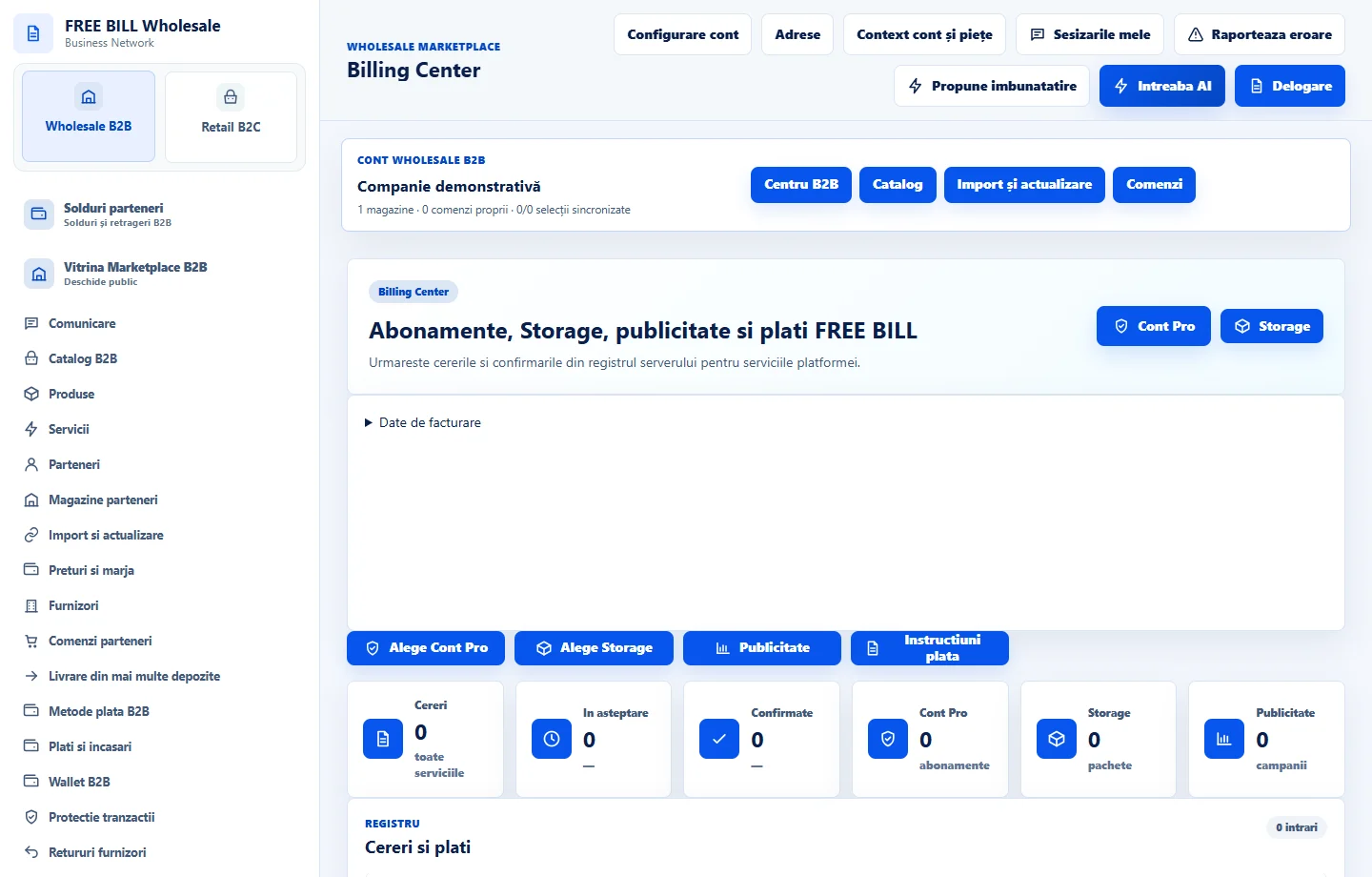
Review account billing
In «Billing Center», check the service, period, documents and payment status. Review store order receipts separately.
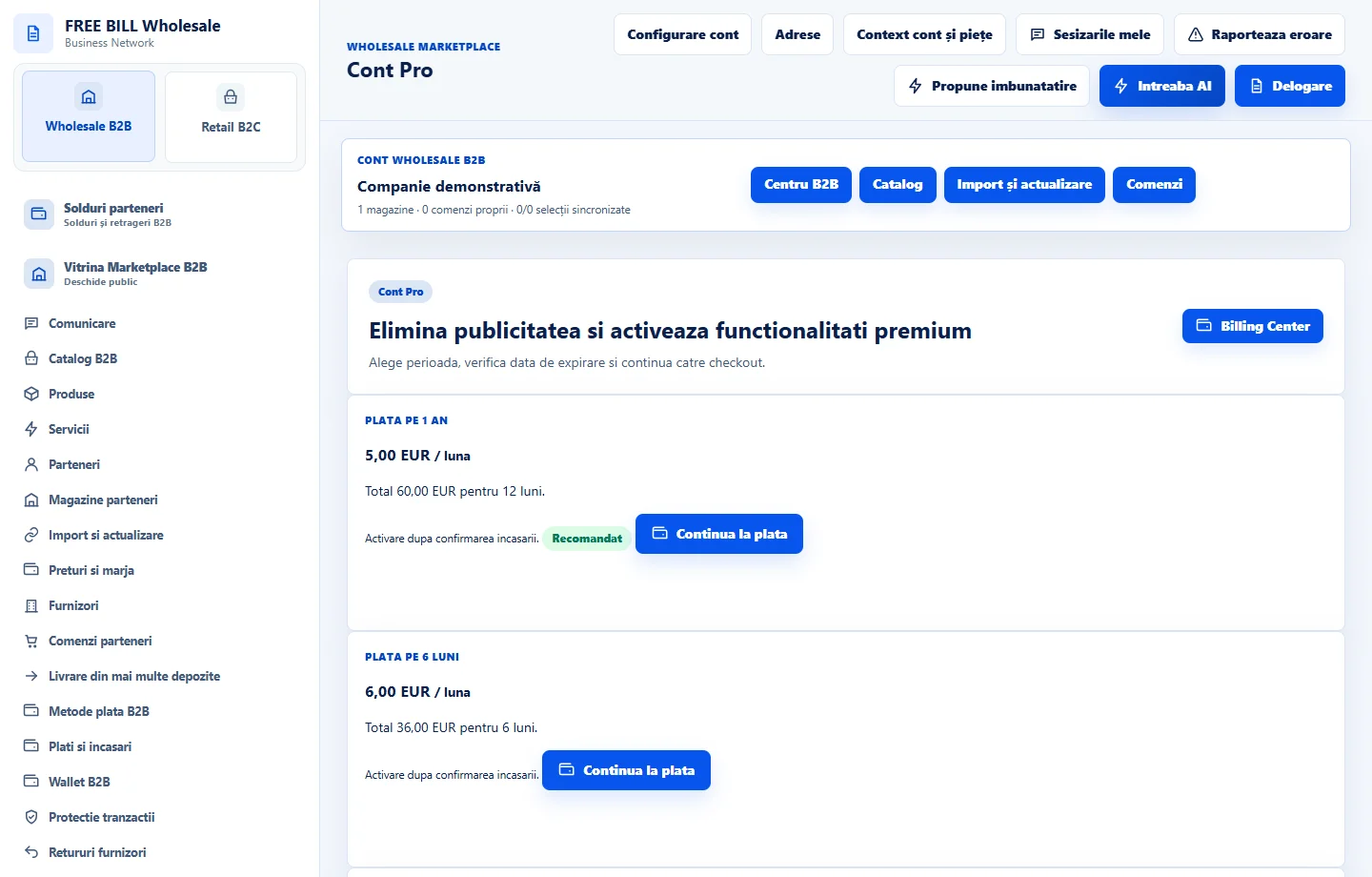
Review the account offer
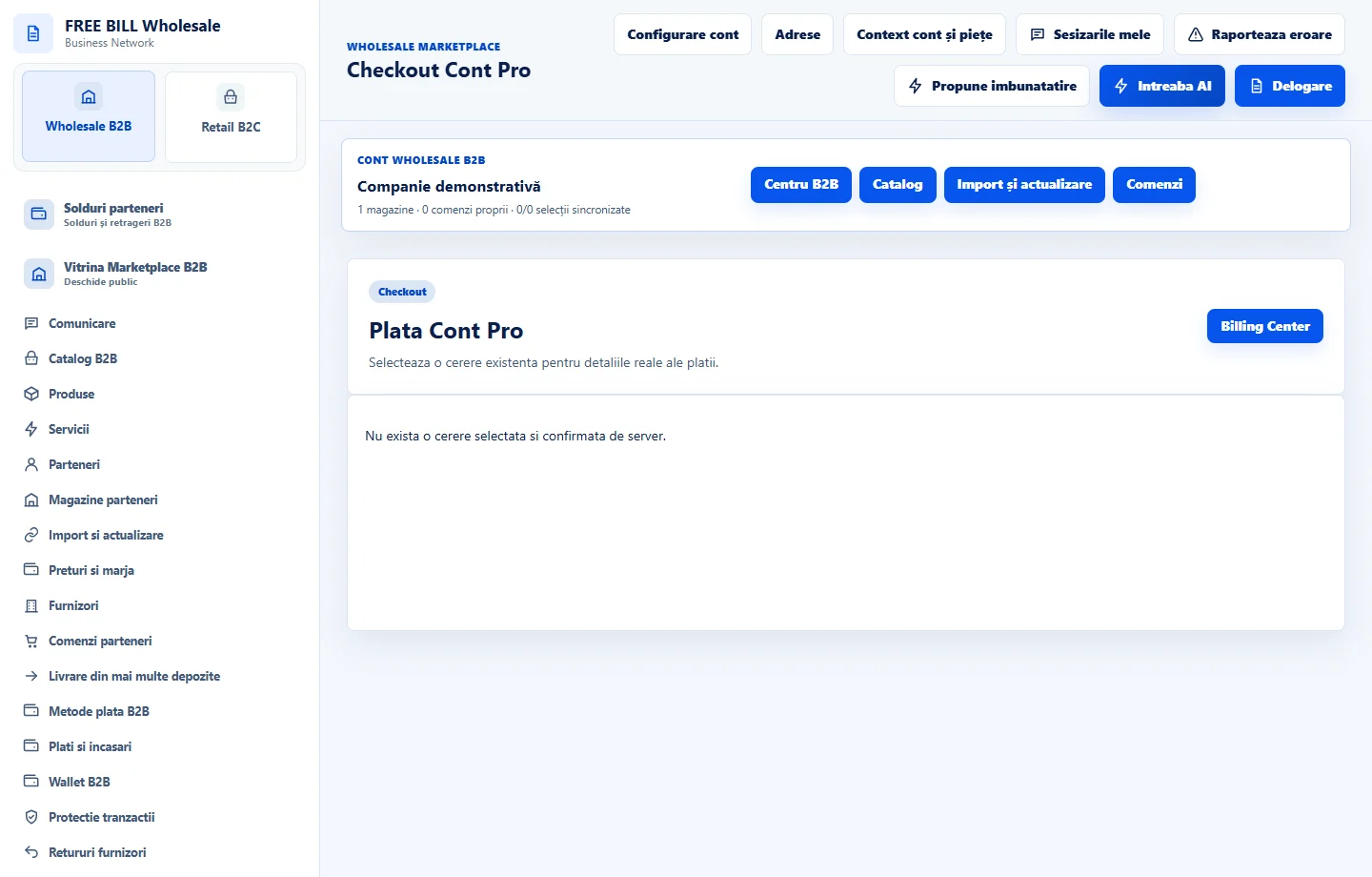
Open «Cont Pro» and check the plan contents, price and period. In checkout, compare the total and payment method before confirming.
Send the appropriate request
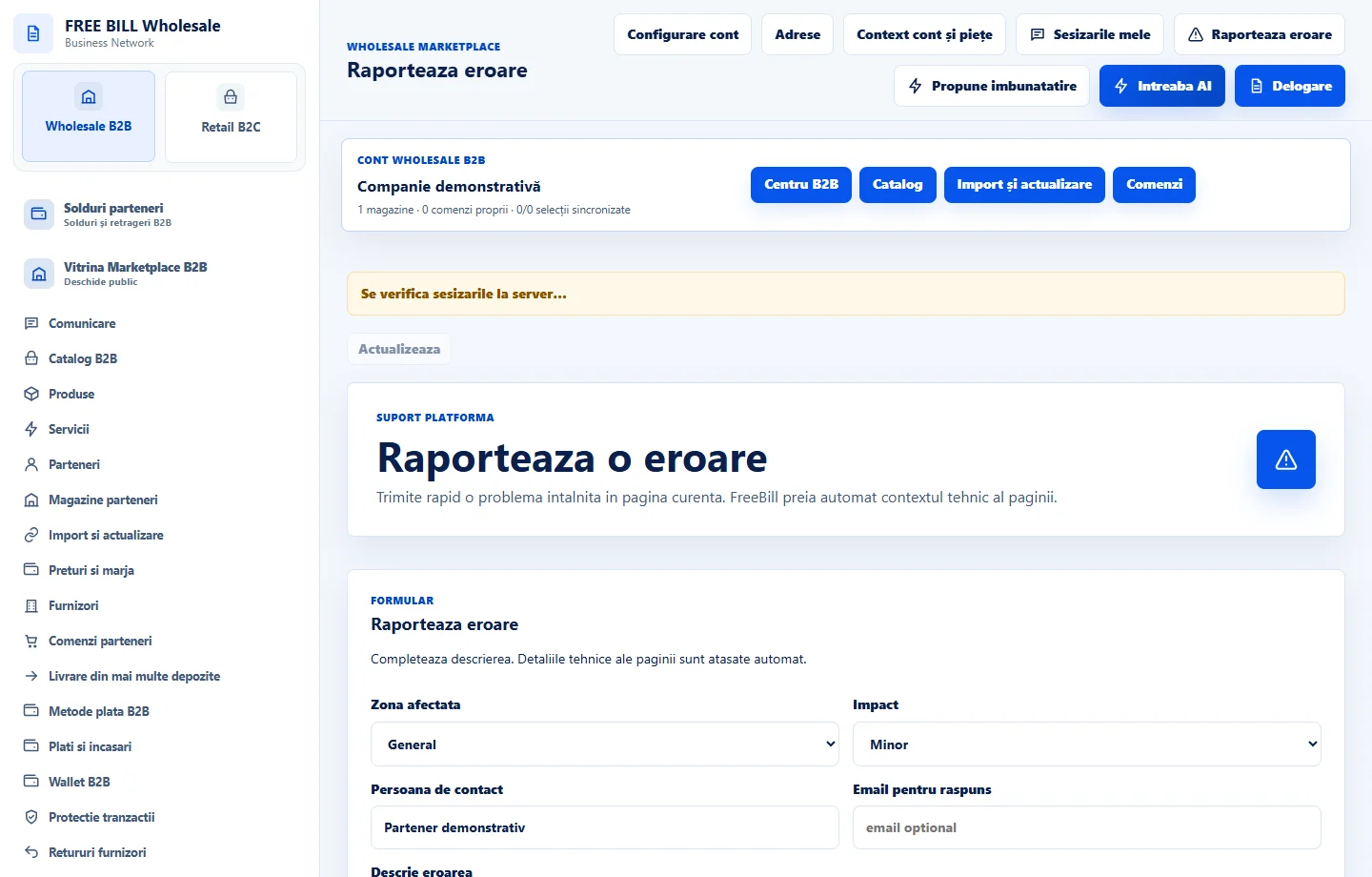
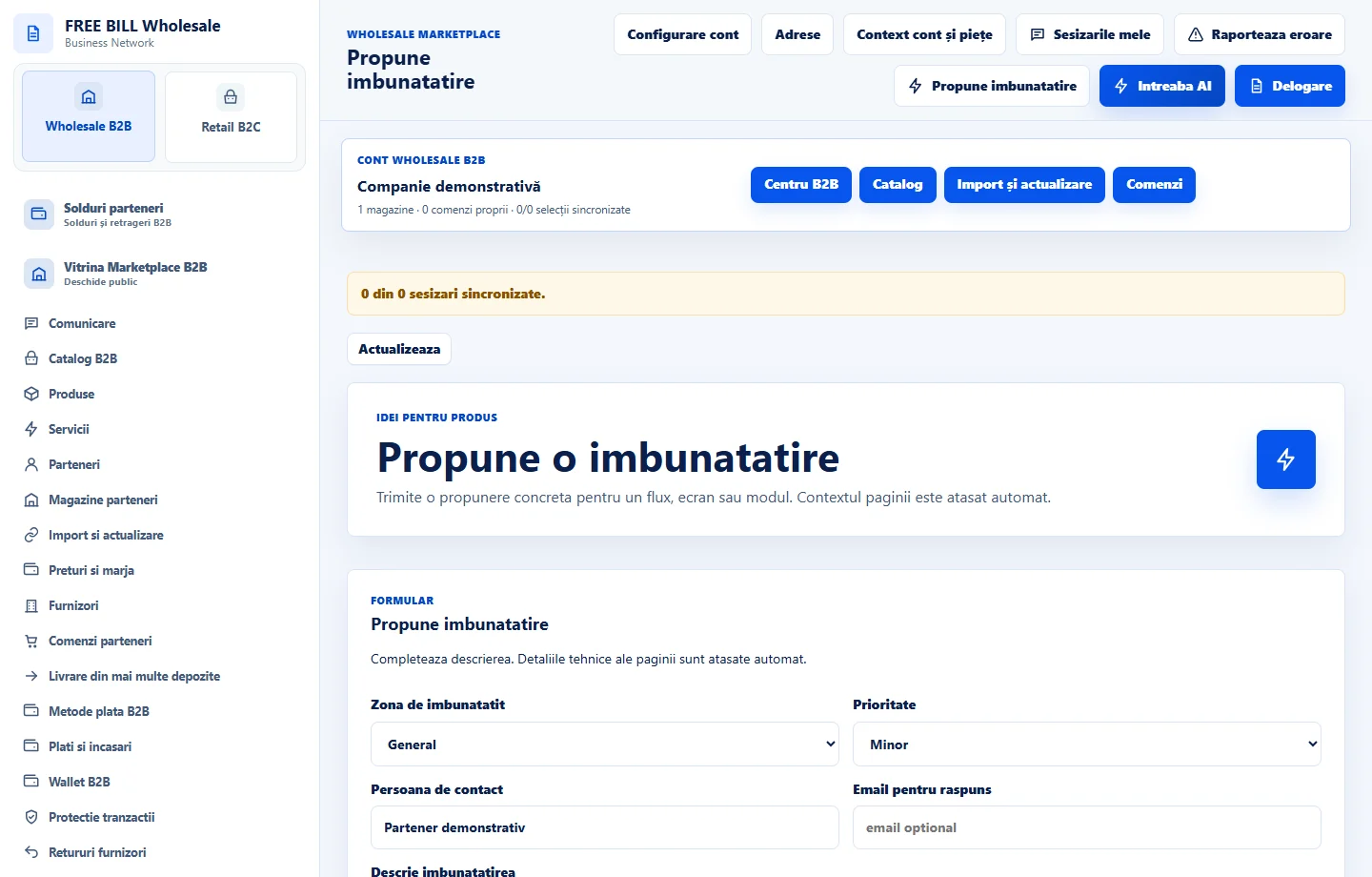
Use «Raporteaza eroare» for a problem and «Propune imbunatatire» for a suggestion. Include the page, steps and displayed message while keeping sensitive data private.
Track the response
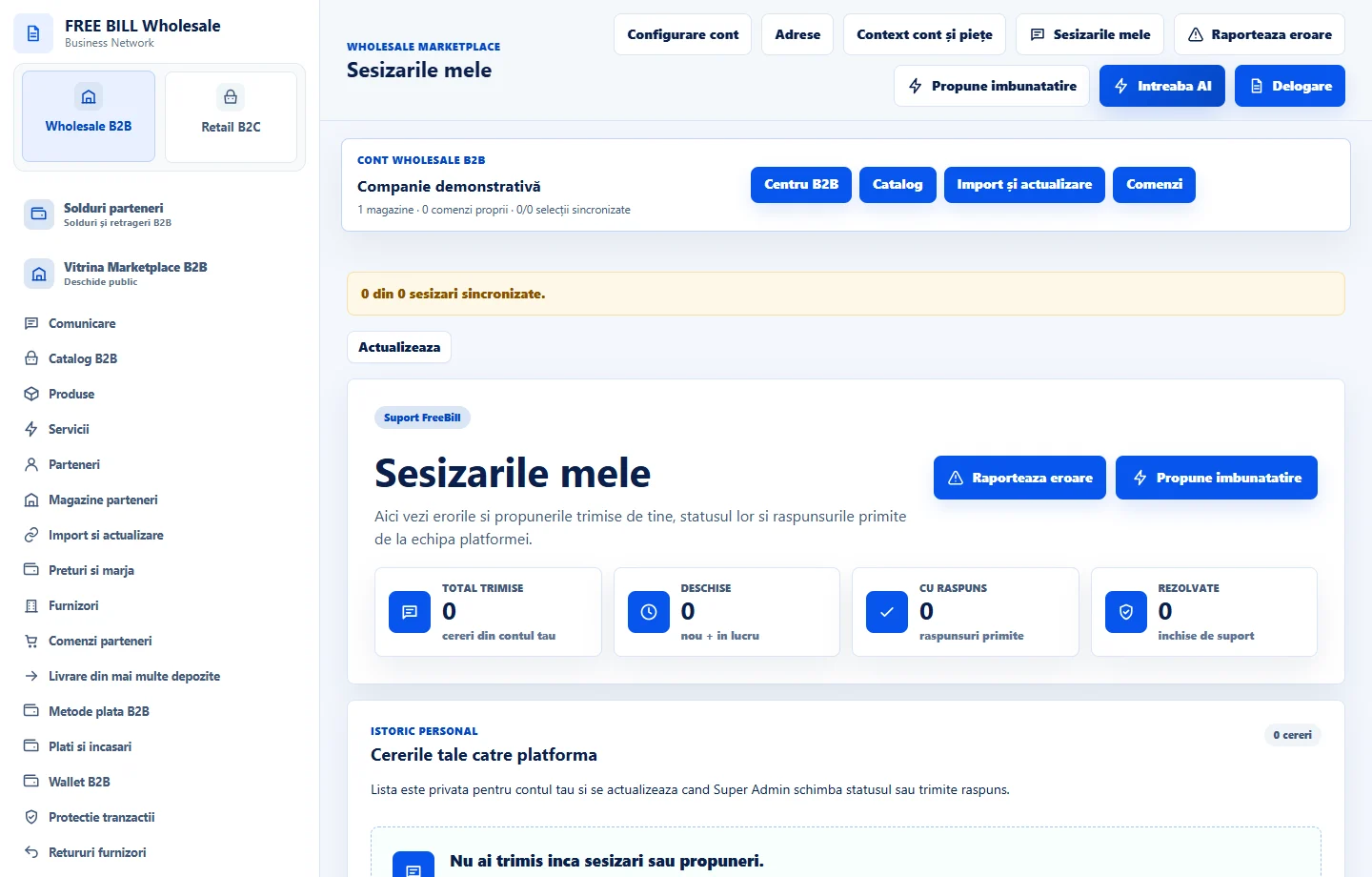
In «Sesizarile mele», check the status and reply. Update the existing request with relevant details when the option is available.
Application interface · Romanian · 5
Check the result
You have confirmed the account services status and can track your recorded request.
If something is missing
If a payment or request remains pending, check the history and reference before repeating the action.
Availability depends on your role, enabled modules, country and company configuration.
Open in FreeBill Conect