Track retail orders, documents and receipts
Match the customer’s order with its document and confirmed records for the store.
Before you begin
- You need orders in your own store and the required fiscal setup when issuing documents.
- Who it is for
- Wholesale partner
- Where to find it
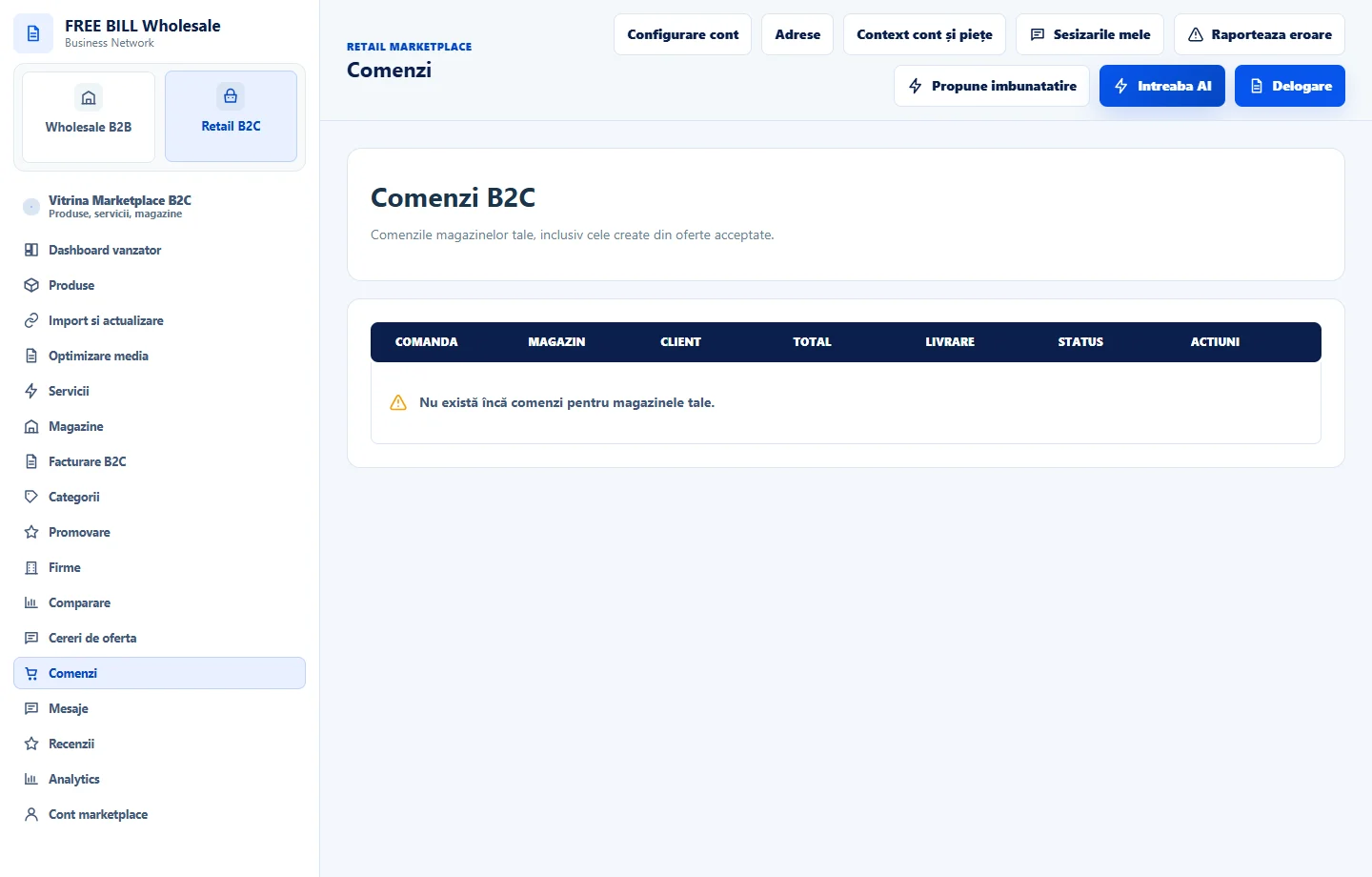
- Comenzi
Step by step
Find the customer order
In Marketplace orders, filter by store and find the order reference. Check the items, quantities, total and payment status.
Review fiscal setup
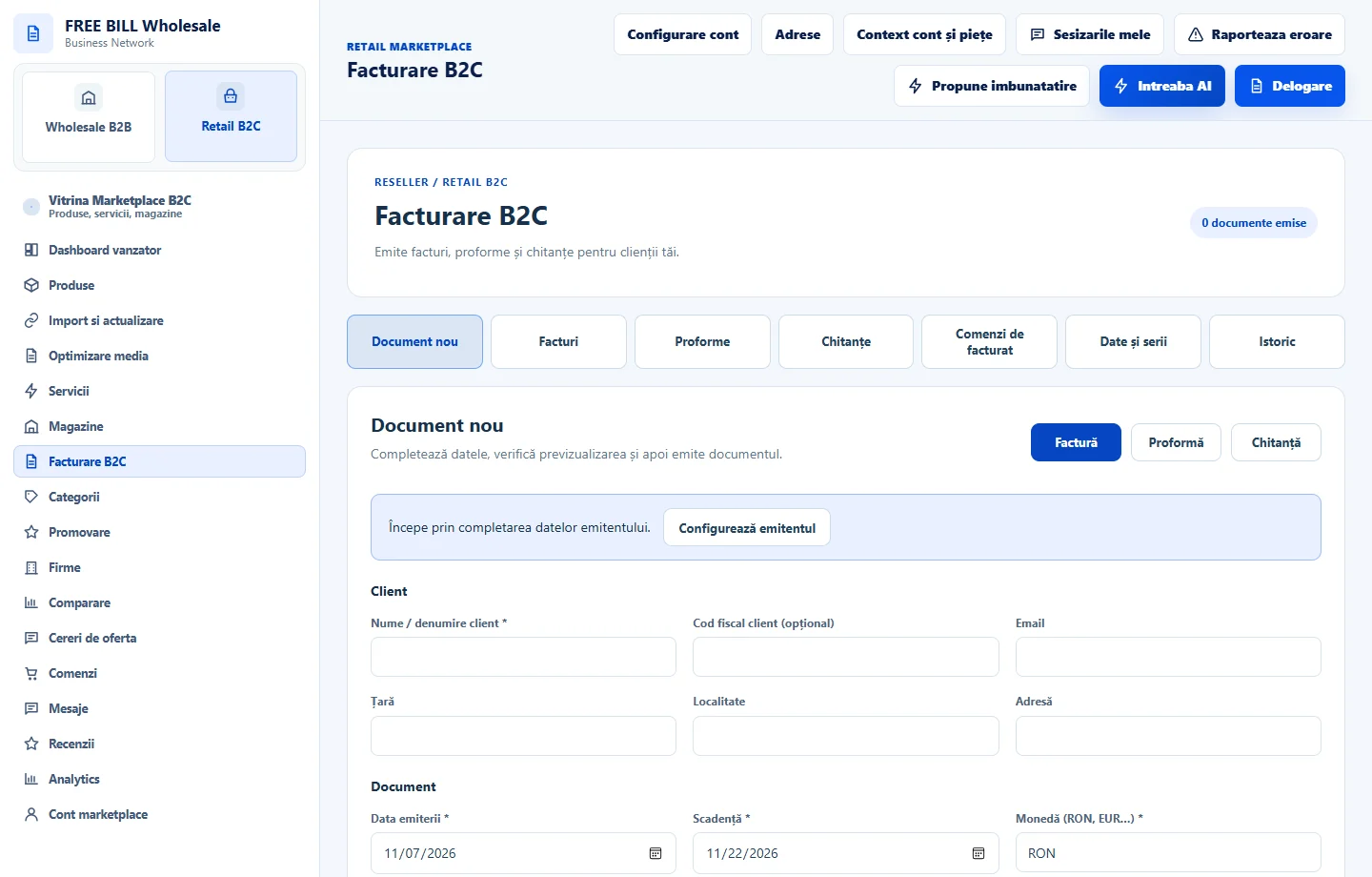
In retail invoicing, review the issuing entity and the setup shown for the store. Correct required details before issuing a document.
Link the document to the order
Open the eligible order in invoicing and verify the customer details and values. Review the document and use only the action available for its status.
Compare receipts and reports
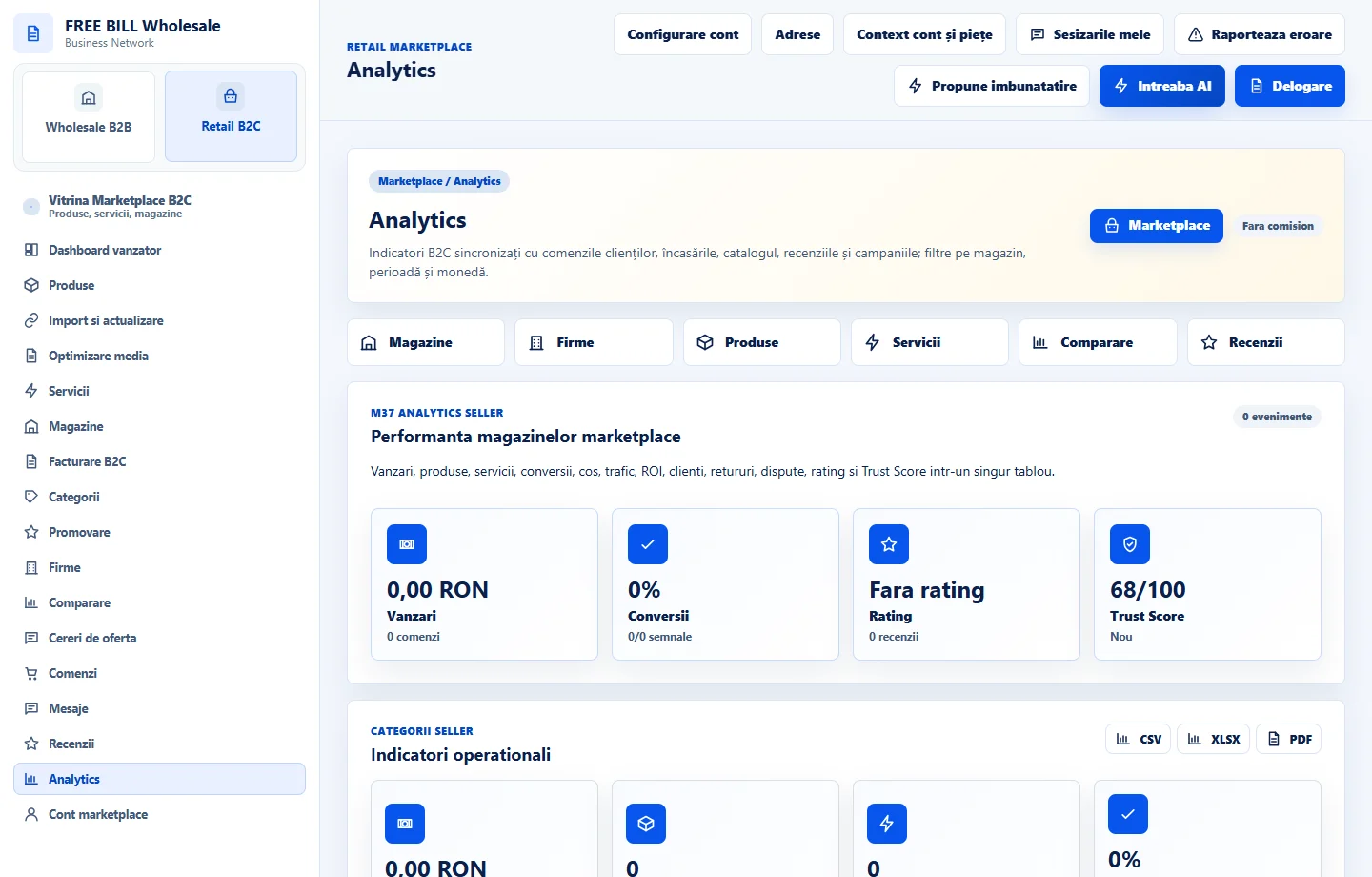
In the register, check the document and confirmed receipts. In retail analytics, compare the same period, store and currency.
Application interface · Romanian · 2
Check the result
You can trace the order, document and receipt through the store’s registers.
If something is missing
If issuance is unavailable, check the store, fiscal setup, order status and server message.
Availability depends on your role, enabled modules, country and company configuration.
Open in FreeBill Conect