Reply to messages and manage retail reviews
Find the store’s conversation or review and retain the correct order context.
Before you begin
- You need access to your own store and an available conversation or review.
- Who it is for
- Wholesale partner
- Where to find it
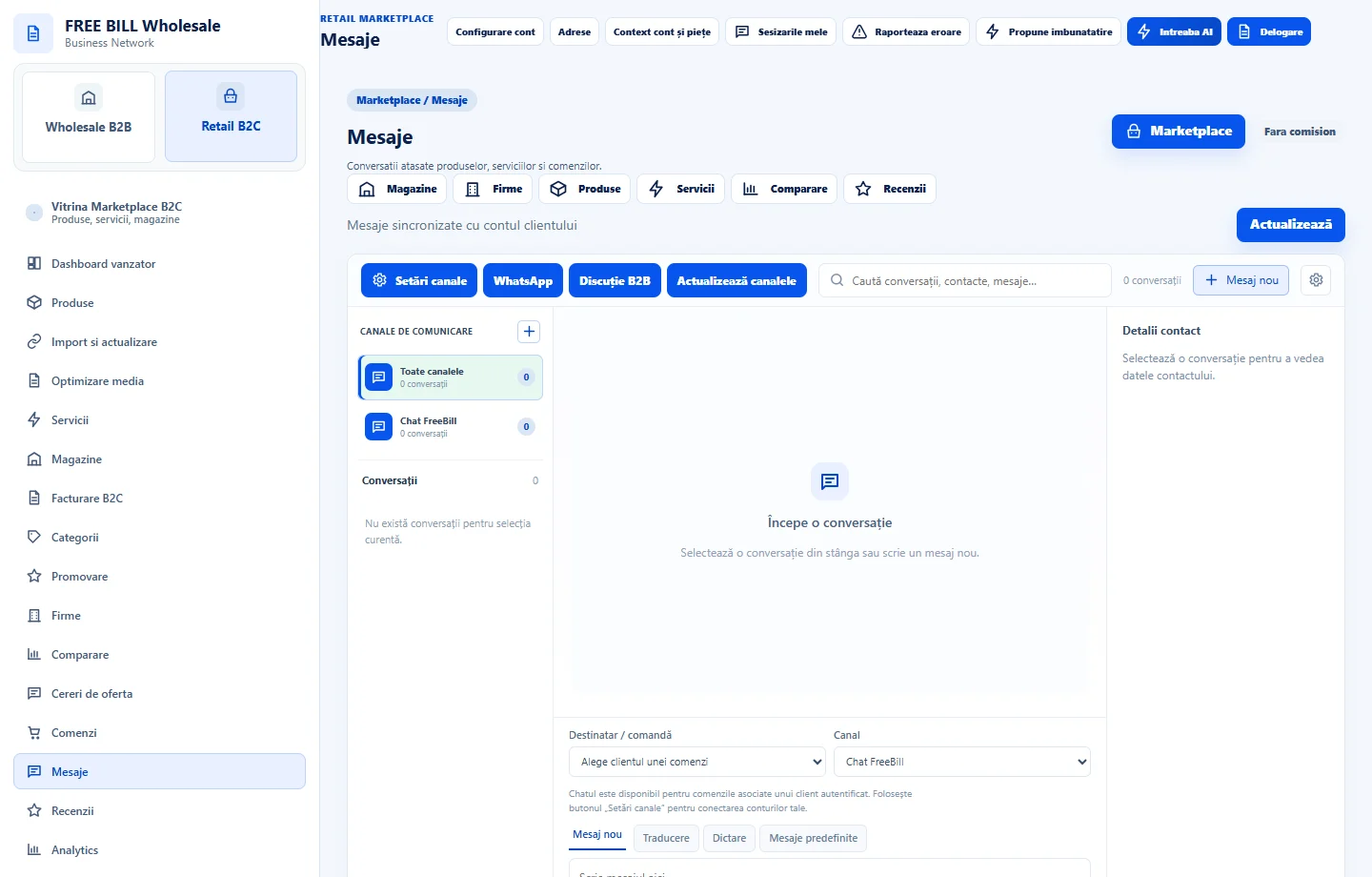
- Mesaje
Step by step
Open the conversation
In messages, find the conversation by order or subject. Check the store and «Comandă asociată» before replying.
Reply in context
Check the order status and write a reply explaining the next step. Confirm the message appears in the correct conversation.
Review the feedback
In reviews, filter by store and identify the associated offer or order. Check the status and use the actions allowed for your role.
Track remaining actions
If the message concerns a return or dispute, open the case in the relevant module and keep the order reference.
Application interface · Romanian · 1
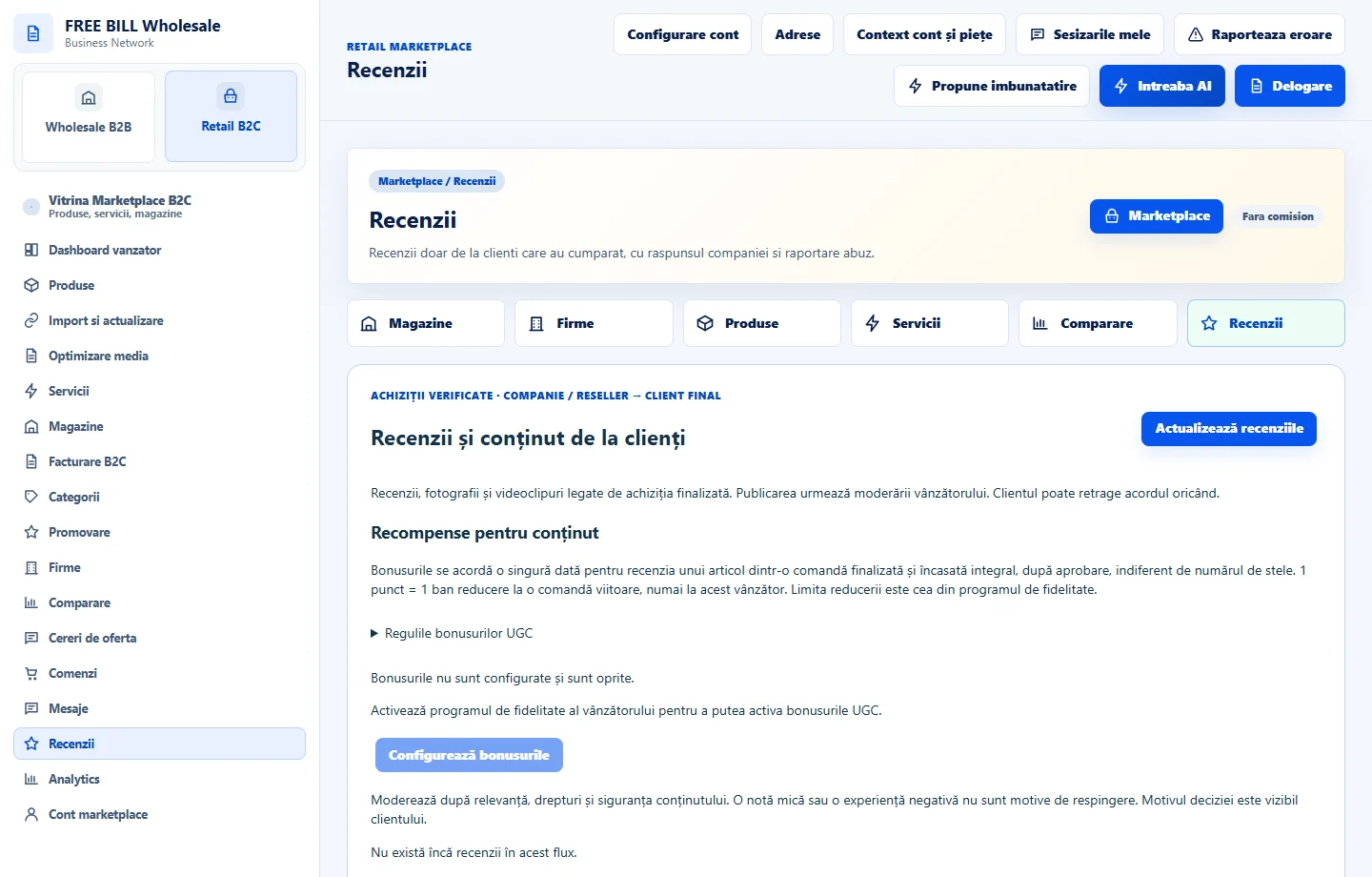
Check the result
The reply or action can be traced in the correct conversation or review.
If something is missing
If messages are missing, check the store, order and whether FreeBill chat is active for the account.
Availability depends on your role, enabled modules, country and company configuration.
Open in FreeBill Conect