Track orders and supplier shipments
Read the order and track each supplier, origin and shipping reference separately.
Before you begin
- You need a confirmed order and access to the store that handles it.
- Who it is for
- Wholesale partner
- Where to find it
- Comenzi parteneri
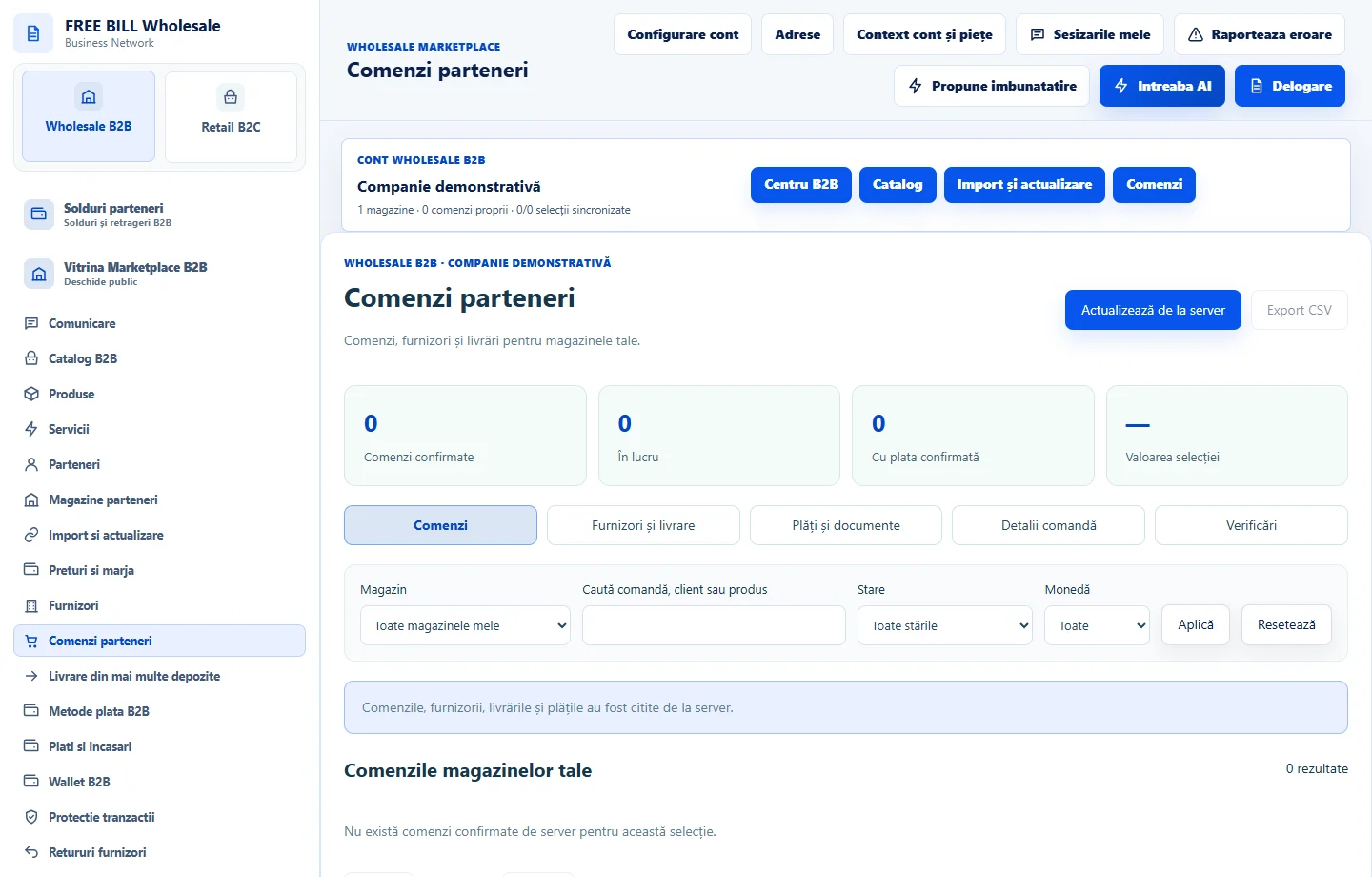
Step by step
Identify the order
In «Comenzi parteneri», select the store and open «Detalii comandă». Compare the reference, products, quantities and total.
Review separate shipments
Open «Furnizori și livrare» and note the suppliers, suborders and origins. Keep each tracking reference with its own suborder.
Check preparation and tracking
In shipping, use «Pregătire și origini» and «Detalii / AWB». Check the reference, carrier and latest confirmed status for the selected shipment.
Resolve differences
Check «Istoric» and «Verificări». If an event is missing, refresh and check the suborder and carrier setup before informing the customer.
Application interface · Romanian · 1
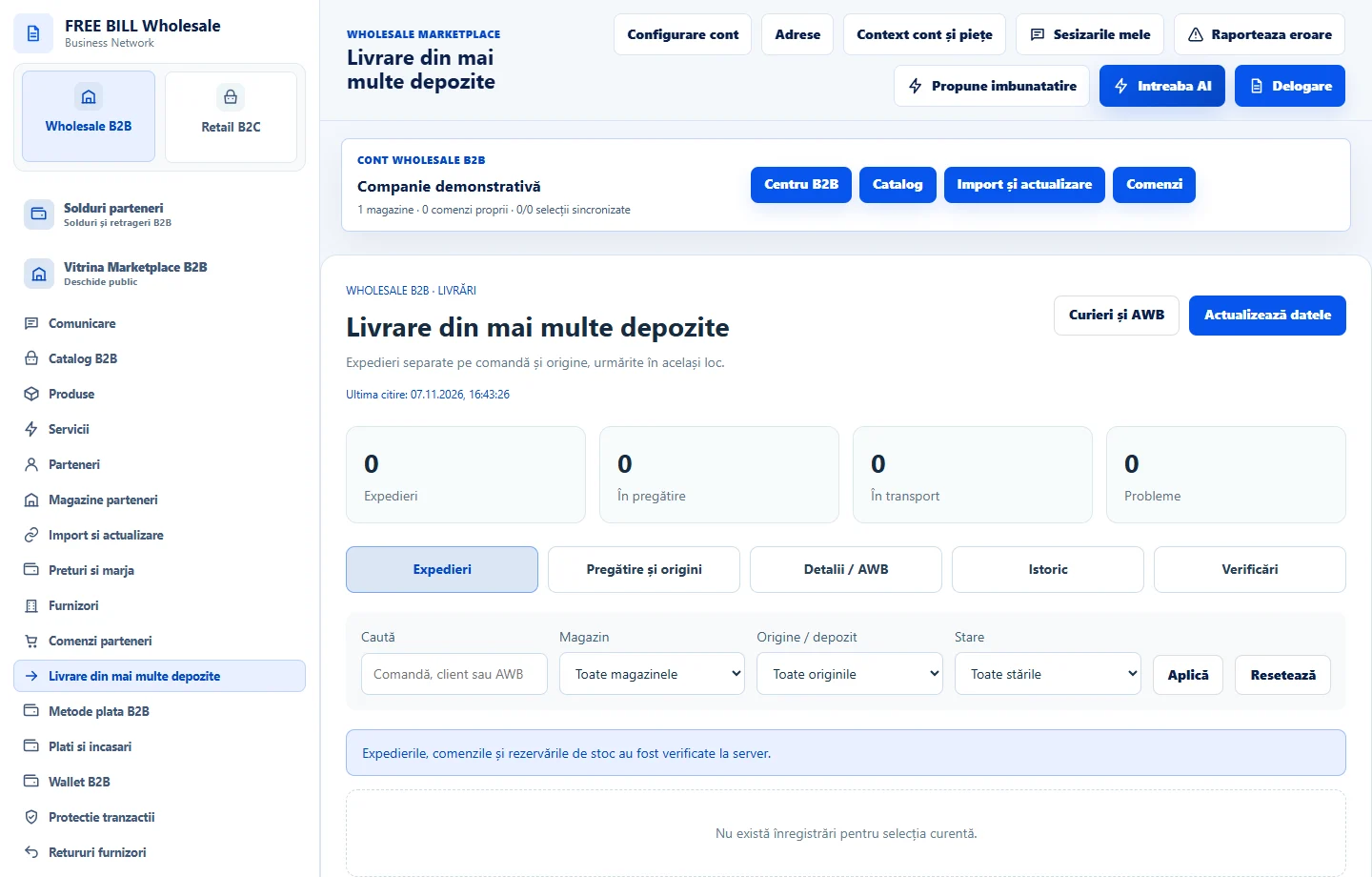
Check the result
You can tie each shipment to the correct order, supplier and tracking reference.
If something is missing
If only a local record appears, check synchronization and the server-confirmed status.
Availability depends on your role, enabled modules, country and company configuration.
Open in FreeBill Conect