Connect external services and manage API access
Configure connections per store and verify what each connection can access.
Before you begin
- You need your own store and authorization from the provider for the selected service.
- Who it is for
- Wholesale partner
- Where to find it
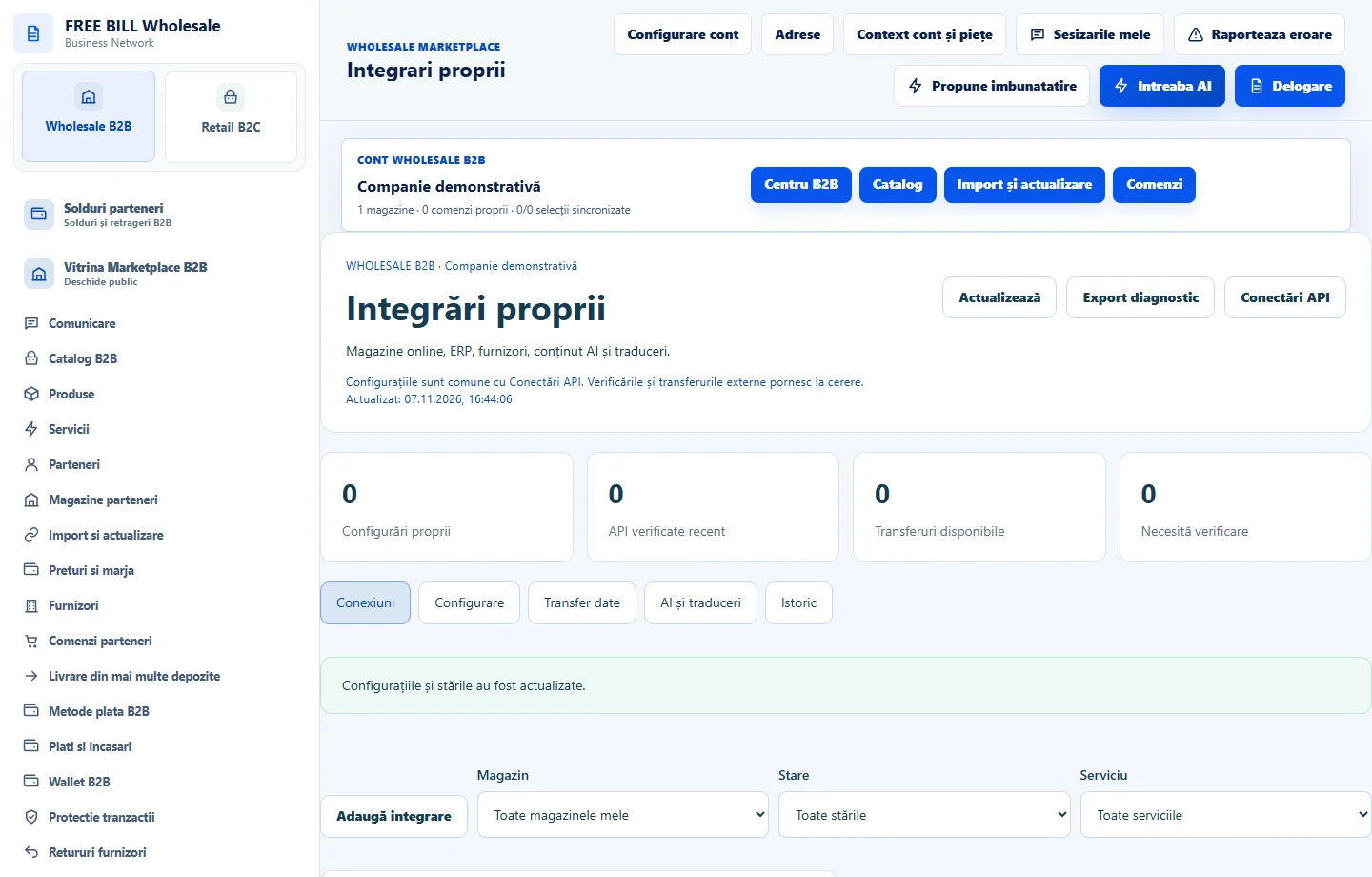
- Integrari proprii
Step by step
Choose the store and service
In «Integrări proprii», choose the store and «Adaugă integrare». Check the service, required details and purpose of the connection.
Verify before transferring data
In «Conexiuni», use «Verifică» and read the result. In «Transfer date», check the source and destination before starting the available operation.
Limit API access
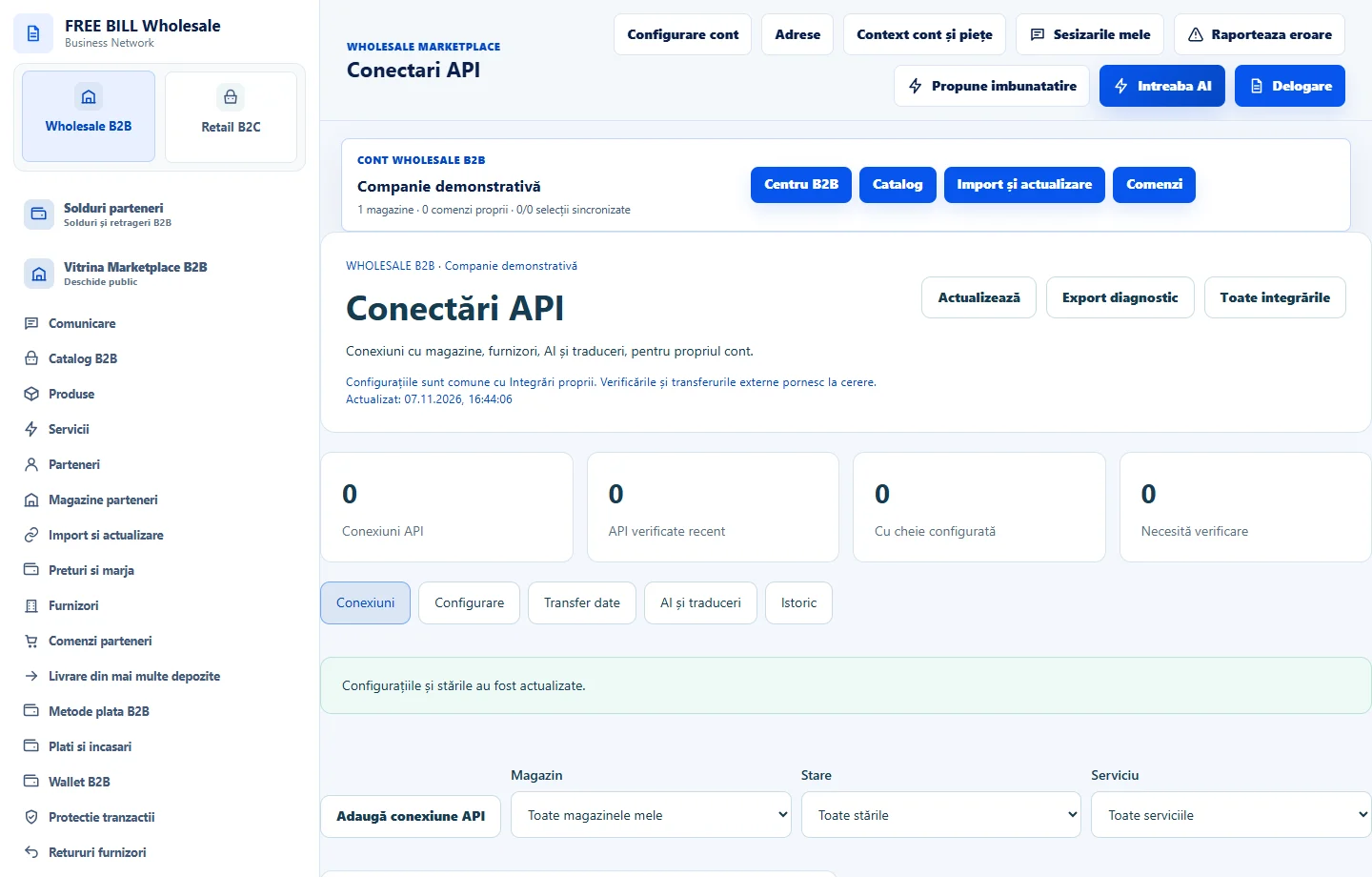
In «Conectări API», use «Adaugă conexiune API» for the correct store. Select only the required permissions and keep the key secure.
Review the result
Check «Istoric» for operations and «AI și traduceri» for generation connections. If a request is unconfirmed, check the history before making a new request.
Application interface · Romanian · 1
Check the result
The connection has the correct store and permissions, and its verification result is visible.
If something is missing
If verification fails, check the store, permissions, provider details and server message first.
Availability depends on your role, enabled modules, country and company configuration.
Open in FreeBill Conect