Sign in and prepare your partner profile
Start from your reseller or dropshipper account and check your business details before working with suppliers.
Before you begin
- You need an active partner account and the details of the business that will resell.
- Who it is for
- Wholesale partner
- Where to find it
- Administrare Wholesale Marketplace (B2B)
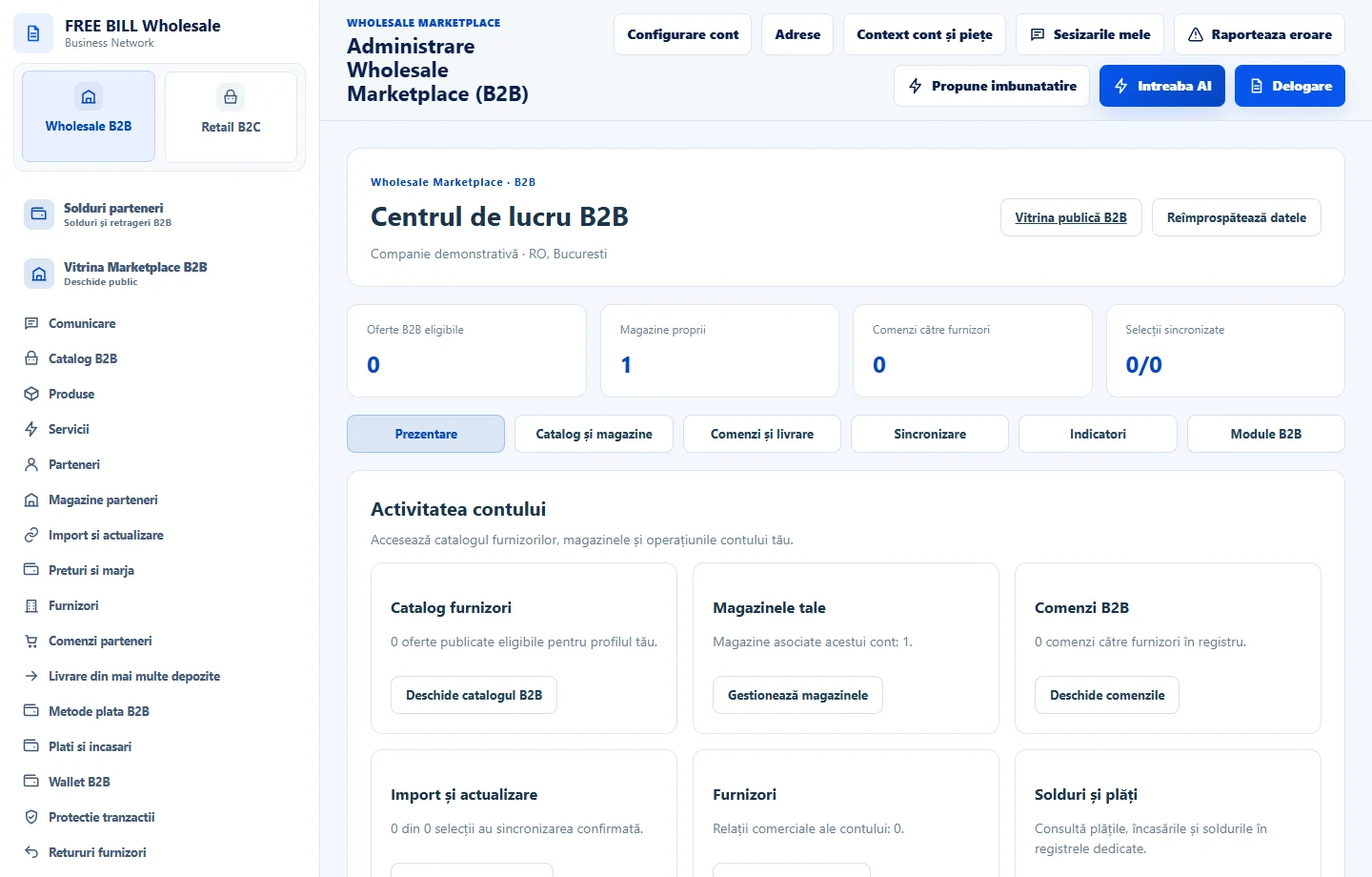
Step by step
Open the partner portal
Open /partener and select «Cont partener Wholesale». Sign in with your own account and open the Wholesale dashboard.
Review the business profile
Open «Parteneri» and select «Profil comercial». Review the business name, contact details, country, city and activity before saving.
Choose your workspace
Check «Magazine» for your stores and «Furnizori și acces» for business relationships. Continue in the store that will carry the offer.
Check what remains
Return to «Verificări» and review what the server confirms. Correct missing details before sending an access request or publishing an offer.
Application interface · Romanian · 1
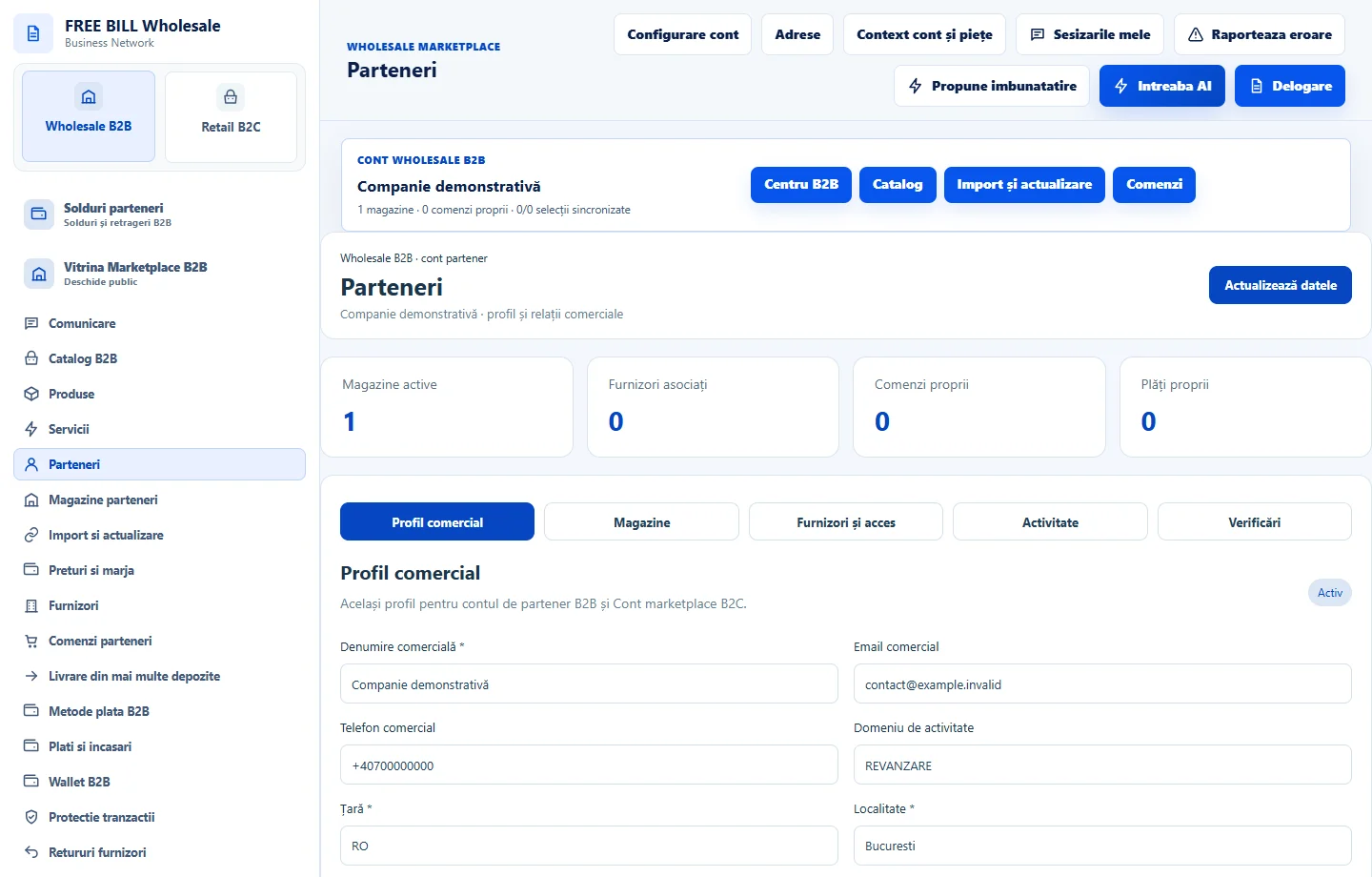
Check the result
You have identified your profile, store and the next setup step.
If something is missing
If the expected menu is missing, check that you signed in through /partener with the authorized account.
Availability depends on your role, enabled modules, country and company configuration.
Open in FreeBill Conect