Record verified payroll totals
Store payroll totals prepared and checked outside this form.
Before you begin
- HR edit permission and a verified payroll statement for the selected period.
- Who it is for
- company user with module permission
- Where to find it
- Payroll
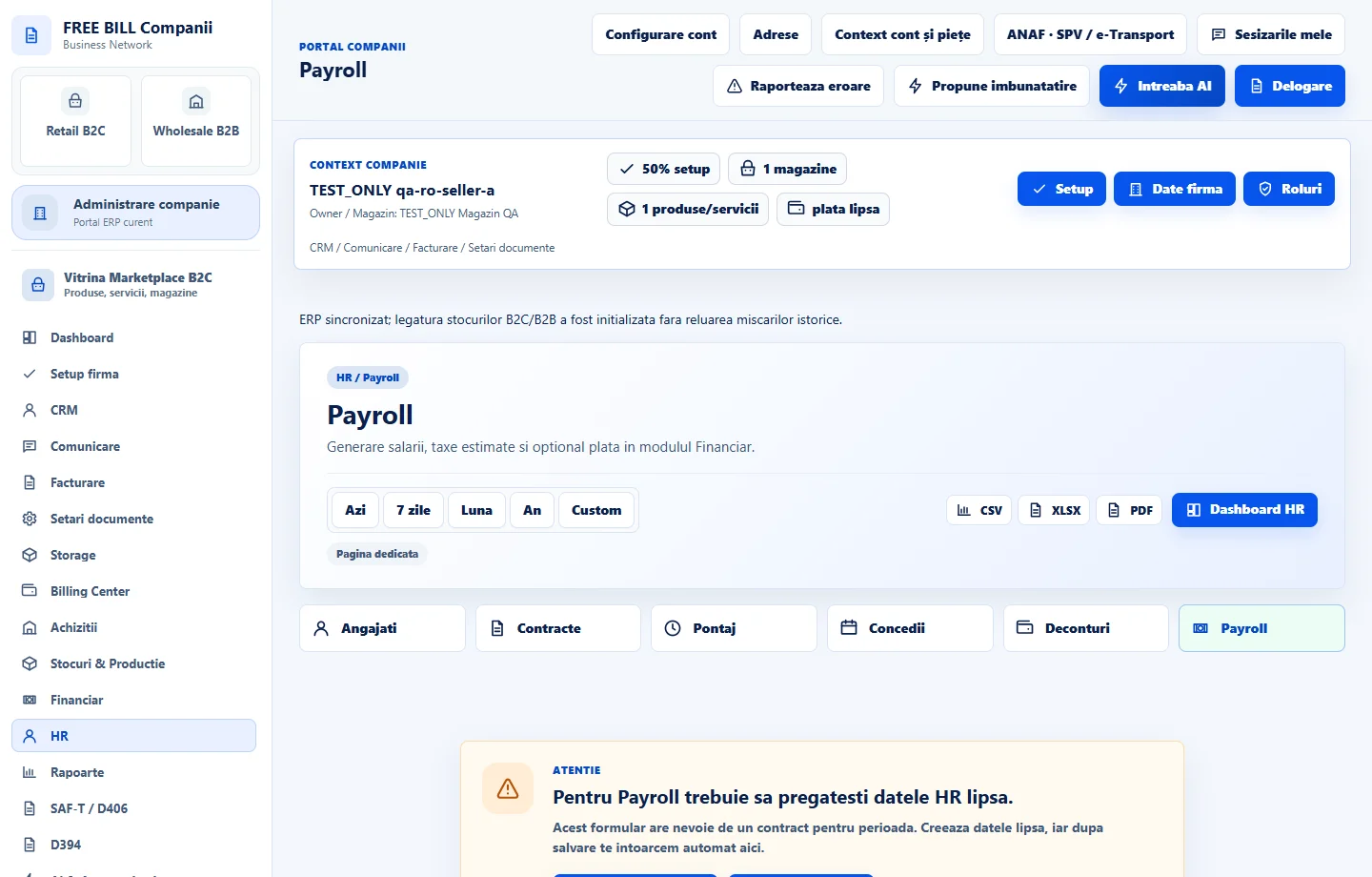
Step by step
Open Payroll
Select the relevant company or account, then open «Payroll».
Select the payroll month
Set «Perioada» to the correct month.
Enter verified totals
Fill «Brut total verificat», «Net total verificat», «Taxe declarate» and currency from the verified statement.
Save payroll
Select «Salveaza payroll».
Review and arrange payment separately
Inspect «Runde payroll». Payment is recorded separately after approval; this form does not calculate net pay, taxes or contract proration.
Check the result
Recorded payroll totals for a period, ready for the separate approval/payment workflow.
If something is missing
Use totals from a verified payroll statement; this form does not compute payroll taxes or net pay. Check period, currency and numeric validation if the record cannot be saved.
Availability depends on your role, enabled modules, country and company configuration.
Open in FreeBill Conect