Manage stock and production from warehouse to finished goods
Connect catalogue items, movements, transfers, counts, consumption and production in one workflow.
Before you begin
- The company selected and permissions for the relevant stock locations.
- Item list, units of measure and details of the physical operations.
- Who it is for
- Operator with write access to «Stocuri & Producție».
- Where to find it
- Stocuri & Productie
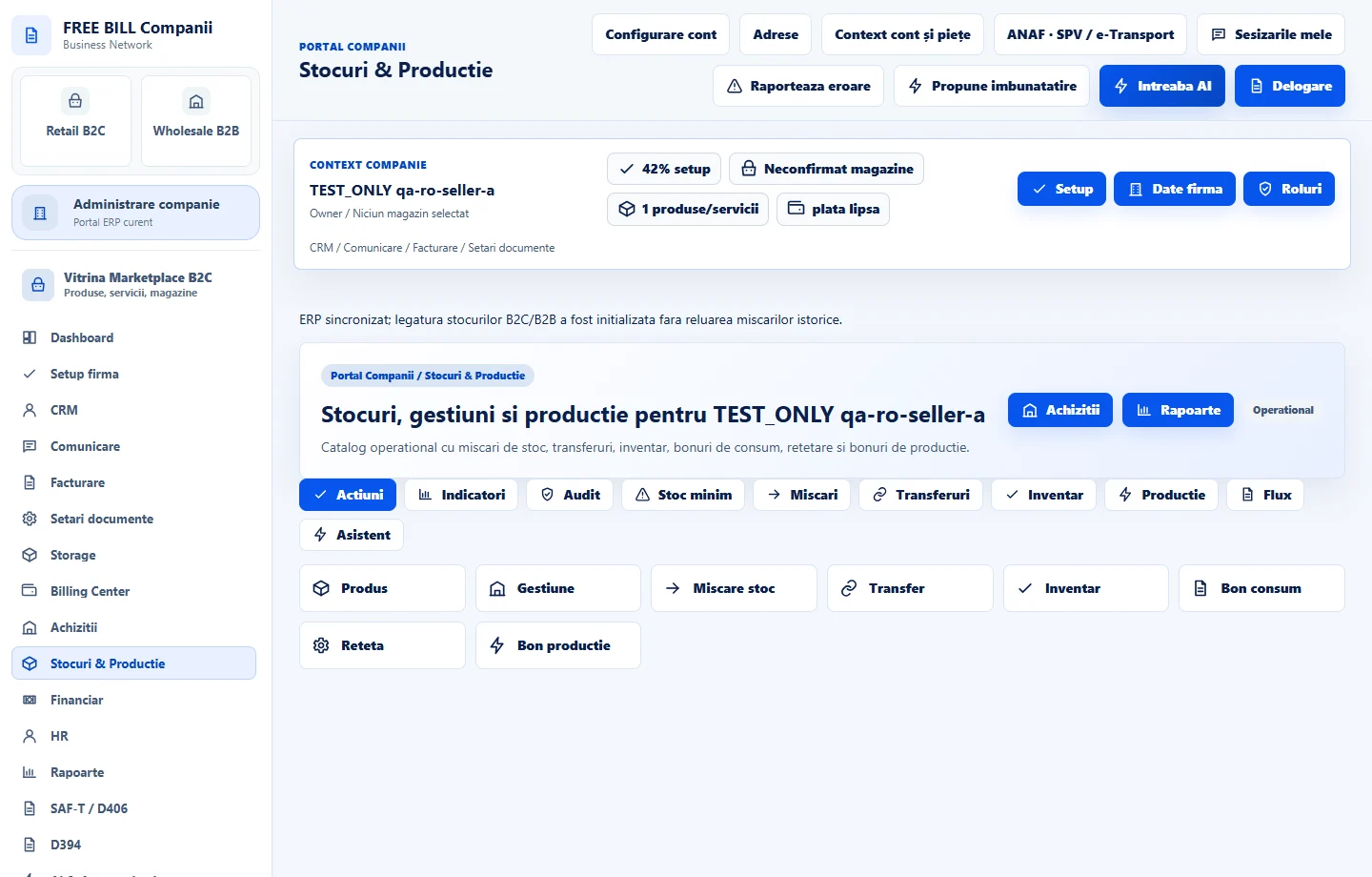
Step by step
Create catalogue items and stock locations
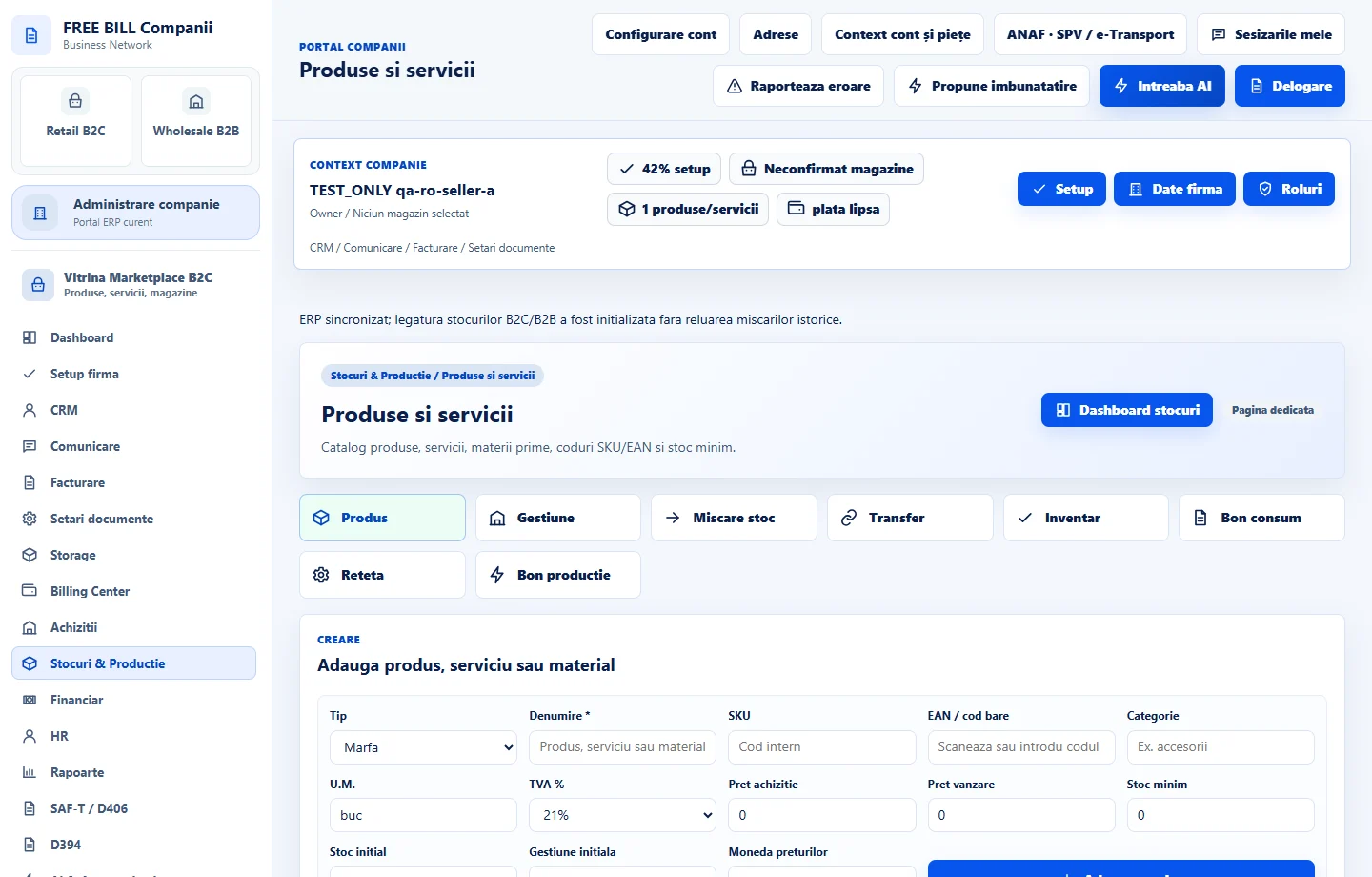
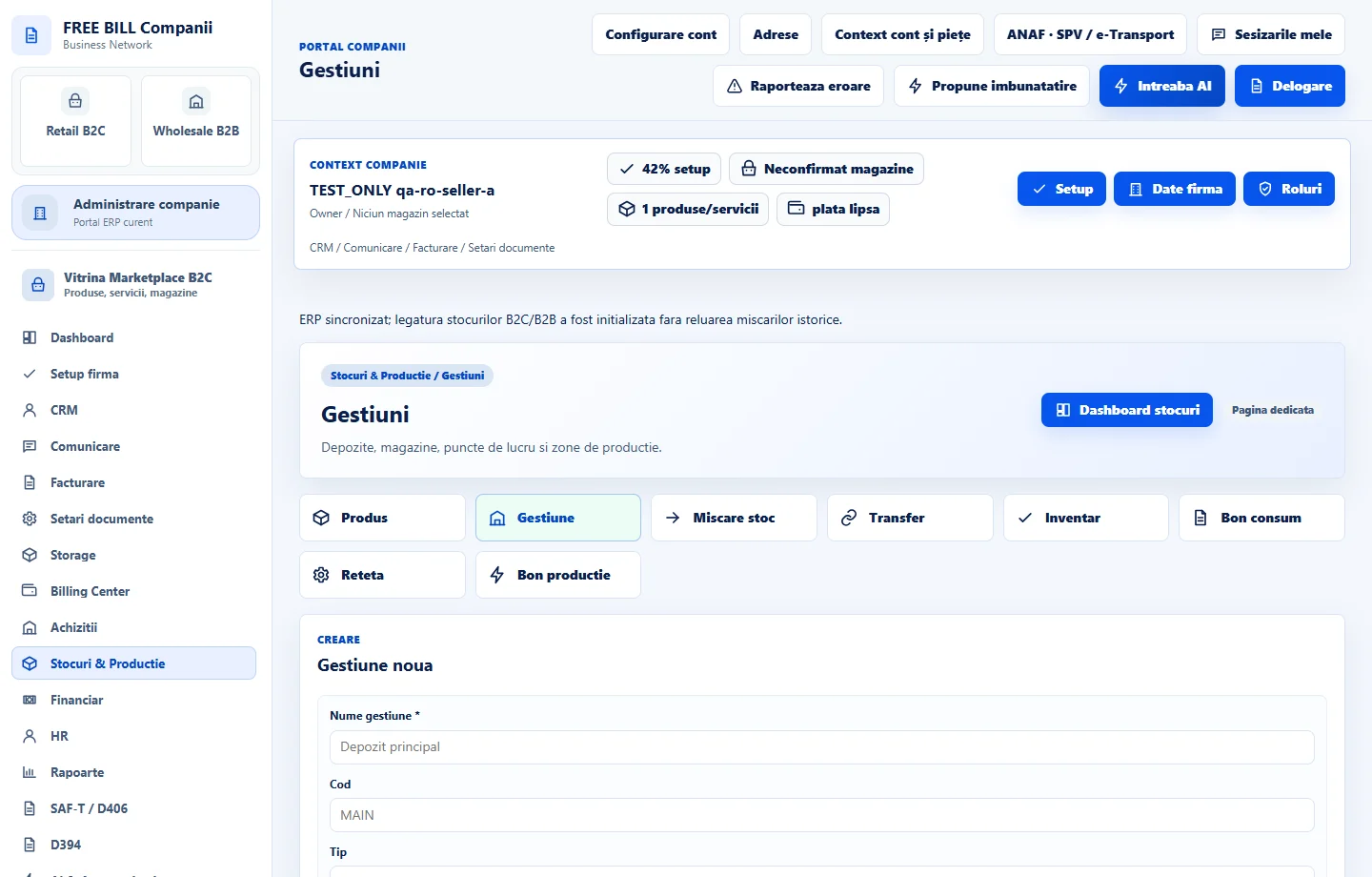
In «Produse și servicii», save items and materials with names, codes and units of measure. In «Gestiuni», add the warehouses where you will track stock.
Choose the movement document
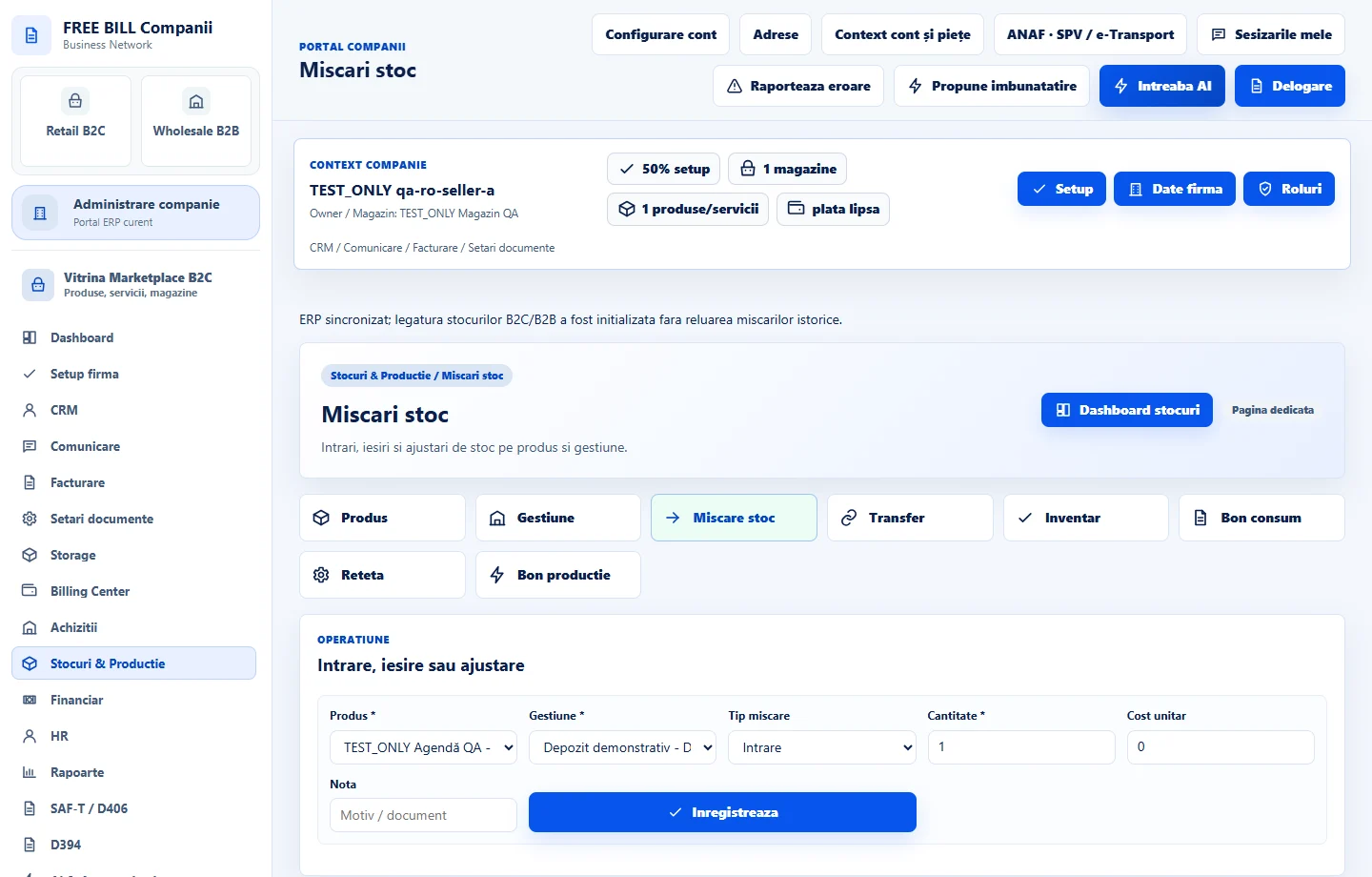
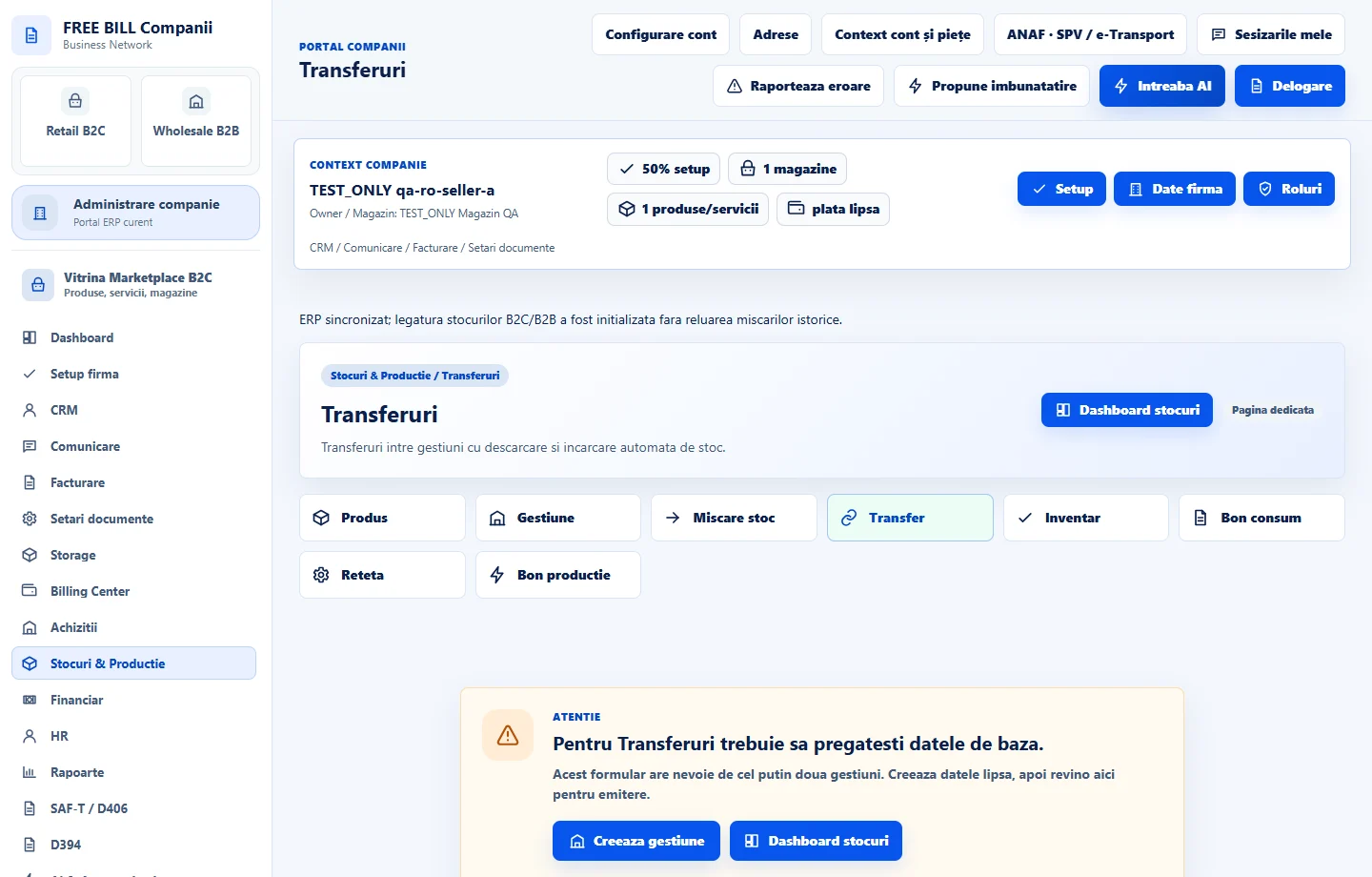
Use «Mișcări stoc» for an eligible manual inbound or outbound movement. To move the same goods between locations, use «Transferuri» and check the source, destination and quantity.
Compare counted stock with recorded stock
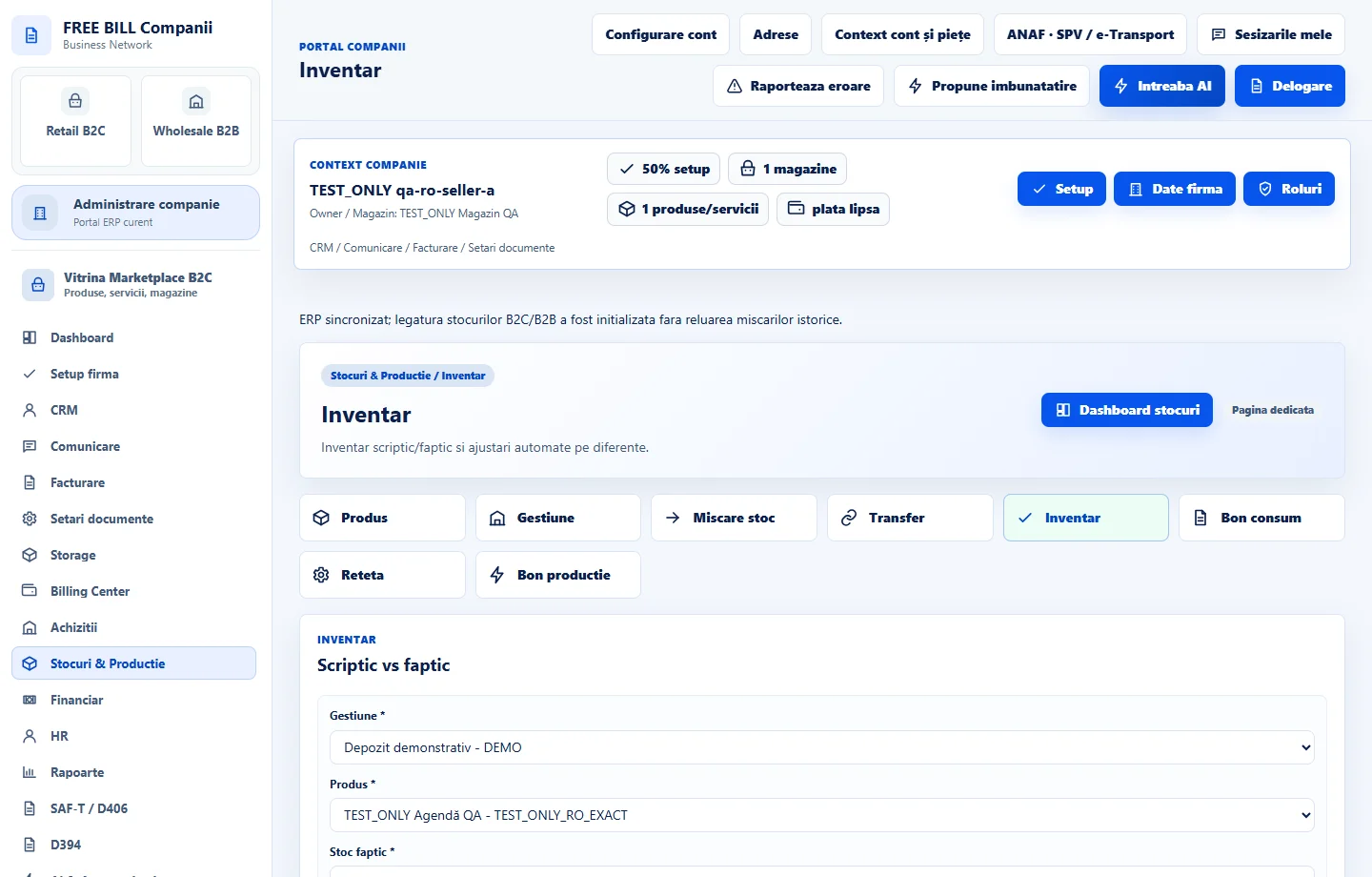
In «Inventar», select the location and enter counted quantities. Review differences before closing the count, then check the resulting movements in the register.
Record consumption or prepare a recipe
For materials used directly, open «Bon consum». For manufacturing, create or update «Rețetare» with the finished product, materials and quantities. Verify units and stock locations before using the recipe.
Record the production batch
Open «Bon producție», choose the product, recipe and quantity, then check required materials and availability. Save the operation and review «Mișcări stoc» for the finished product entry and material consumption recorded by the production voucher.
Application interface · Romanian · 5
Check the result
Catalogue items, stock by location and production documents can be traced in the associated registers.
If something is missing
If the operation is blocked, check stock available at the source location, product status and units of measure. Review any movements generated by «Achiziții» or «Facturare» before recording a manual correction.
Availability depends on your role, enabled modules, country and company configuration.
Open in FreeBill Conect