Prepare monthly personnel records
Follow the links between employees, contracts, timesheets, leave, expenses and verified payroll totals.
Before you begin
- The company and working period checked.
- Employee records, contracts and supporting documents for time, leave and expenses.
- Who it is for
- HR operator with access to the company's personnel data and relevant operations.
- Where to find it
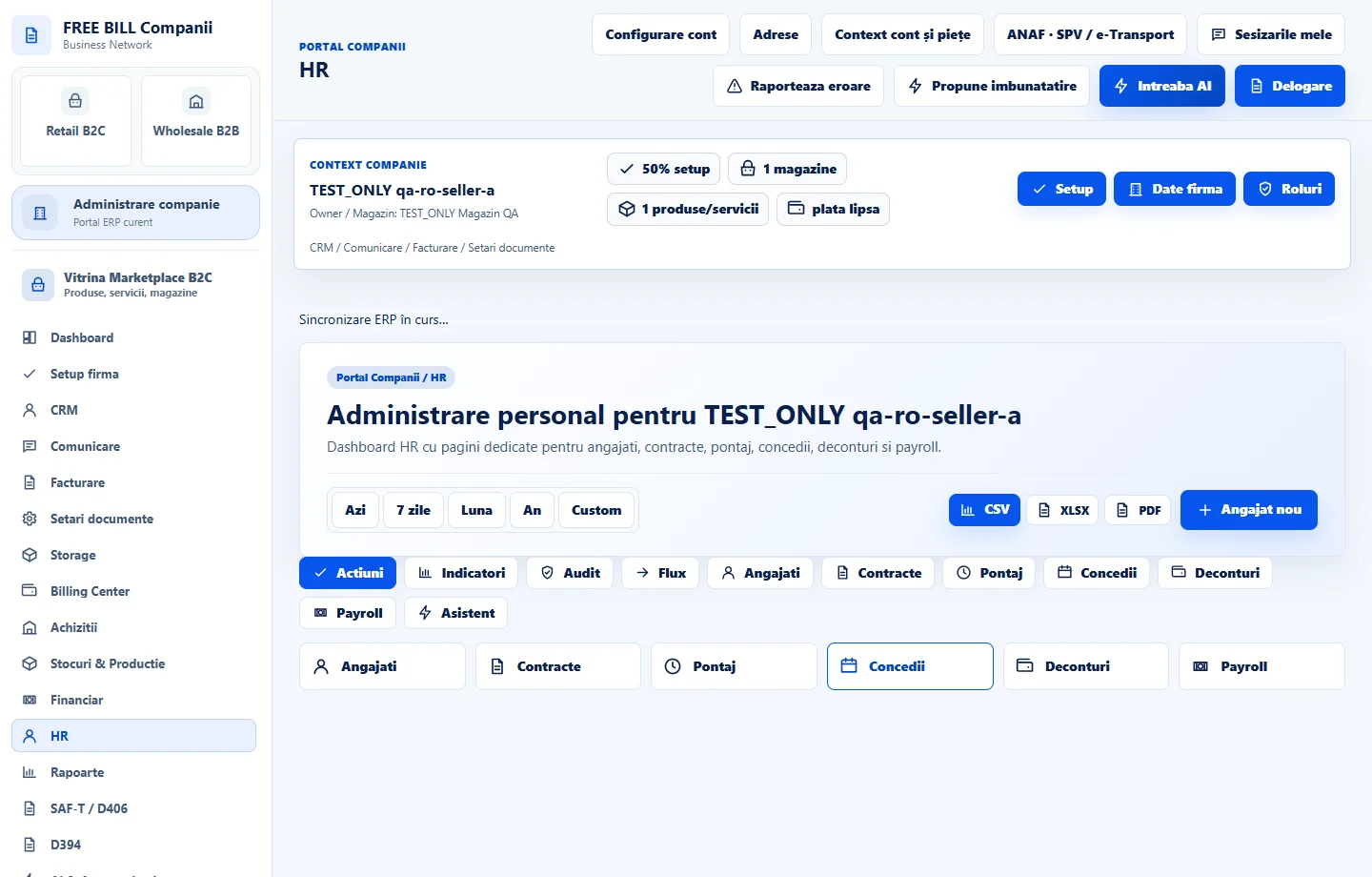
- HR
Step by step
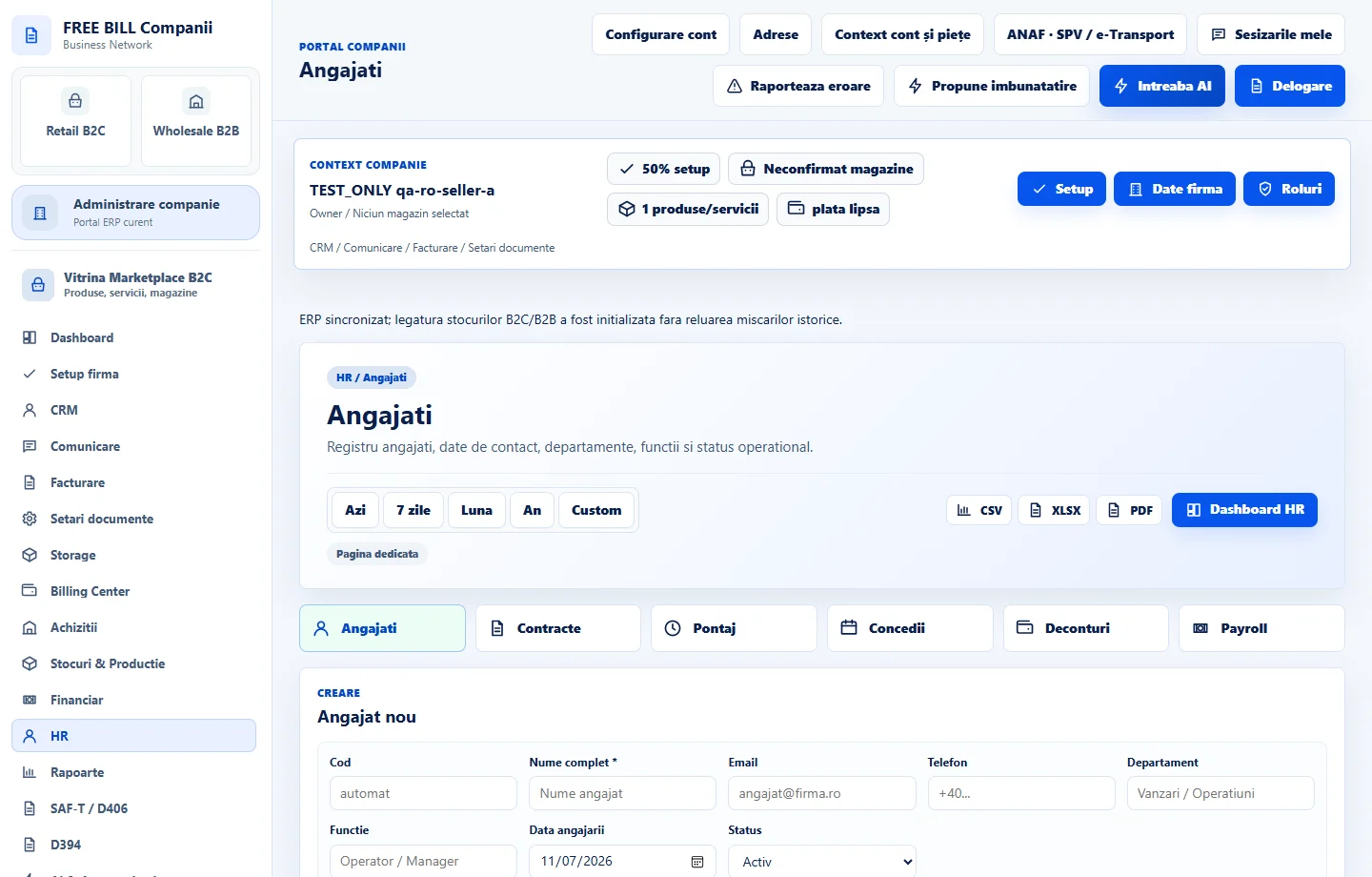
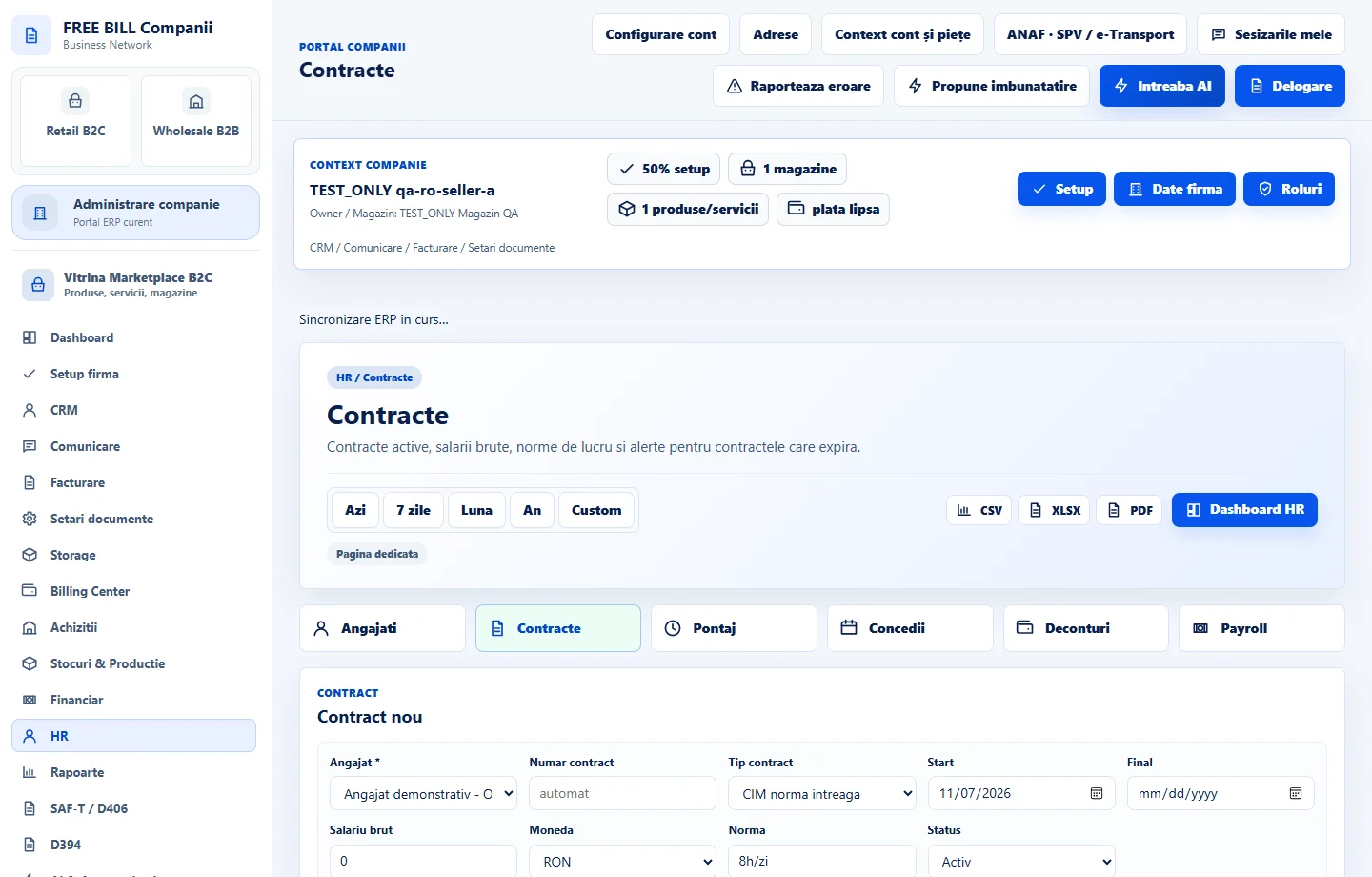
Review «Angajați» and «Contracte»
In «HR», open «Angajați» to confirm the employee record and status. In «Contracte», select the employee and check dates, period, contract type and the corresponding entry.
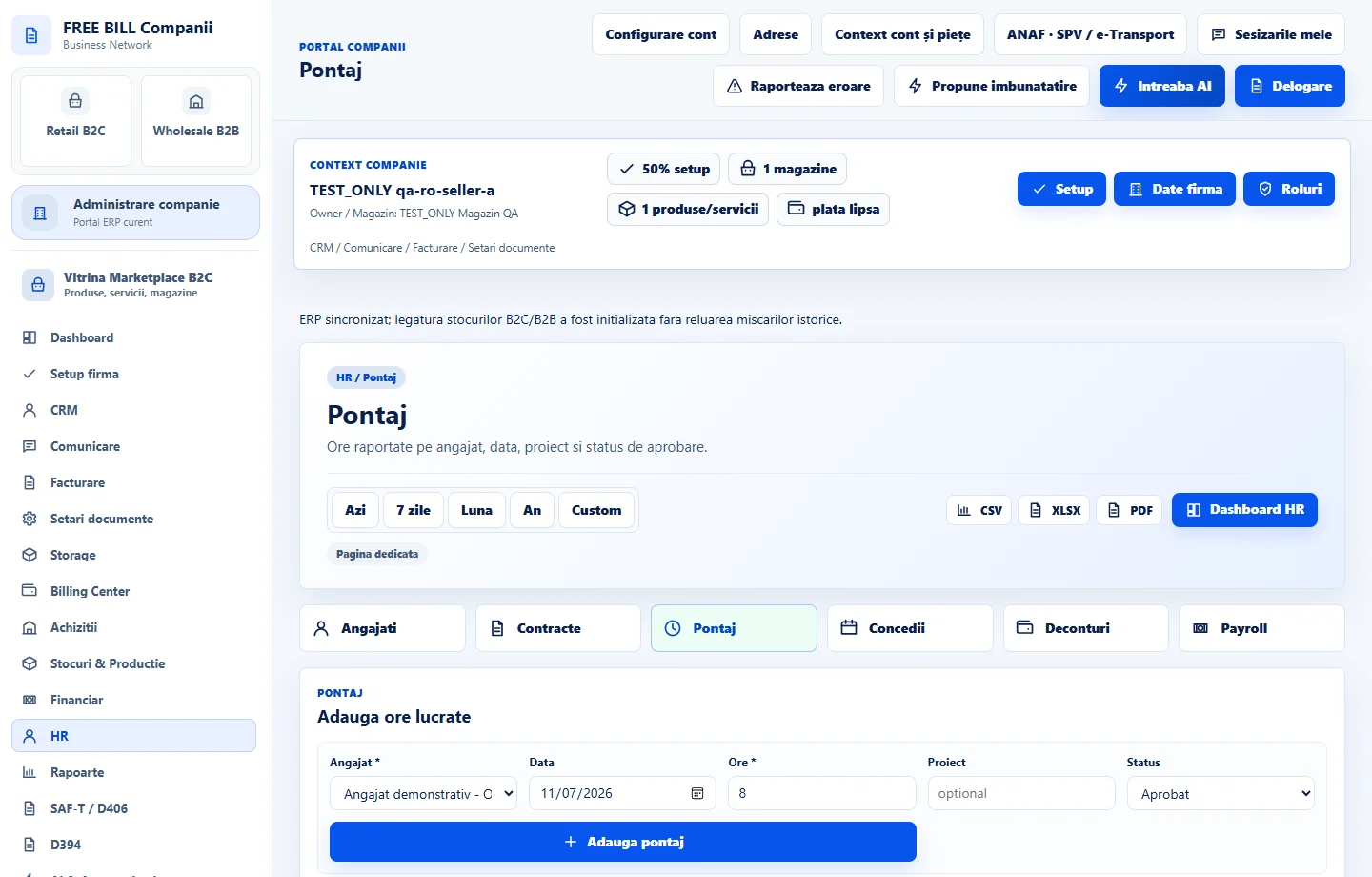
Complete «Pontaj»
In «Pontaj», select the employee and date or period. Enter time worked in the displayed fields, save and check the row in the register for that period.
Check «Concedii» and «Deconturi»
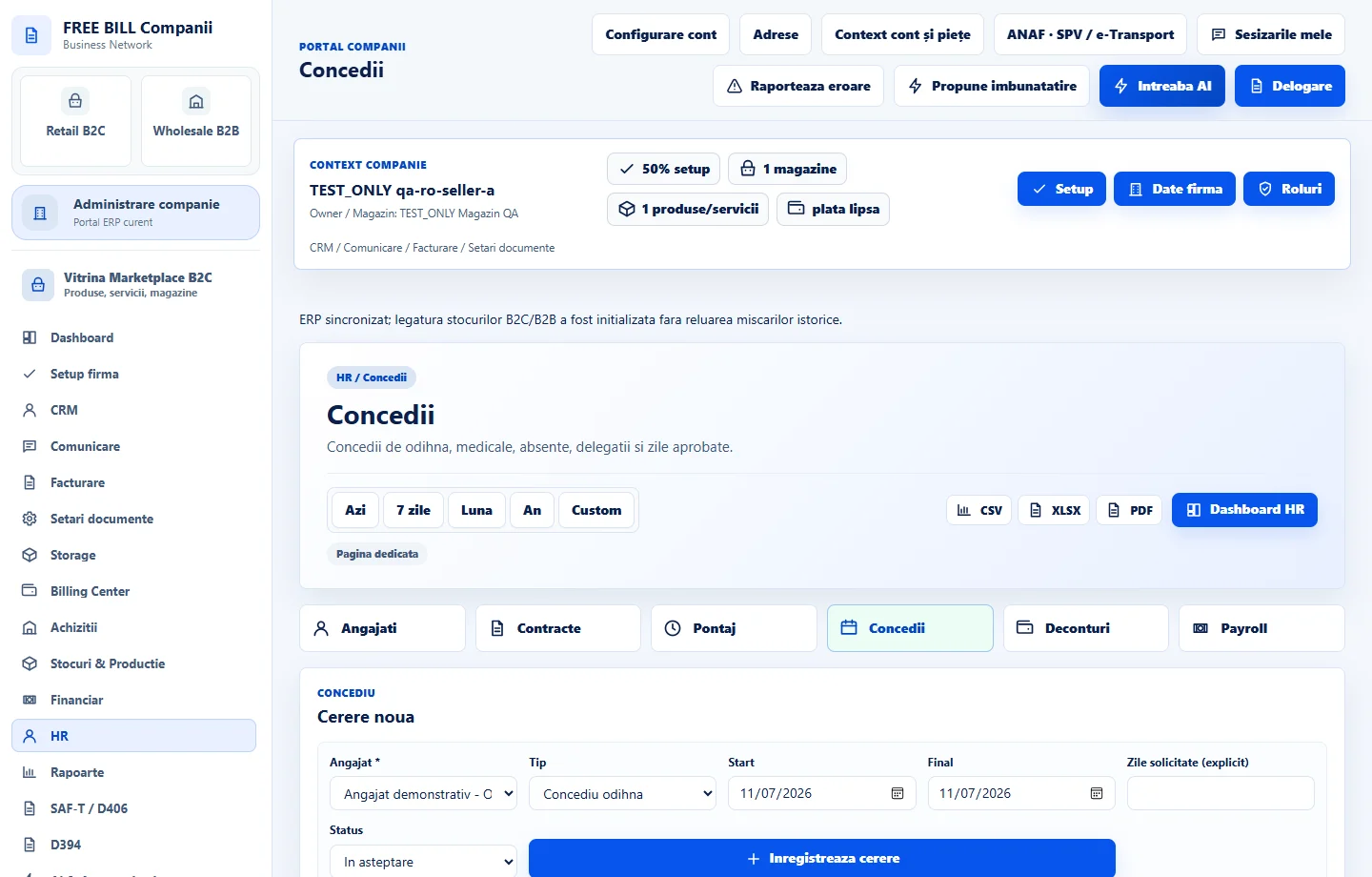
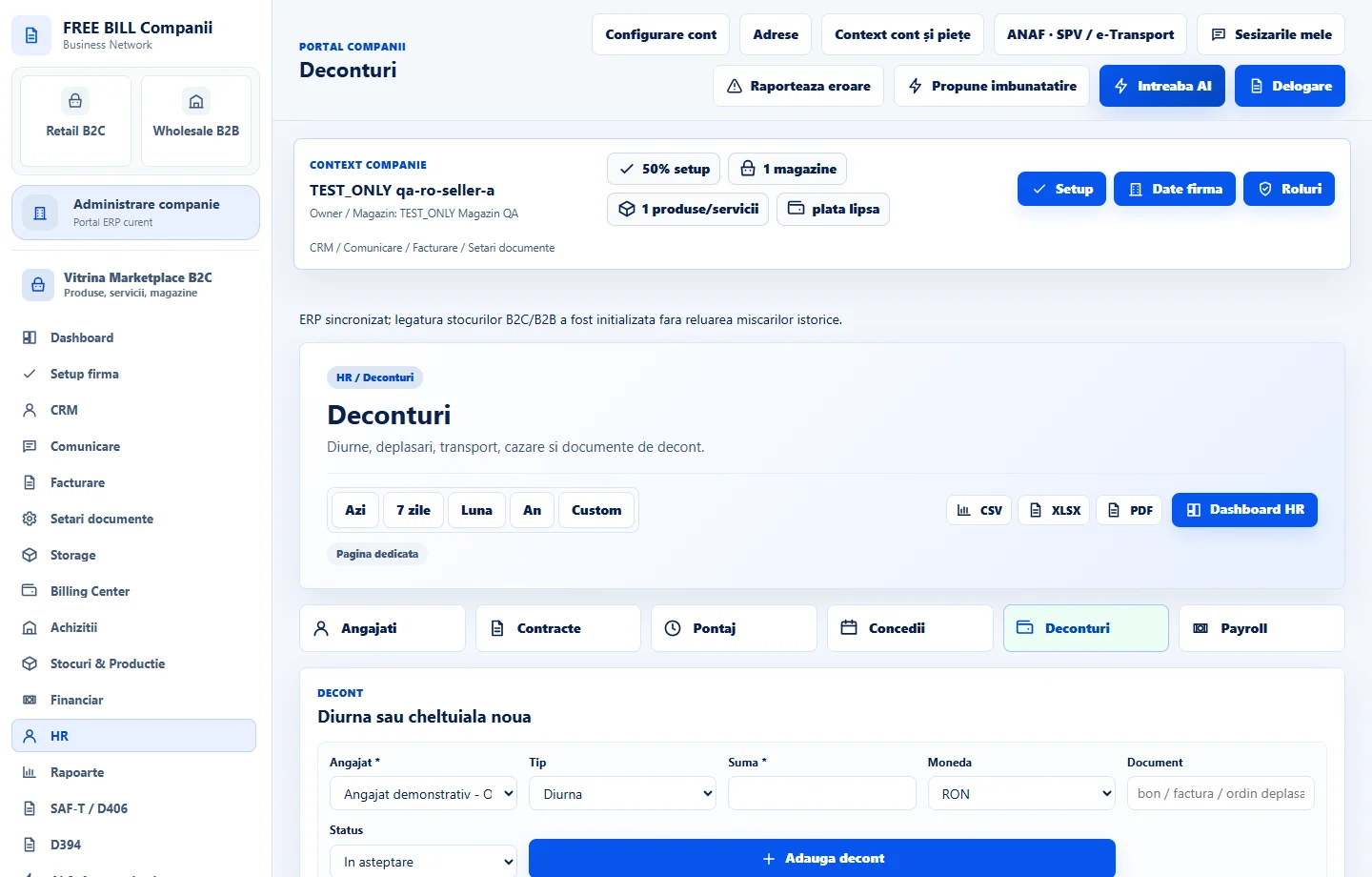
In «Concedii», check request dates, type and status. In «Deconturi», select the employee, enter the amount, currency and supporting details requested, then check the status.
Enter verified totals in «Payroll»
In «Payroll», select the employee and period. Enter verified payroll totals in the available fields, save and compare the result with the supporting records for that period.
Review the month's records
Return to «HR» and compare the record counts with the registers in each module. Check the employee and month before changing an existing entry.
Application interface · Romanian · 5
Check the result
The company has records linked to employees and periods, with time, leave, expense and verified payroll totals available for review.
If something is missing
If an employee is missing from a selector, check the active company, employee status and HR access. For a period discrepancy, check the dates in each register.
Availability depends on your role, enabled modules, country and company configuration.
Open in FreeBill Conect