Message companies and stores
Keep your question in the conversation linked to the invoice or order.
Before you begin
- You need access to the company, store or order you are asking about.
- Who it is for
- Customer
- Where to find it
- Comunicare
Step by step
Choose the correct conversation
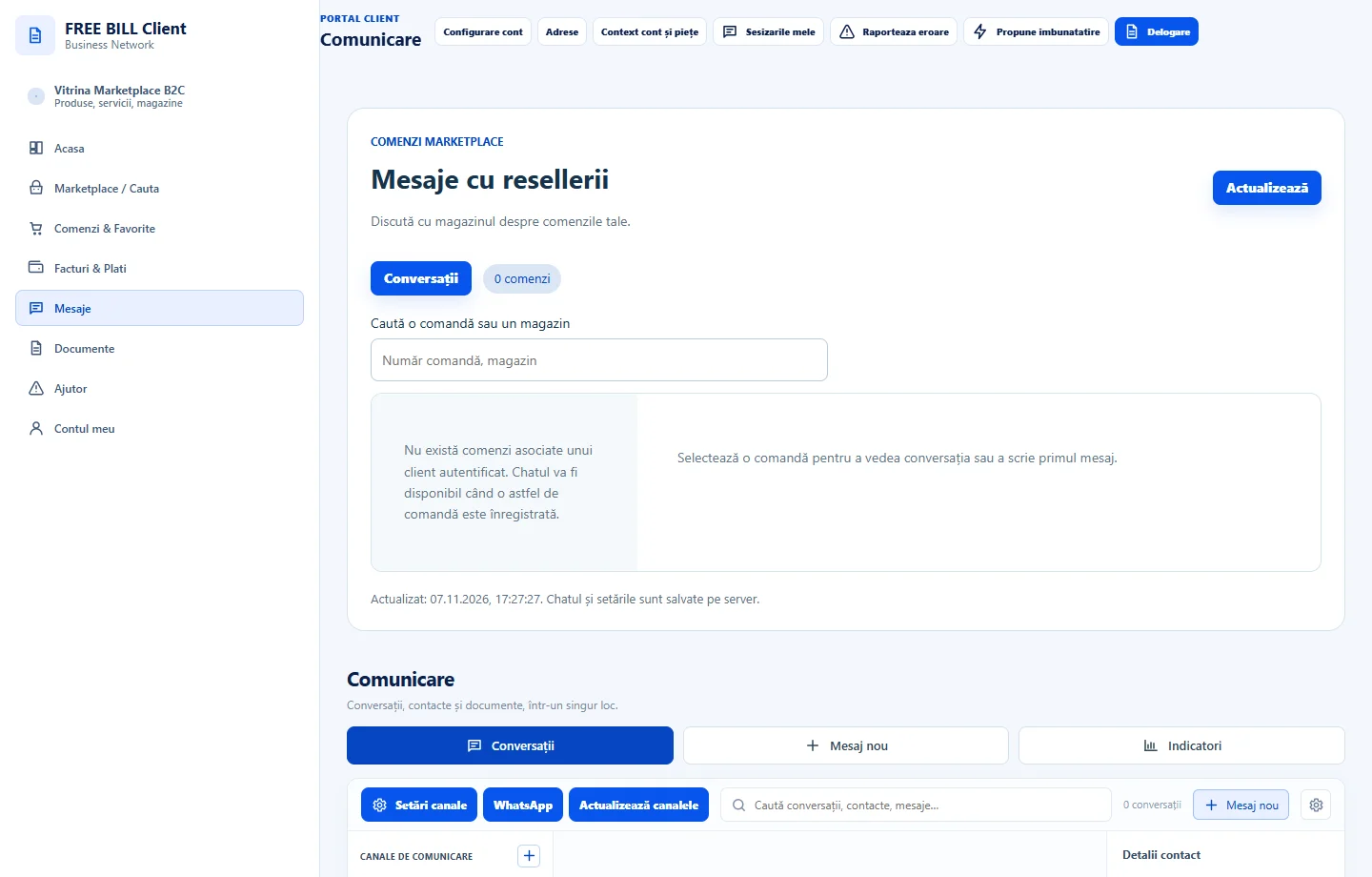
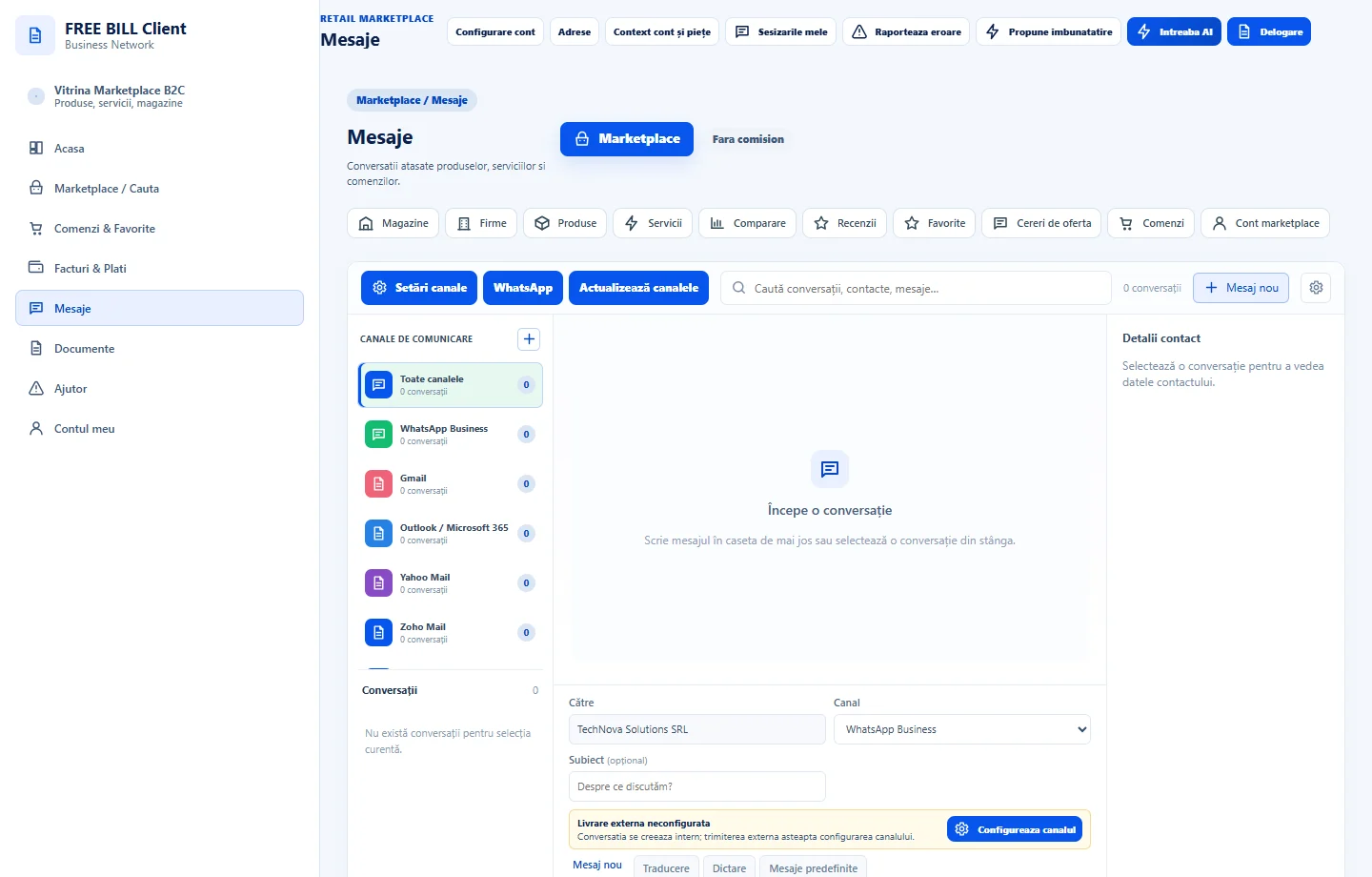
Open «Comunicare» for conversations with a company. In Marketplace, open messages and check the store and linked order.
Describe the situation
Choose «Mesaj nou» when available. Include the subject, reference and question. Check the recipient before sending.
Review communication tools
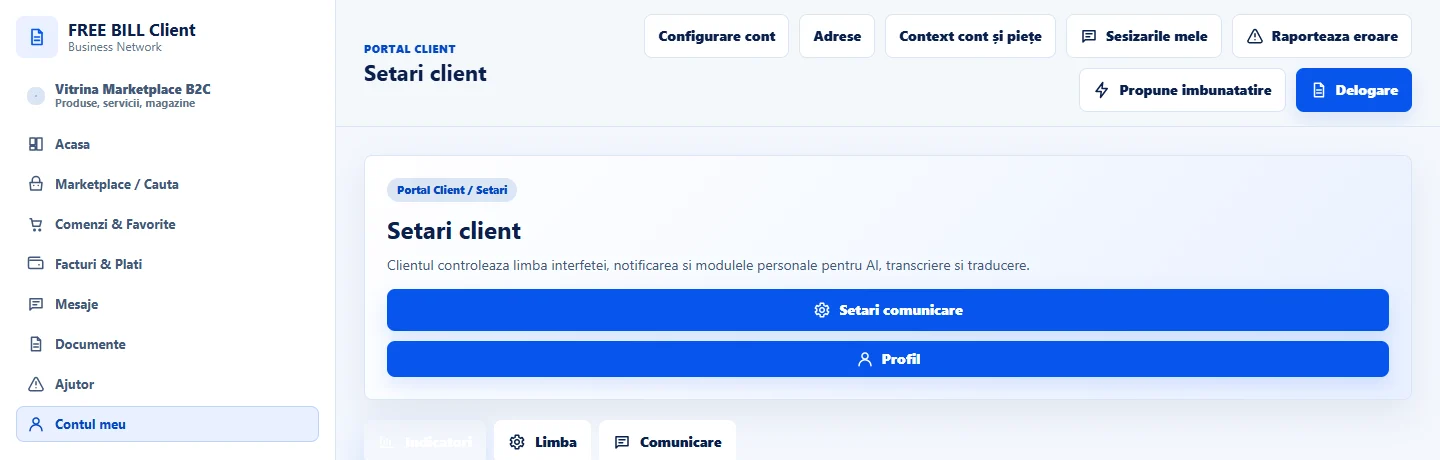
In «Setari comunicare client», check the available tools and language. Use translation or transcription only when configured.
Track the reply
Return to the conversation and check that the message appears in its history. If delivery is unconfirmed, check before sending it again.
Application interface · Romanian · 2
Check the result
The message and replies stay in the correct conversation.
If something is missing
If you cannot send a message, check the company or store, the order and channel availability.
Availability depends on your role, enabled modules, country and company configuration.
Open in FreeBill Conect