Review your subscription, storage and FreeBill invoices
Review account services and their costs before confirming a purchase.
Before you begin
- You need account access and an available method if you choose a paid service.
- Who it is for
- Customer
- Where to find it
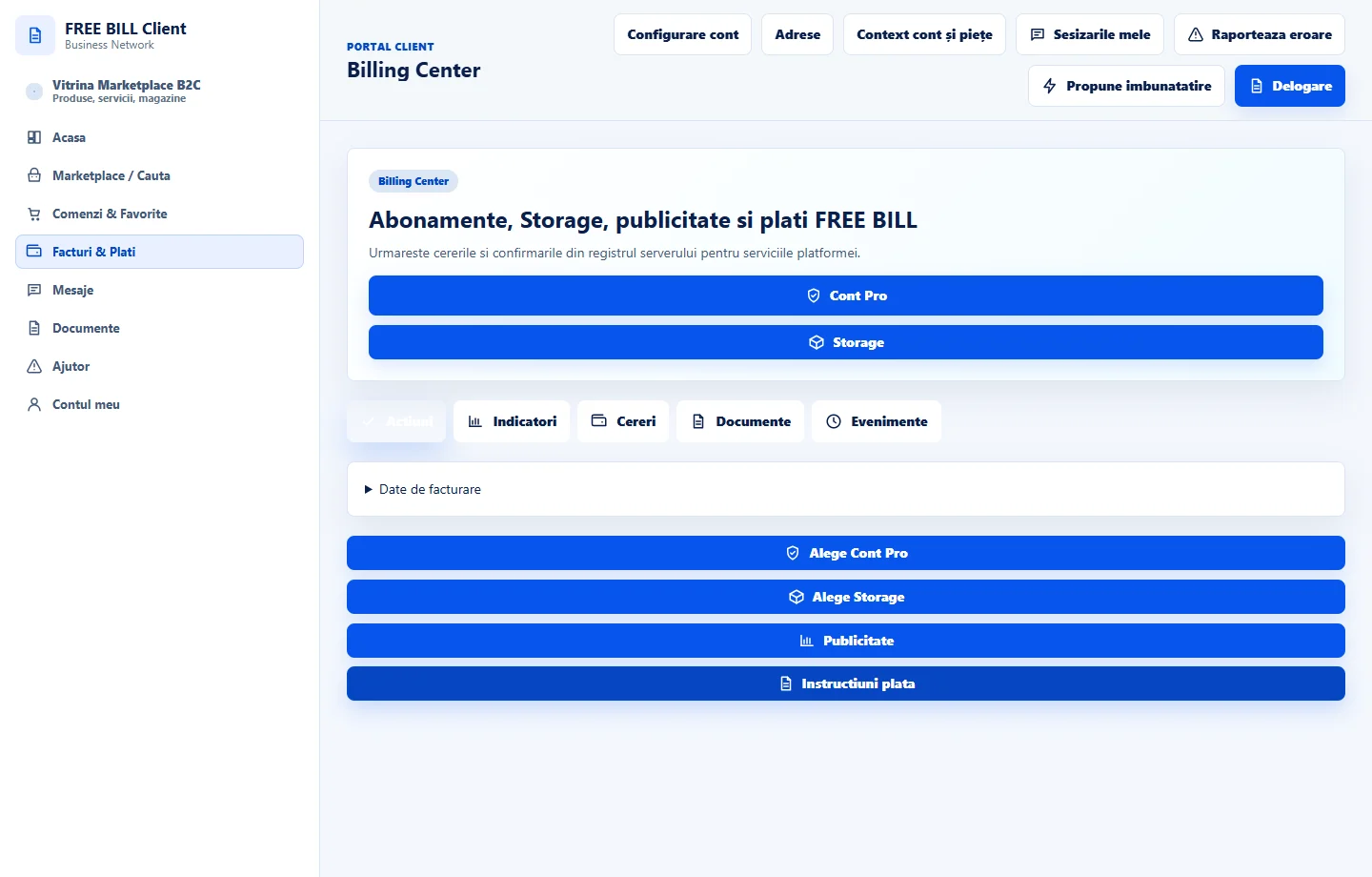
- Billing Center
Step by step
Review services and documents
Open «Billing Center». Check the service, period, amount and status. Find platform documents in «Documente FREE BILL».
Compare plans
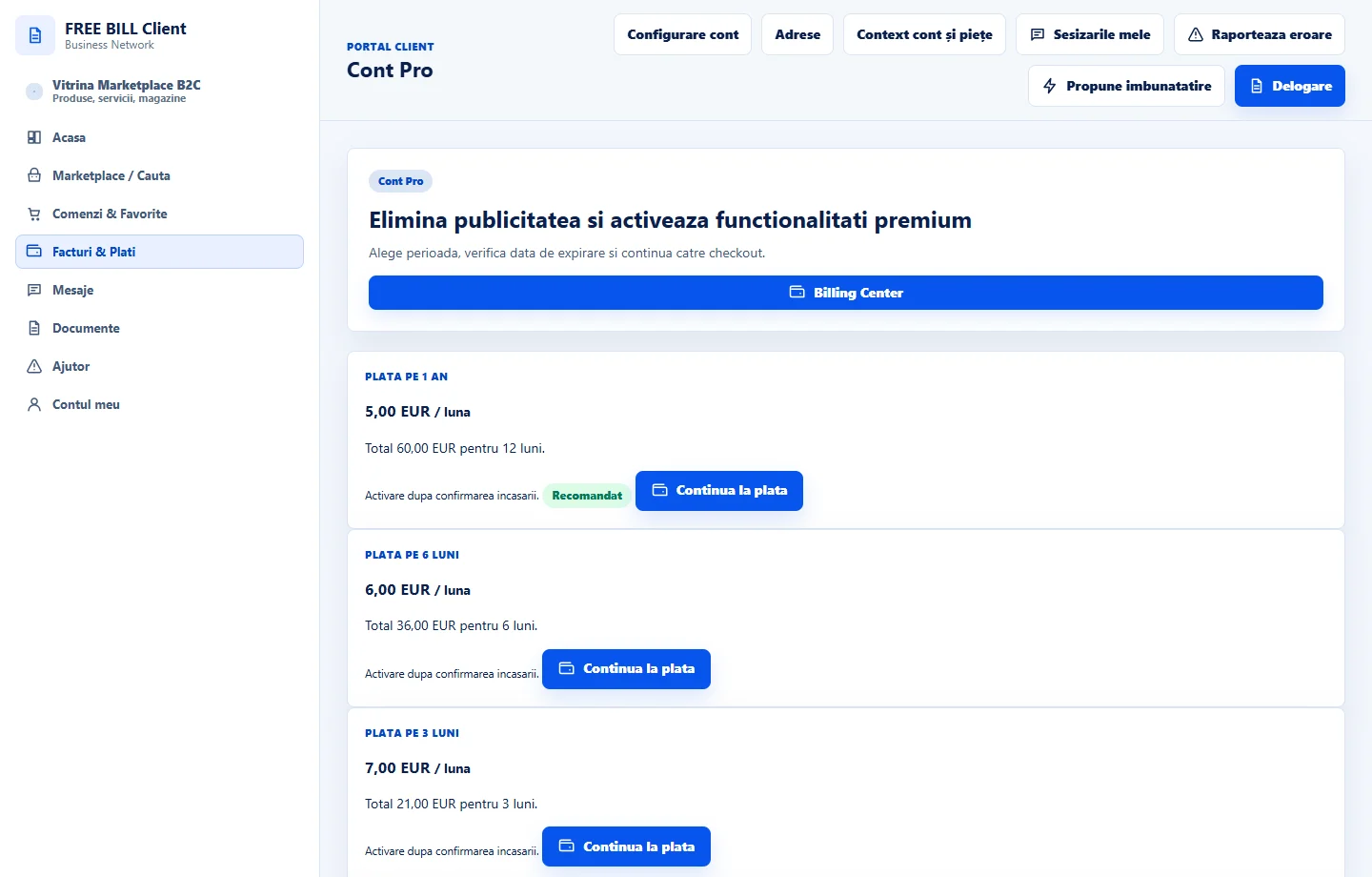
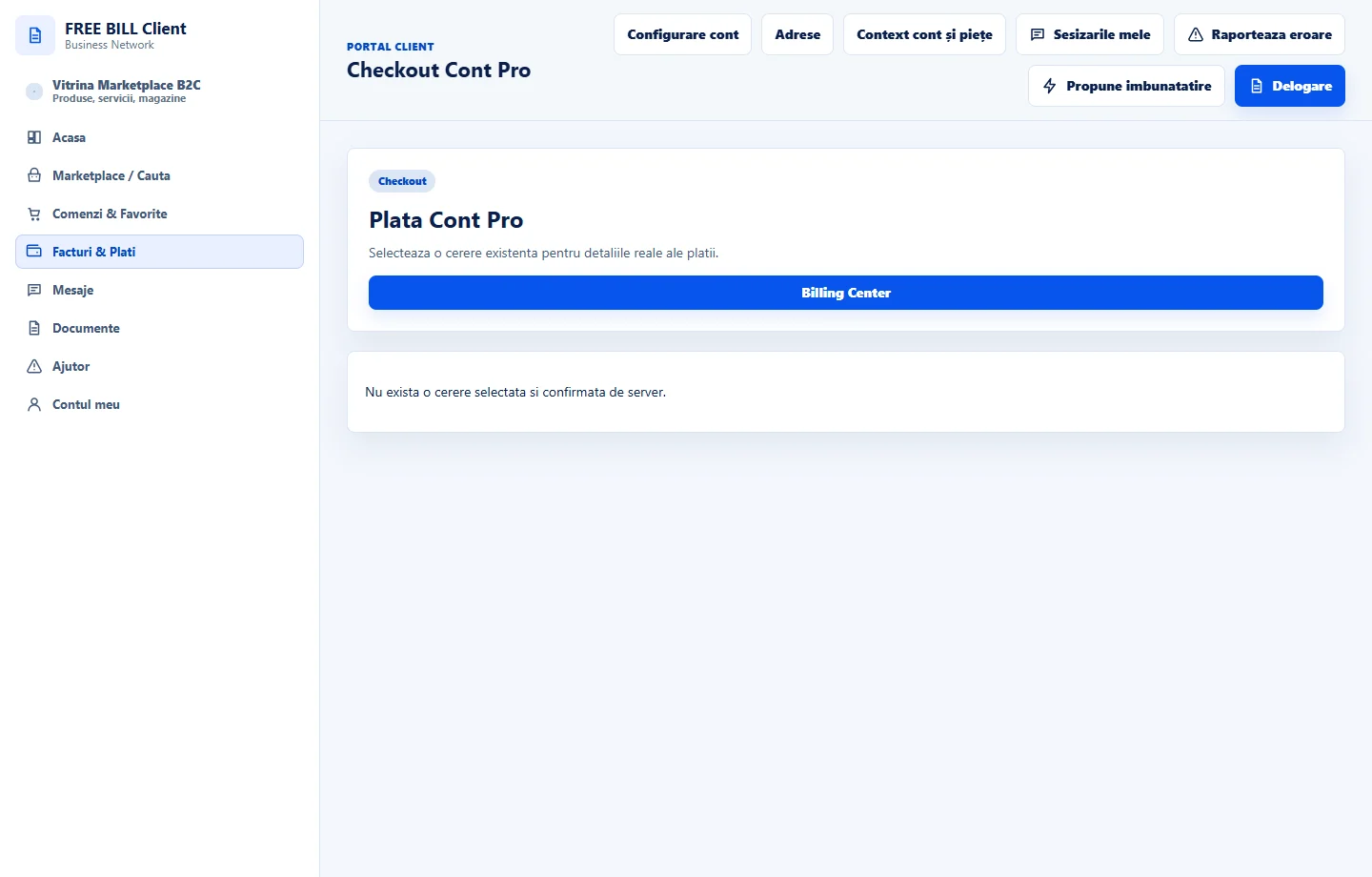
In «Cont Pro» or the premium options displayed in Marketplace, check the benefits, price and period before proceeding to payment.
Check available storage
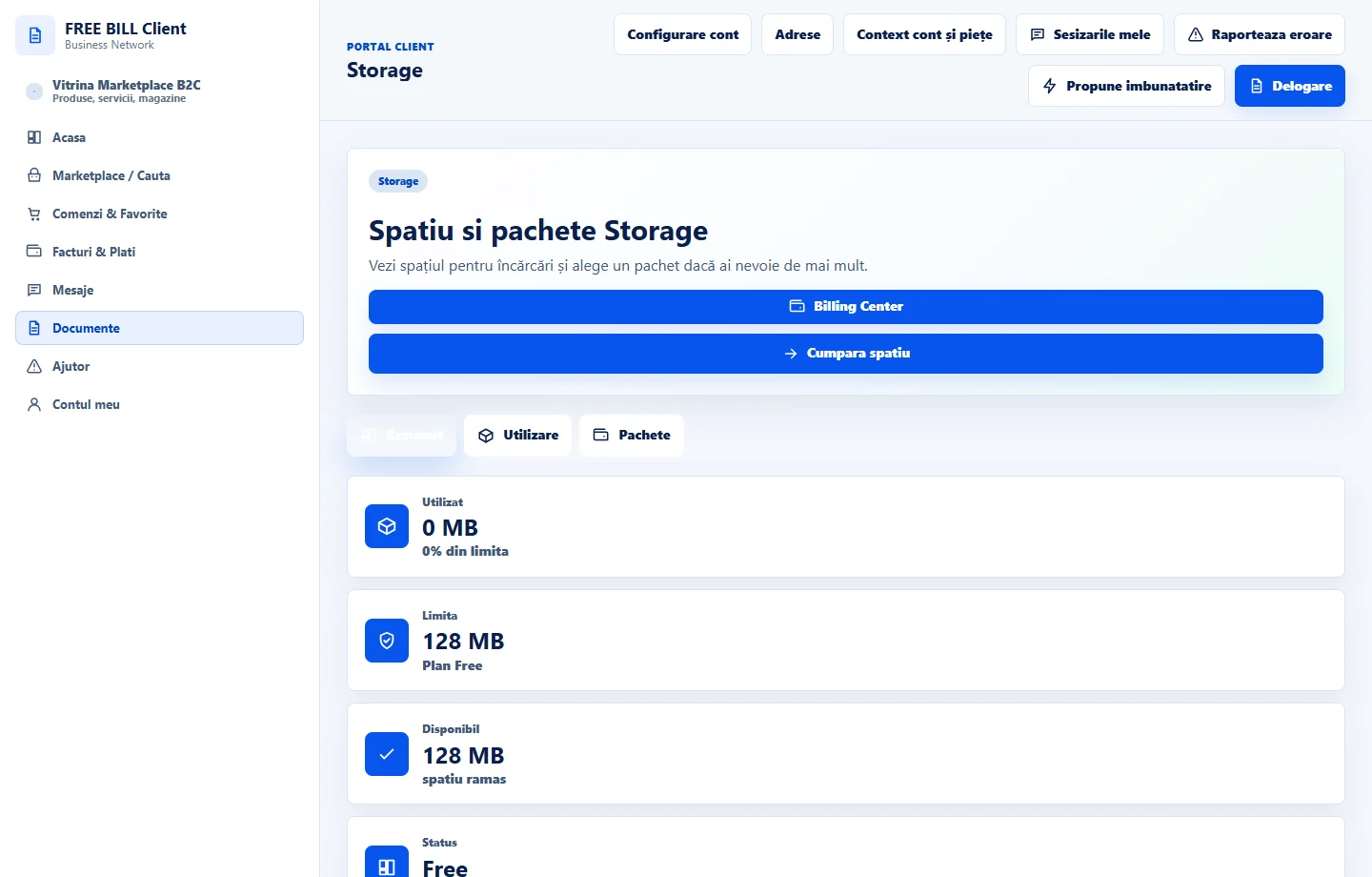
In «Storage», compare used space with the limit. If you choose a plan, check its size and cost in checkout and follow the displayed instructions.
Track activation
Return to «Billing Center» after paying. Match the reference and confirmation. Check that the plan and available storage have updated.
Application interface · Romanian · 6
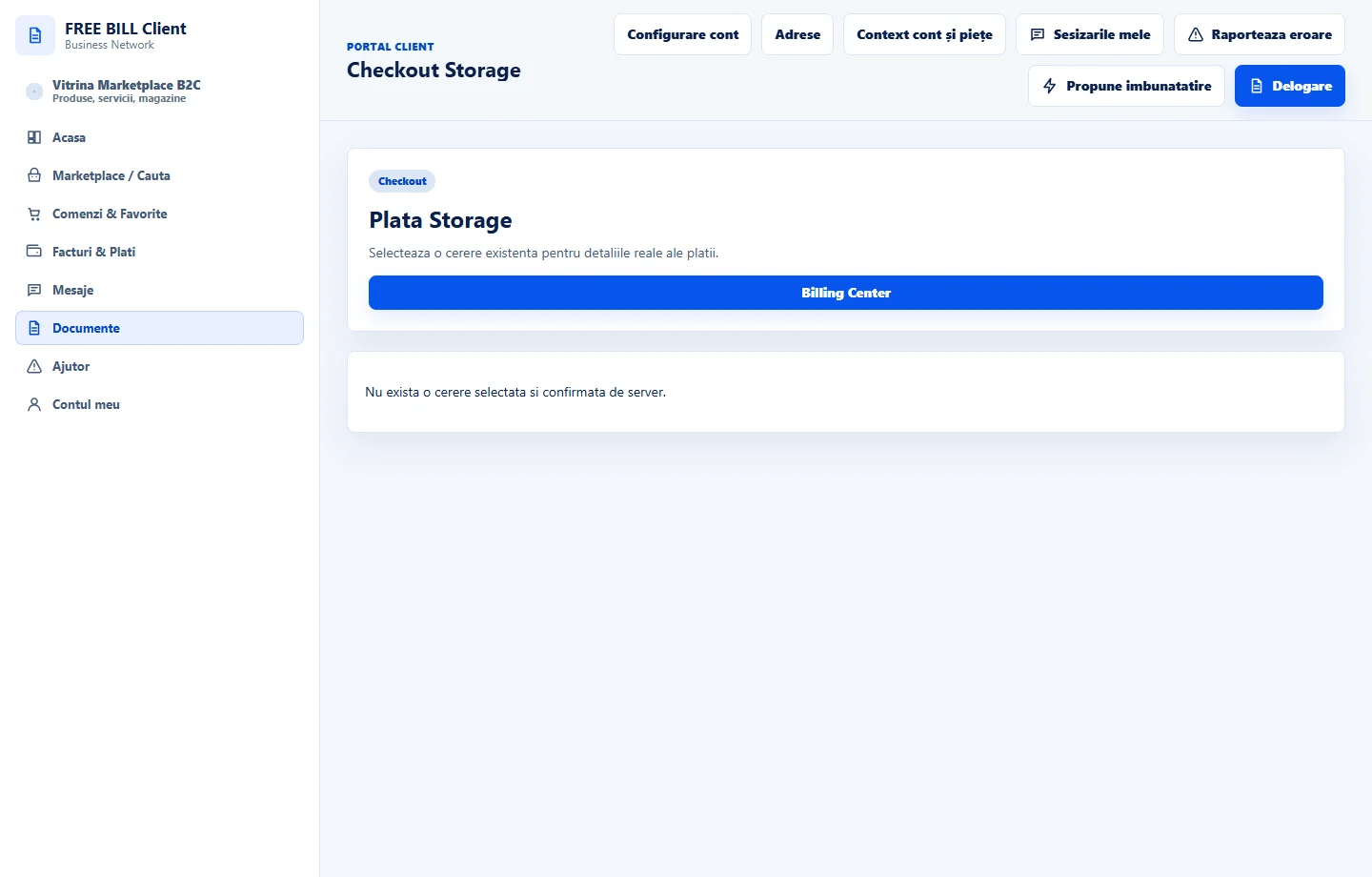
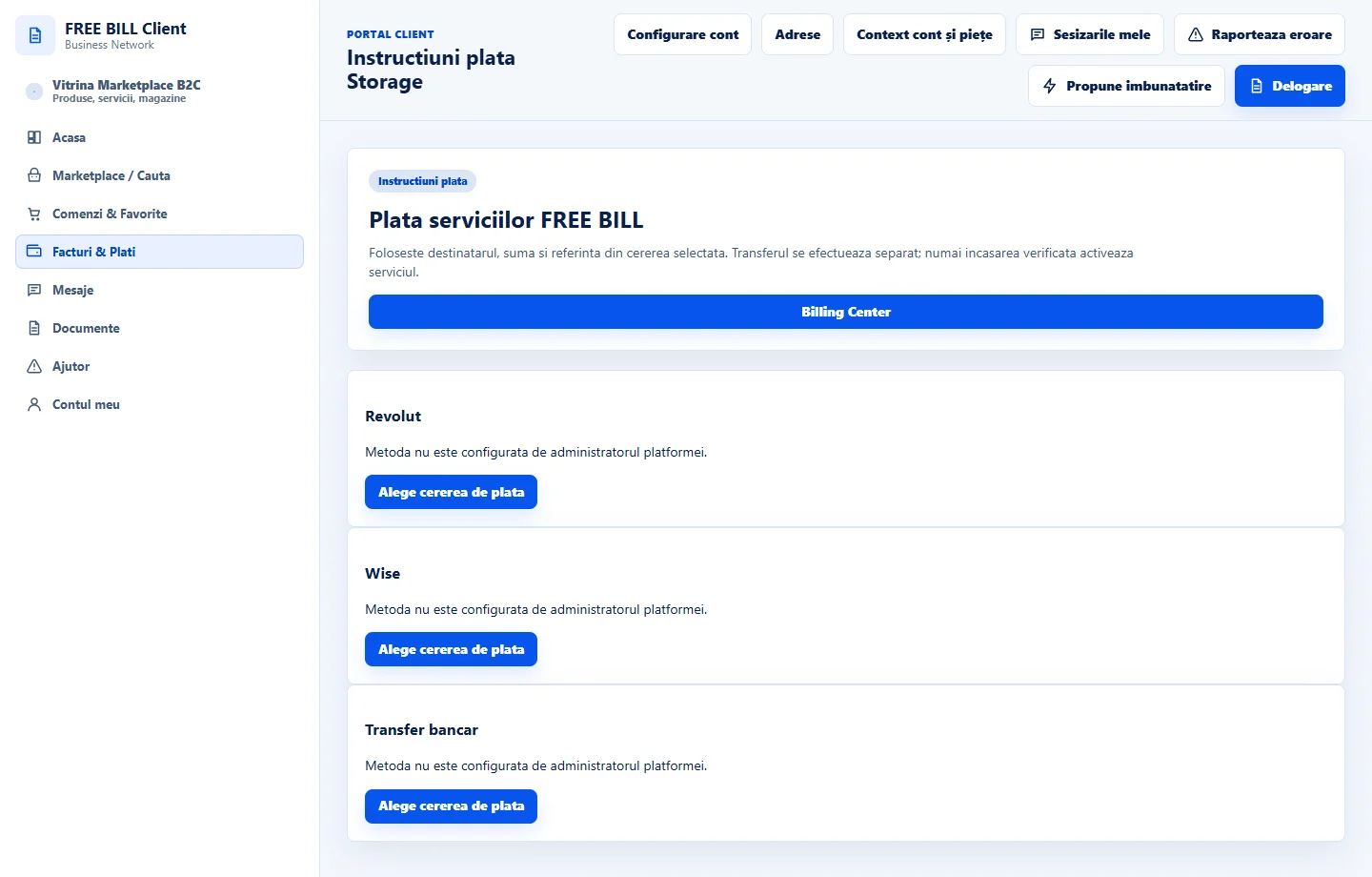
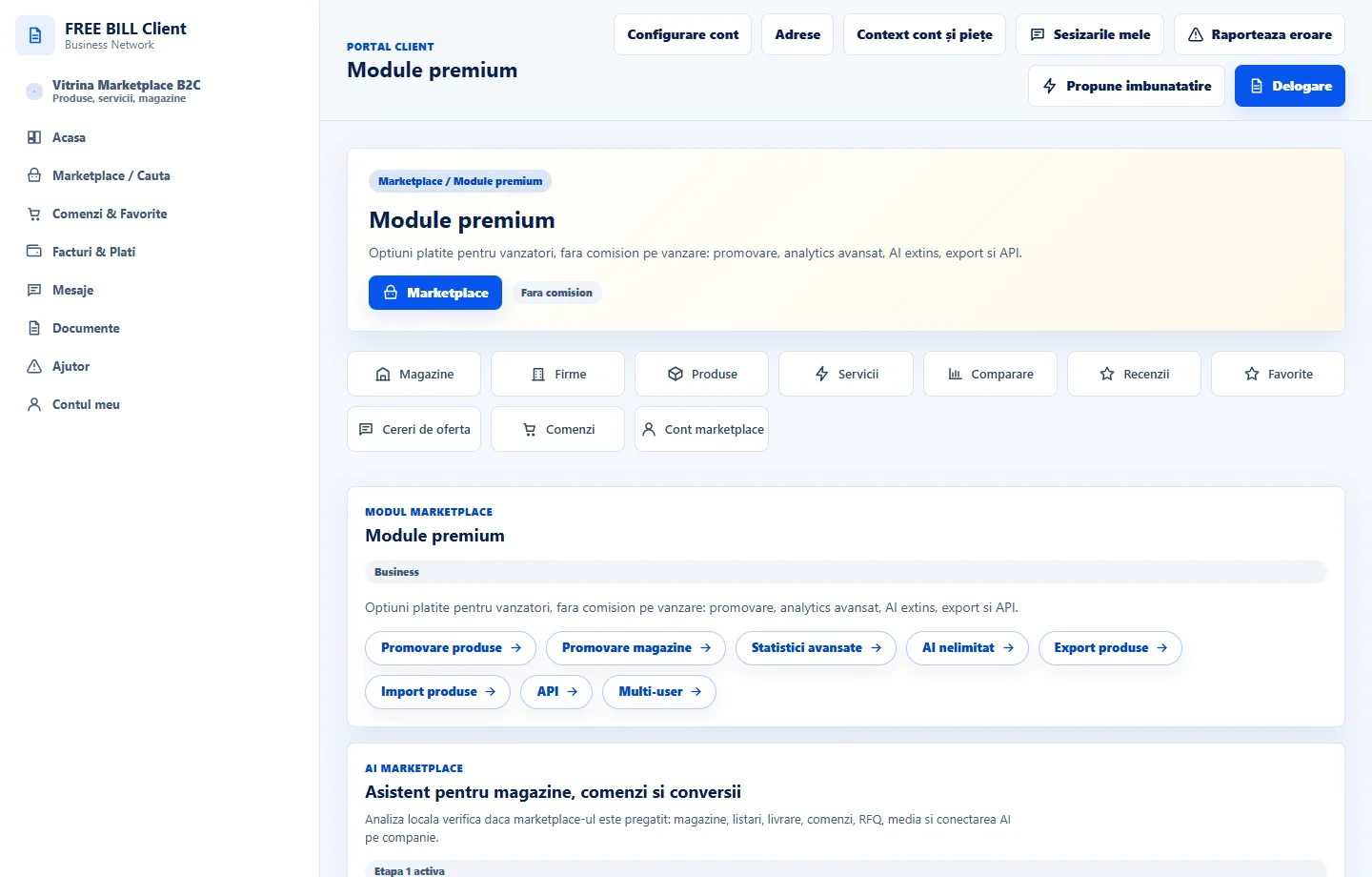
Check the result
You can check your services, platform documents and activation status.
If something is missing
If activation is pending, compare the reference with the history before paying again.
Availability depends on your role, enabled modules, country and company configuration.
Open in FreeBill Conect