Review and order advertising for your account
Prepare an advertising request and track its approval and payment.
Before you begin
- The action must be available for your account. You need the campaign material and destination.
- Who it is for
- Customer
- Where to find it
- Open the advertising form
Step by step
Open the advertising form
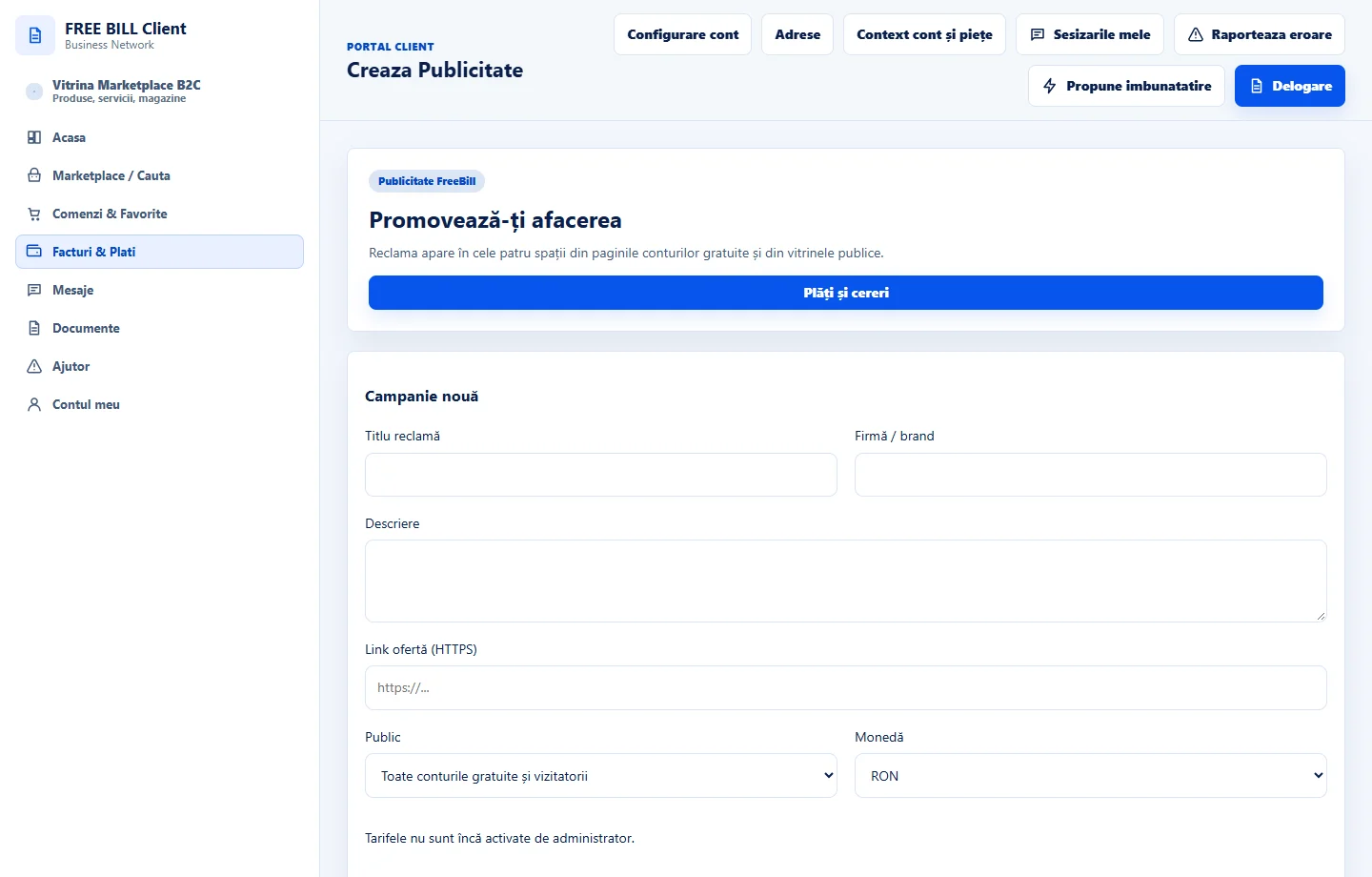
Use «Creaza Publicitate» when it appears in your account. Check where the campaign can appear and who the audience is.
Enter the content
Enter the title, description and destination URL. Check the material and your right to use it.
Review before confirming
Compare the displayed period, budget or rate, and currency. Read the terms and confirm only if the details are correct.
Track the request
In «Billing Center», find the request reference. Check its status, payment and any moderation instructions.
Check the result
You can track the request and cost using the same reference.
If something is missing
If the request remains pending, check its history before creating a new one.
Availability depends on your role, enabled modules, country and company configuration.
Open in FreeBill Conect